

.PRVX Přípona souboru
Šablona prezentace
| Vývojář | SoftMaker Software |
| Popularita |
1,7 | 3 hlasy |
Co je soubor PRVX?
Soubor PRVX je šablona prezentace vytvořená v programu Presentations, programu pro prezentace ve formě snímků, který je součástí balíku SoftMaker Office. Obsahuje uspořádaný seznam jednoho nebo více snímků, které mohou obsahovat text, obrázky, tabulky, animace, nakreslené objekty a další média. Soubory PRVX se obvykle používají k vytváření .PRD a .PRDX tabulek se stejným formátováním nebo daty.
Další informace
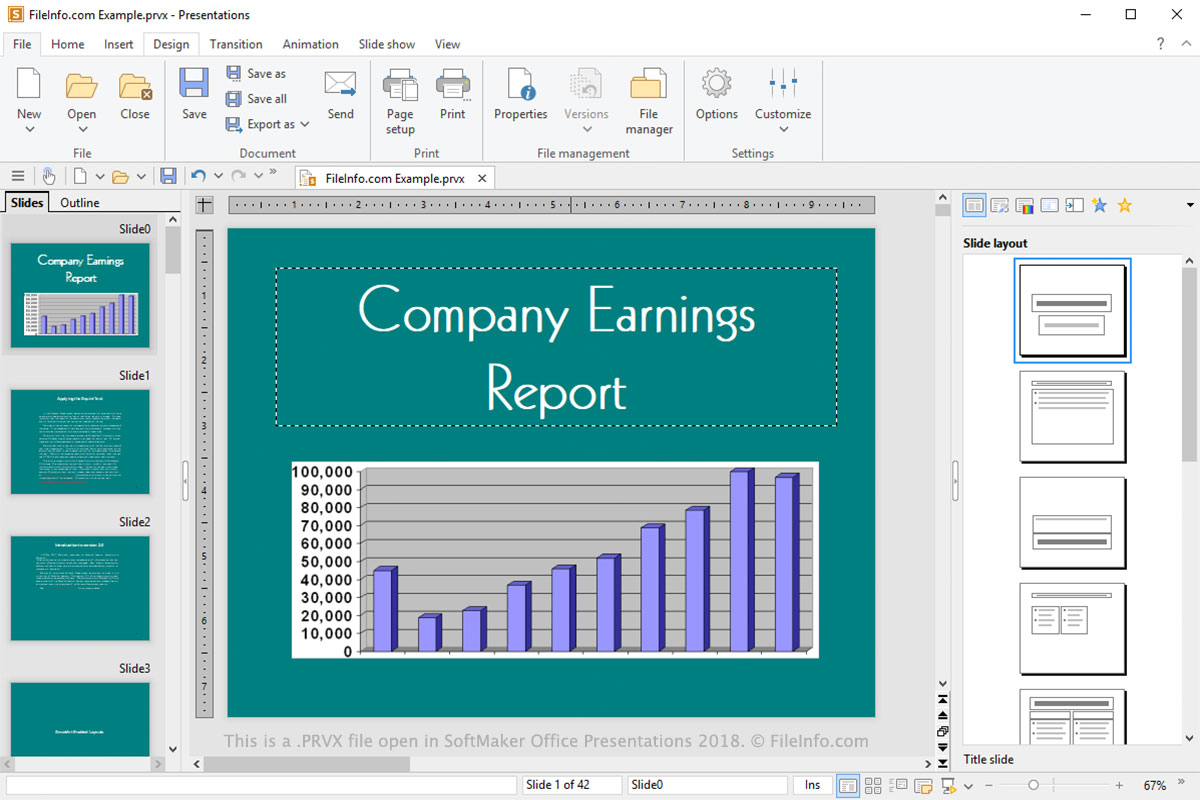
Soubory PRVX se ukládají v proprietárním formátu vyvinutém společností SoftMaker Software. Podobají se však šablonám .POTX vytvořeným v programu Microsoft PowerPoint, oblíbeném programu pro prezentace ve formě snímků, který je součástí balíku Microsoft Office. Soubory PRVX lze v programu Presentations převádět do různých formátů, včetně .PPT, .PPTX, .PDF, .HTML, .PNG, .JPG, .TIF, .BMP, .WMV, .MP4 a .RTF.
Soubor PRVX můžete vytvořit výběrem možnosti nebo a následným výběrem formátu PRVX. Soubor PRVX můžete otevřít výběrem možnosti a přechodem k souboru PRVX. Můžete také vybrat a zvolit šablonu, ze které chcete vytvořit nový dokument. Soubory PRVX se ve výchozím nastavení ukládají do složky „Designs [version]“ ve složce „SoftMaker“ v cestě ke složce „Documents“.
POZNÁMKA: Soubory PRVX nahradily soubory .PRV jako hlavní typ souborů používaný k ukládání šablon v programu Presentations.