.XCUSERSTATE 文件扩展名
Xcode User State File
| 开发者 | Apple |
| 受欢迎程度 |
2.0 | 1 票 |
什么是 XCUSERSTATE 文件?
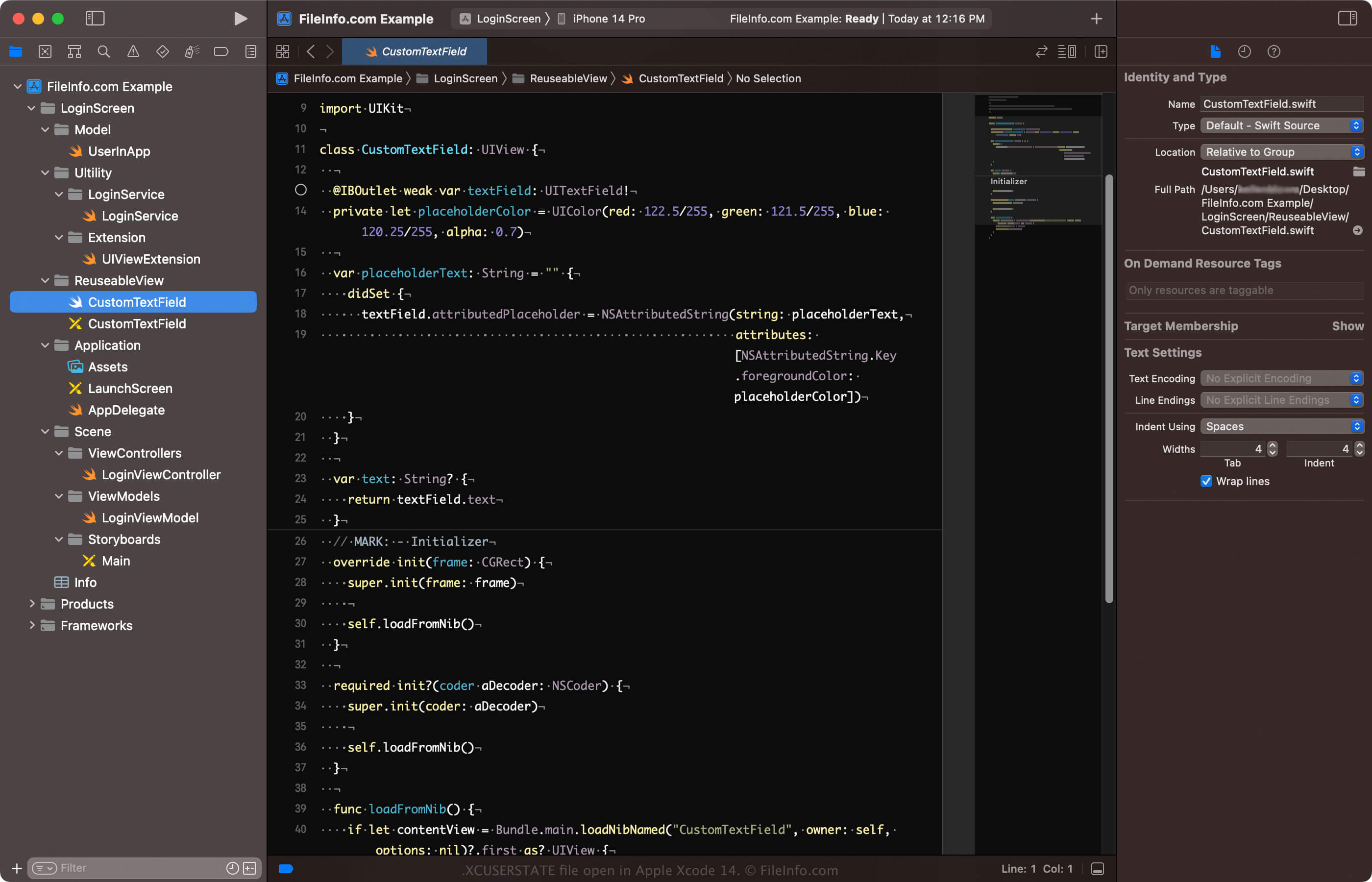
An XCUSERSTATE file contains information configuring the visual workspace in Apple Xcode, an IDE for macOS. Examples of information it stores include the current files displayed in the workspace and the cursor's position. XCUSERSTATE files contain binary data and are not meant to be opened by a user; Xcode automatically creates the file and references it when loading a workspace or project.
更多信息
Apple Xcode is a free IDE Apple developers use to build software for various platforms, including iOS, macOS, watchOS, and tvOS. The IDE includes many tools for building, testing, and deploying apps. It also assists developers in managing feedback from app users.
Xcode automatically creates the XCUSERSTATE file to preserve the state of your workspace when you save an .XCWORKSPACE or .XCODEPROJ file (both files are macOS packages). For example, when you save a workspace in Xcode by selecting File → New → Workspace, the software creates an XCWORKSPACE file. You can also create an XCWORKSPACE file from an open project by selecting File → Save As Workspace.... Regardless of how you save the file, Xcode creates an XCUSERSTATE file and saves it in the XCWORKSPACE file.
注: You can delete the XCUSERSTATE file and Xcode will regenerate it. However, you will lose the state of the workspace previously saved.
如何打开 XCUSERSTATE 文件
XCUSERSTATE files are not meant to be opened. Instead, Xcode references the files when loading an Xcode project (XCODEPROJ file) or workspace (XCWORKSPACE file).
Additionally, you can find XCUSERSTATE files in the "xcuserdata" folder in the XCODEPROJ or XCWORKSPACE macOS package. To locate the folder, right-click the XCODEPROJ or XCWORKSPACE file and select Show Package Contents, and you will see the folder.