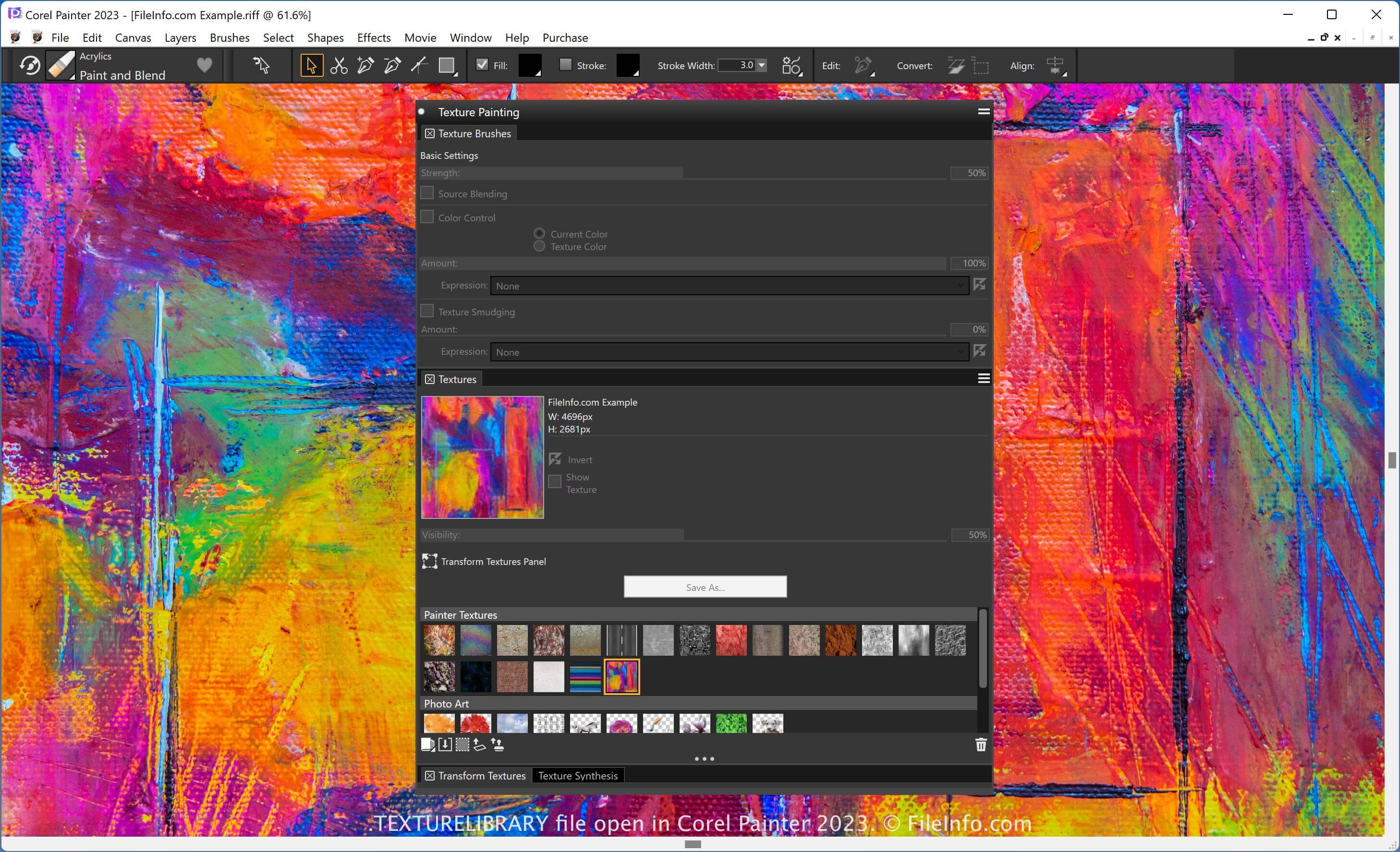
.TEXTURELIBRARY 文件扩展名
Painter Texture Library
| 开发者 | Corel |
| 受欢迎程度 |
3.5 | 2 票 |
什么是 TEXTURELIBRARY 文件?
A TEXTURELIBRARY file contains a set of textures used in Corel Painter, a digital painting application. Artists use the textures that TEXTURELIBRARY files contain to modify their brushes and apply textures to their paintings. Saving a set of textures as a TEXTURELIBRARY file allows artists to import and use those textures in other projects.
更多信息
Corel Painter allows users to import textures and capture textures from existing images. Users can apply textures to other images while painting with certain brushes. If you want to save and reuse a set of existing textures, you can save those textures as a Painter texture library (TEXTURELIBRARY file).
You can manage texture libraries in Painter through the app's Media Library Panel. To access the textures, select Window → Media Panels → Textures. You can then choose to import or export a library with the .texturelibrary file extension.
如何打开 TEXTURELIBRARY 文件
You can open a TEXTURELIBRARY file with Corel Painter. For example, to import a TEXTURELIBRARY file, follow these steps:
- Select Window → Media Panels → Textures
- Click the "Manage Libraries" icon
- Select Import Texture Library...