

.TEXTURELIBRARY 파일 확장자
Painter 텍스처 라이브러리
| 개발사 | Corel |
| 인기도 |
3.5 | 2 표 |
TEXTURELIBRARY 파일이란 무엇인가요?
TEXTURELIBRARY 파일에는 디지털 페인팅 애플리케이션인 Corel Painter에서 사용하는 텍스처 세트가 들어 있습니다. 아티스트는 TEXTURELIBRARY 파일에 포함된 텍스처를 사용하여 브러시를 수정하고 그림에 텍스처를 적용합니다. 텍스처 세트를 TEXTURELIBRARY 파일로 저장하면 아티스트가 다른 프로젝트에서 해당 텍스처를 가져와 사용할 수 있습니다.
추가 정보
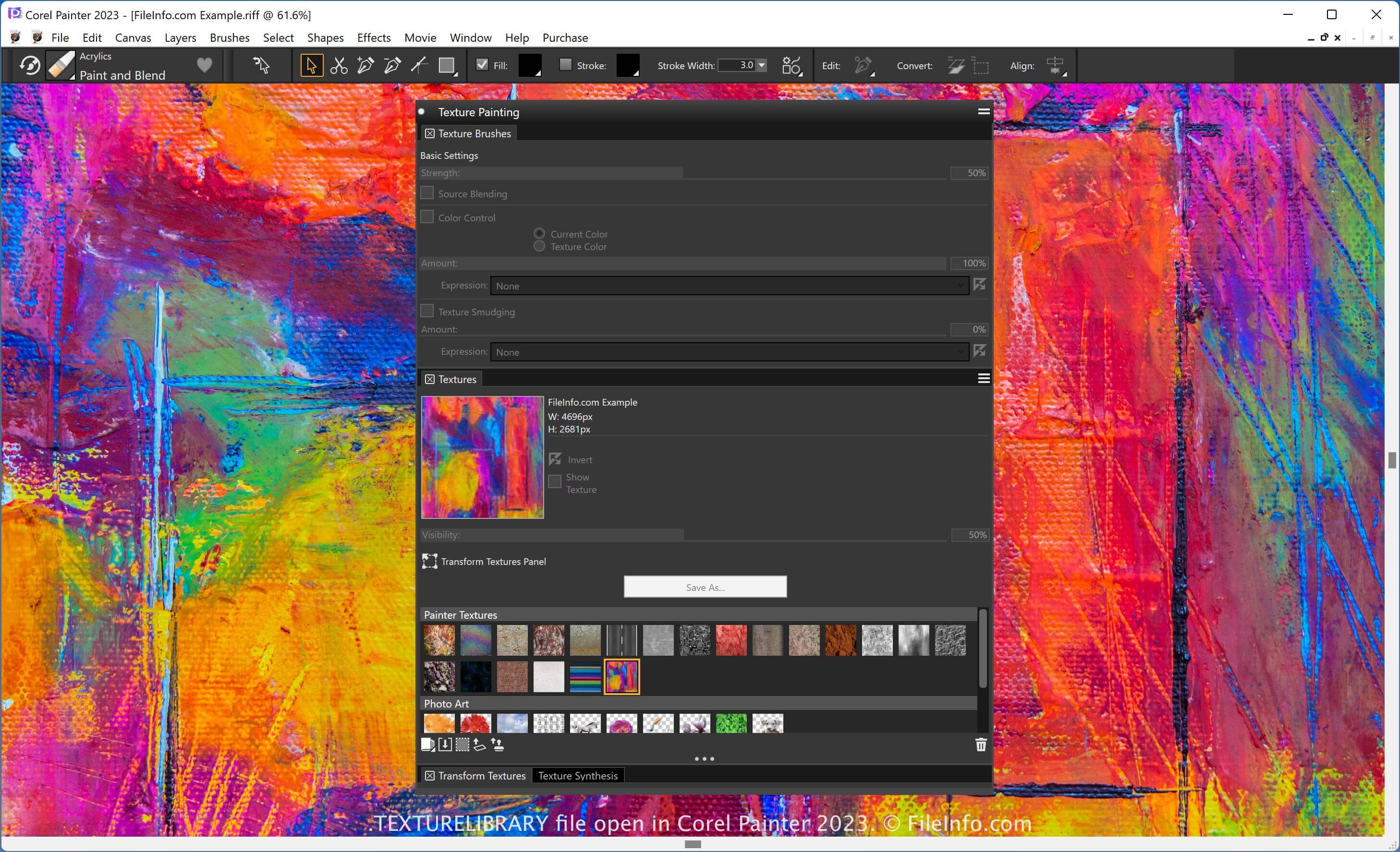
Corel Painter에서는 텍스처를 가져오고 기존 이미지에서 텍스처를 캡처할 수 있습니다. 사용자는 특정 브러시로 그림을 그리는 동안 다른 이미지에 텍스처를 적용할 수 있습니다. 기존 텍스처 세트를 저장하고 재사용하려면 해당 텍스처를 Painter 텍스처 라이브러리(TEXTURELIBRARY 파일)로 저장하면 됩니다.
Painter에서는 애플리케이션의 미디어 라이브러리 패널을 통해 텍스처 라이브러리를 관리할 수 있습니다. 텍스처에 액세스하려면 를 선택합니다. 그런 다음 .texturelibrary 파일 확장자를 사용하여 라이브러리를 가져오거나 내보낼 수 있습니다.
TEXTURELIBRARY 파일을 여는 방법
Corel Painter로 TEXTURELIBRARY 파일을 열 수 있습니다. 예를 들어 TEXTURELIBRARY 파일을 가져오려면 다음 단계를 따르세요:
- 를 선택합니다.
- "Manage Libraries" 아이콘을 클릭합니다.
- 를 선택합니다.
TEXTURELIBRARY 파일을 여는 프로그램
Windows
무료 체험판
Mac
무료 체험판