.SPC 文件扩展名
SNES Soundtrack File
| 开发者 | 不适用 |
| 受欢迎程度 |
4.3 | 16 票 |
什么是 SPC 文件?
Audio file extracted from SNES (Super Nintendo Entertainment System) video games; contains a 16-bit, 32KHz soundtrack; often extracted from an SNES ROM using an SNES emulator.
更多信息
SPC files are used for listening to SNES soundtracks with an SPC audio player. SPC stands for "SPC700," the name of the sound chip that is included in SNES games consoles.
可打开 SPC 文件的程序
Software Publisher Certificate File
| 开发者 | 不适用 |
| 受欢迎程度 |
3.9 | 12 票 |
Digital certificate created by various PKCS (public-key cryptographic standard) programs, such as OpenSSL or Microsoft's .NET Framework File Signing Tool (Signcode.exe); contains a digital signature, which includes a public key that has been encrypted using a private key.
更多信息
SPC files are used to digitally sign and authenticate downloaded files and other information on the Web. They can be read by most Web browsers as well as other applications, such as Adobe Reader and email client programs.
可打开或引用 SPC 文件的程序
Spectrum 512 Compressed Image
| 开发者 | Atari |
| 受欢迎程度 |
2.5 | 2 票 |
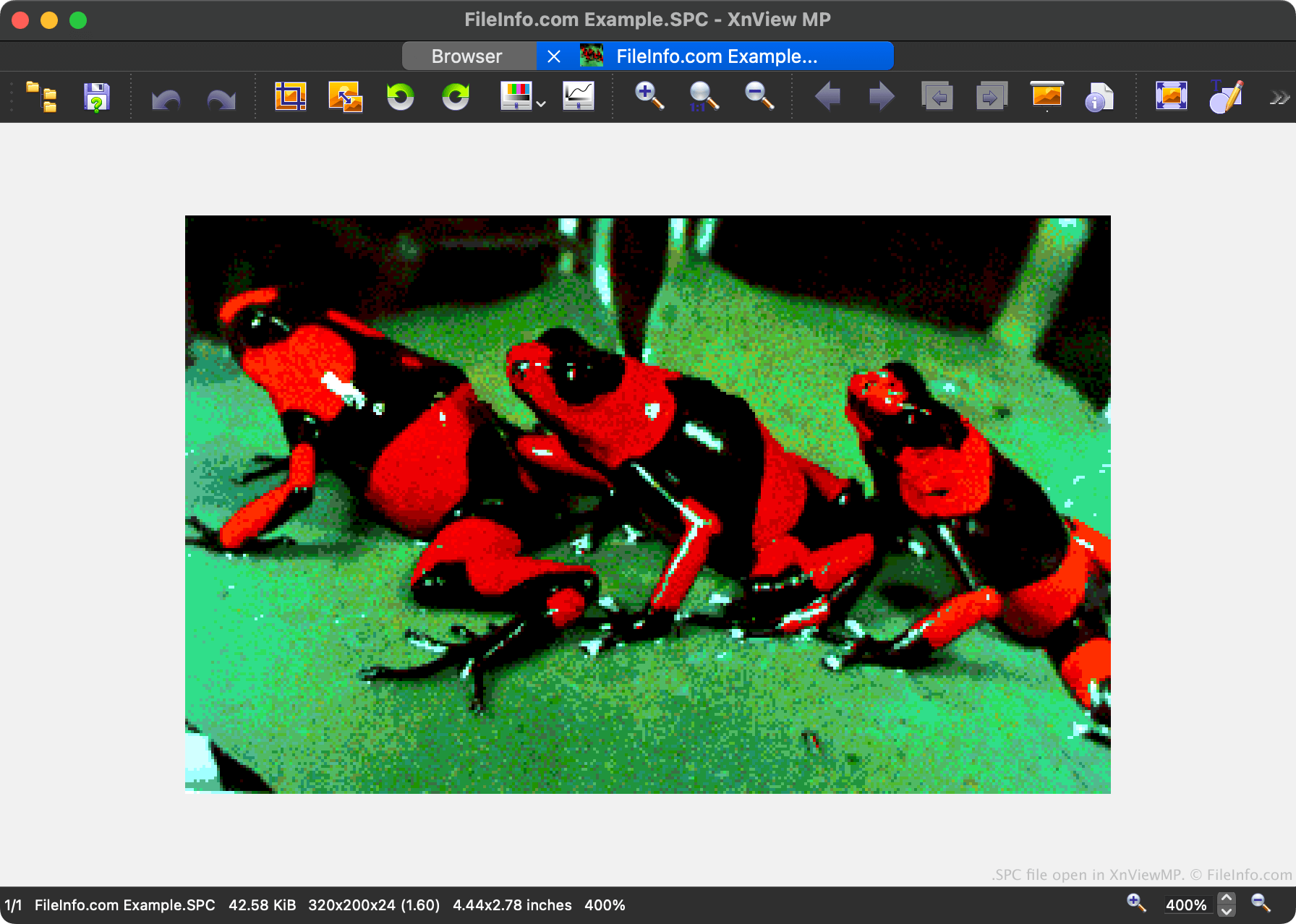
An SPC file is a bitmap image created by Spectrum 512, a paint program for Atari ST systems. SPC files are similar to .SPU files, except that they are compressed. Like SPU files, the images that SPC files contain can consist of up to 512 colors.
更多信息
Spectrum 512 was a paint program developed by Boris Tsikanovsky and published by Antic Publishing, in 1987. It is most notable for allowing users to create images that contained up to 512 colors, with 48 unique colors per scan line. (Prior to Spectrum 512's release, images created on the Atari ST could contain only up to 16 colors.)
Images created by Spectrum 512 were saved as SPU, SPC, or SPS files. SPC files are compressed to reduce their file sizes, making them easier to store and share than SPU and SPS files.
注: All Spectrum 512 images are 320 x 200 pixels.
如何打开 SPC 文件
You can open an SPC file with XnViewMP, Netpbm, or Piotr Fusik RECOIL. For example, to open an SPC file with XnViewMP:
- Select File → Open... from the program's menu bar.
- Navigate to and open your SPC file.