.MDMP 文件扩展名
Windows Minidump
| 开发者 | Microsoft |
| 受欢迎程度 |
4.2 | 132 票 |
什么是 MDMP 文件?
An MDMP file is a compressed data file created by Windows after a program error or crash. It contains data "dumped" from the program's memory space, which includes information about the error that can be used for debugging. MDMP files are commonly created along with an uncompressed .HDMP file and can be sent to Microsoft as part of a bug reporting process.
更多信息
You can analyze an MDMP file in Microsoft Visual Studio by selecting File → Open Project, setting the "Files of type" option to "Dump Files," choosing the MDMP file, clicking Open, then running the debugger. A simulated process will be created by the debugger, which will stop at the instruction responsible for the crash.
注: MDMP files can also be analyzed using WinDbg and WinDmp, a debugging program that is part of the Microsoft Windows SDK.
可打开 MDMP 文件的程序
Mindclouds.com Save File
| 开发者 | Zygomatic |
| 受欢迎程度 |
3.0 | 1 票 |
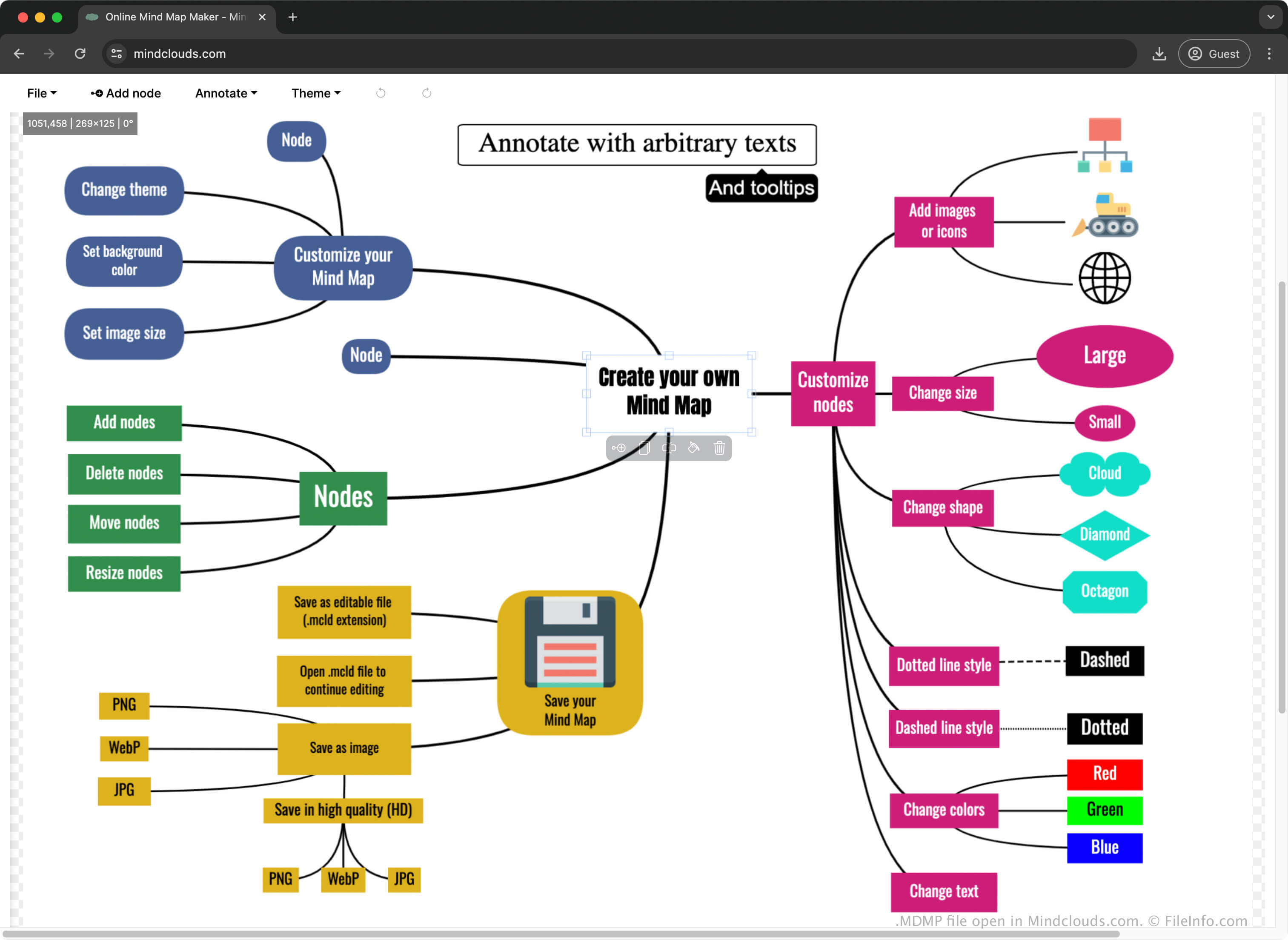
An MDMP file contains a mind map created by Mindclouds.com, an online program for making diagrams to organize information. It stores the mind map information, including nodes, annotations, images, images, and theme properties. When a user saves a mind map with Mindclouds.com, the site automatically downloads an MDMP file to store the information; users can upload the file to the site to open it and continue modifying the mind map.
更多信息
Mindclouds.com is one of several online tools developed by Zygomatic. The tool allows you to organize ideas, plans, strategies, and more into visual diagrams.
For example, if you are planning a work project, you might create a mind map to visualize its moving parts. After you create the mind map, you can export it as an image or share it on a social site.
如何打开 MDMP 文件
You can open an MDMP file with Mindclouds.com using a web browser. To open an MDMP, select File → Open (.mdmp) on Mindclouds.com.