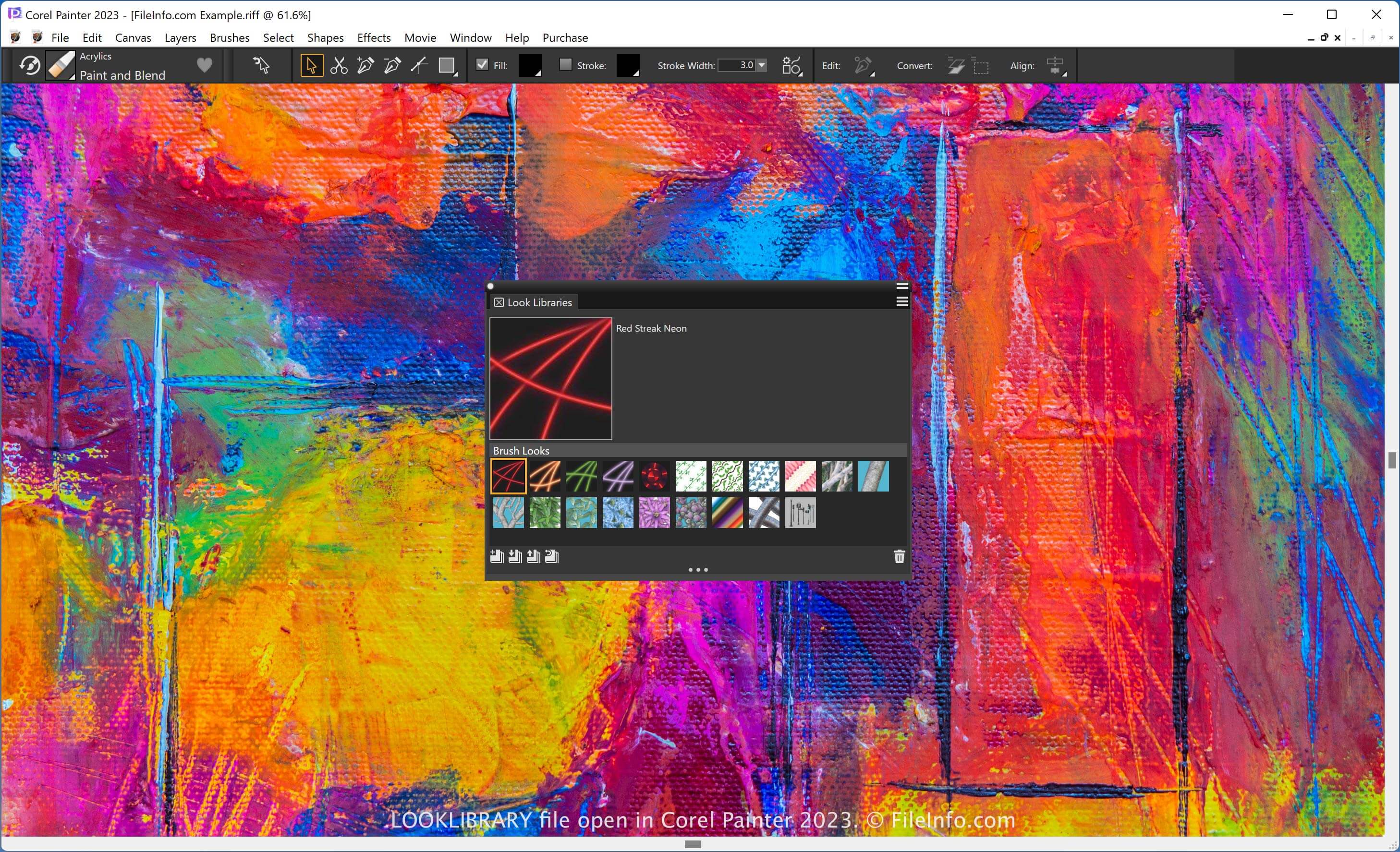
.LOOKLIBRARY 文件扩展名
Painter Looks Library
| 开发者 | Corel |
| 受欢迎程度 |
2.0 | 2 票 |
什么是 LOOKLIBRARY 文件?
A LOOKLIBRARY file contains a collection of looks used by Corel Painter, a digital drawing application. It stores multiple media looks, which are images, such as neon streaks, vines, flowers, and branches, that users can add to the canvas. LOOKLIBRARY files are similar to .ABR Photoshop brushes.
更多信息
Painter is an app that specializes in composing digital paint-like artwork. It provides various effects for dictating the appearance of paintbrushes, including gradients and flow maps. The look library in Painter organizes looks in one place you can access.
注: You can add or remove looks in a library through the Media Library panel. To open this panel, select Window → Media Panels → Looks.
如何打开 LOOKLIBRARY 文件
You can open a LOOKLIBRARY file with Corel Painter. For example, to open a LOOKLIBRARY file, select Window → Media Panels → Looks, and click the "Import Look Library" icon.