.INO 文件扩展名
Arduino Sketch
| 开发者 | Arduino |
| 受欢迎程度 |
4.2 | 246 票 |
什么是 INO 文件?
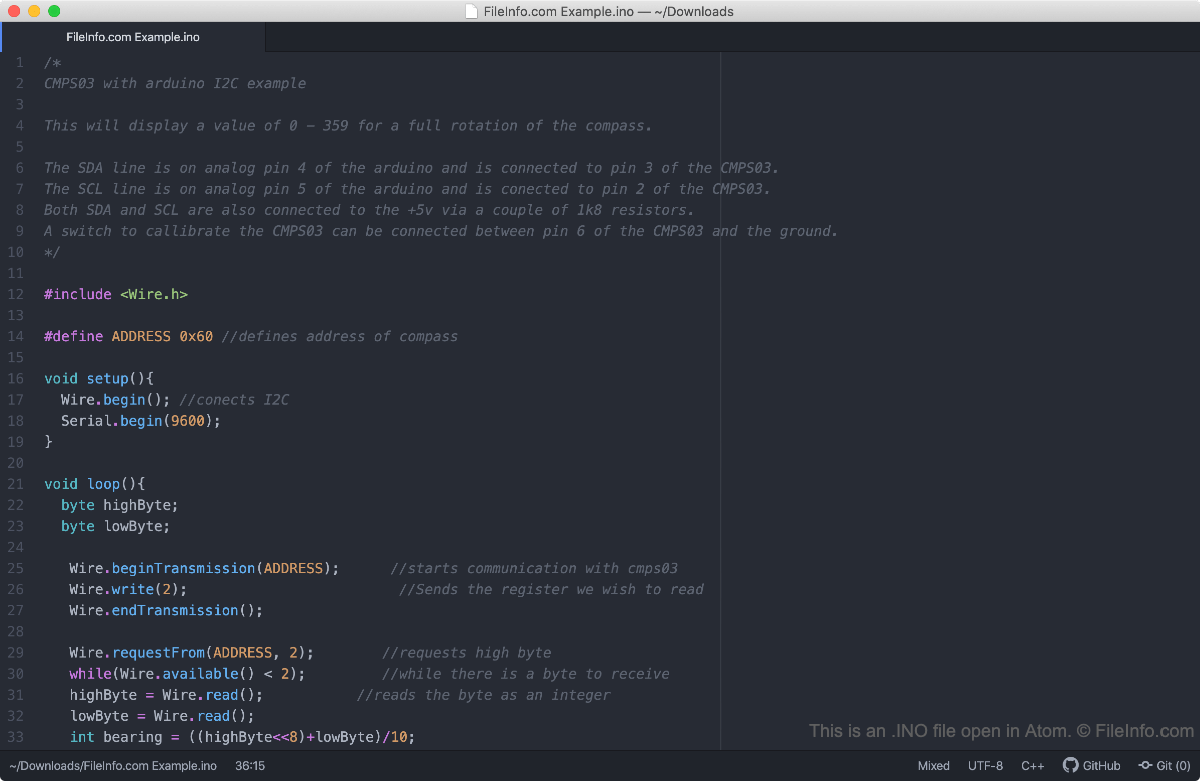
An INO file is a software program created for use with Arduino, an open-source electronics prototyping platform. It contains source code written in the Arduino programming language (which is a variant of C++). INO files are used to control Arduino circuit boards.
更多信息
The Arduino electronics prototyping platform allows developers to create and install basic programs, called sketches, on a variety of specialized circuit boards. Sketches can perform simple functions, such as making an LED installed on a circuit board blink, or complex functions, such as transmitting data over the internet. Developers create Arduino sketches in the Arduino Integrated Development Environment (IDE), which saves sketches as INO files.
Prior to Arduino 1.0, the Arduino IDE saved sketches as .PDE files. While developers can still open PDE files in Arduino, they should now save sketches (including those previously saved as PDE files) as INO files.
如何打开 INO 文件
INO files are meant to be opened and edited in the Arduino Integrated Development Environment (multiplatform). To open an INO file in Arduino, select File → Open from the program's menu bar.
Because INO files are plain text files, you can also open them in any text editor, including:
- Notepad++ (Windows)
- Apple TextEdit (Mac)
- Microsoft Visual Studio Code (multiplatform)