

.INO 파일 확장자
Arduino 스케치
| 개발사 | Arduino |
| 인기도 |
4.2 | 246 표 |
INO 파일이란 무엇인가요?
INO 파일은 오픈 소스 전자 프로토타이핑 플랫폼인 Arduino에서 사용하기 위해 만든 소프트웨어 프로그램입니다. 소스 코드가 포함되어 있으며, Arduino 프로그래밍 언어(C++의 변형)로 작성됩니다. INO 파일은 Arduino 회로 기판을 제어하는 데 사용됩니다.
추가 정보
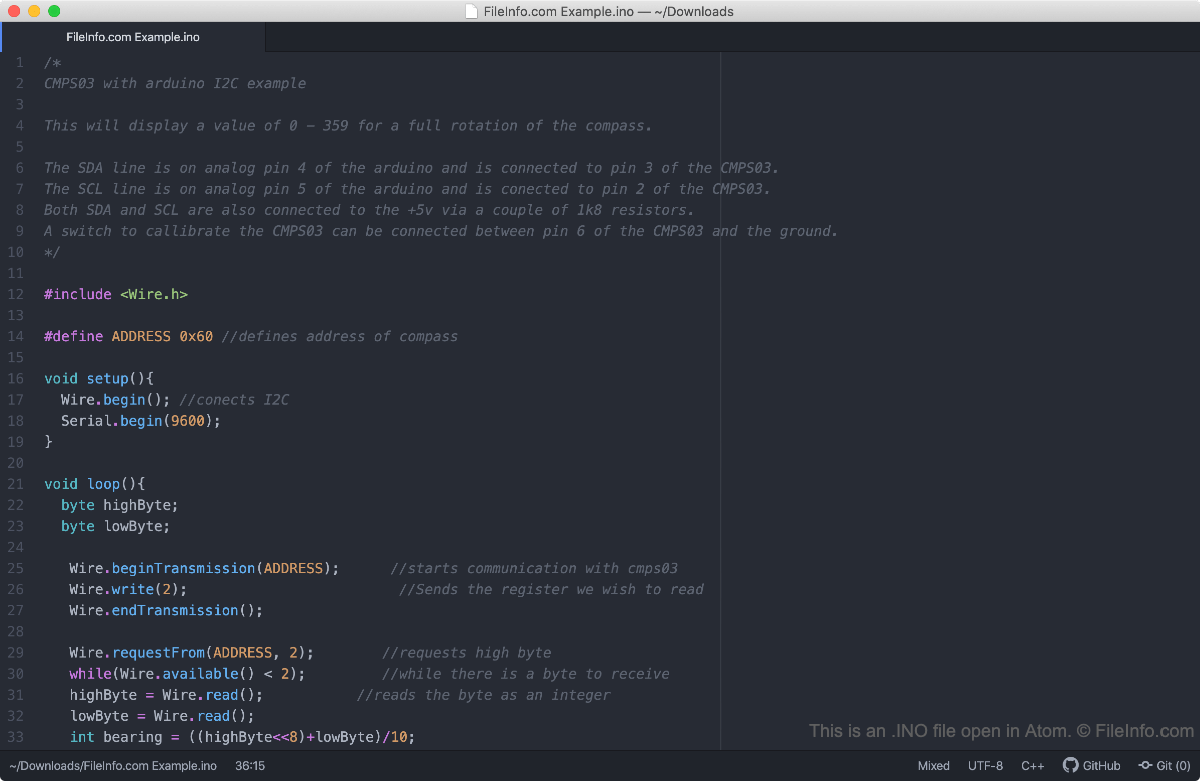
Arduino 전자 프로토타이핑 플랫폼을 사용하면 개발자가 스케치라고 하는 기본 프로그램을 만들어 다양한 특수 회로 기판에 설치할 수 있습니다. 스케치는 회로 기판에 설치된 LED를 깜박이게 하는 것과 같은 간단한 기능부터 인터넷을 통해 데이터를 전송하는 것과 같은 복잡한 기능까지 수행할 수 있습니다. 개발자는 Arduino 통합 개발 환경(IDE)에서 Arduino 스케치를 만들며, 이 환경은 스케치를 INO 파일로 저장합니다.
Arduino 1.0 이전에는 Arduino IDE가 스케치를 .PDE 파일로 저장했습니다. 개발자는 여전히 Arduino에서 PDE 파일을 열 수 있지만, 이제 스케치(PDE 파일로 저장했던 스케치 포함)를 INO 파일로 저장해야 합니다.
INO 파일을 여는 방법
INO 파일은 Arduino(다중 플랫폼)에서 열고 편집하도록 만들어졌습니다. Arduino에서 INO 파일을 열려면 프로그램의 메뉴 모음에서 을 선택합니다.
INO 파일은 일반 텍스트 파일이므로 다음을 비롯한 모든 텍스트 편집기에서도 열 수 있습니다.
- Notepad++(Windows)
- Apple TextEdit(Mac)
- Microsoft Visual Studio Code(다중 플랫폼)
INO 파일을 여는 프로그램
Web
Chrome OS
OS에 포함됨