.GGP 文件扩展名

OtterUI Project File

开发者 Aonyx Software
受欢迎程度
2.0  |  1 
 

什么是 GGP 文件?

A GGP file is a project file created by OtterUI, an open-source game UI library. It is an XML file that defines an OtterUI project's name, scenes, fonts, intended platforms, and intended resolutions. GGP files are typically stored in the C:/​Program Files (x86)/​Aonyx Software/​OtterUI Editor directory.

更多信息

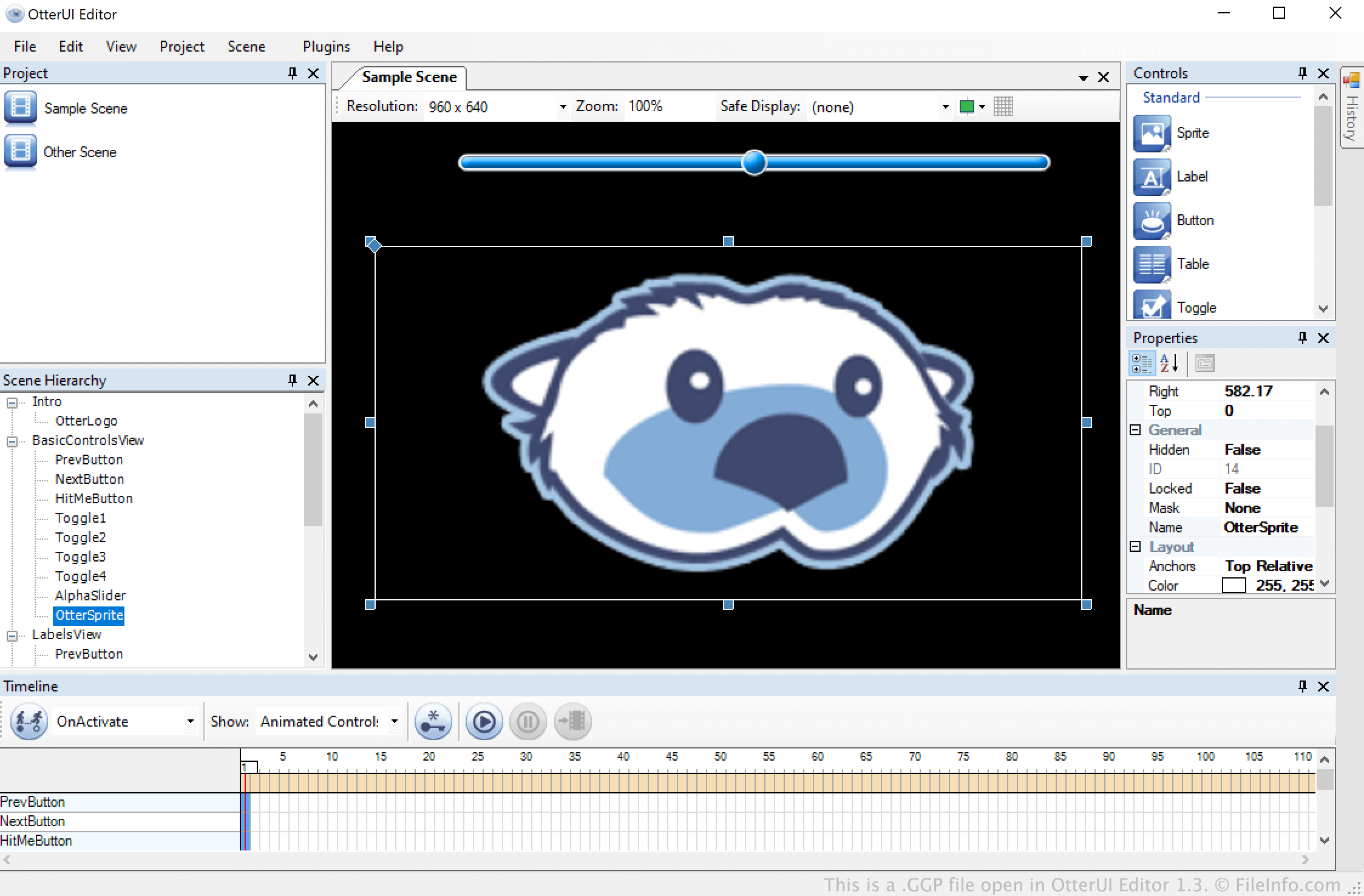
在 OtterUI Editor 1.3 中打开的 .ggp 文件截图
在 OtterUI Editor 1.3 中打开的 GGP 文件

OtterUI is a video game UI development toolkit that allows developers to create navigable menus and other animated scenes. These menus and scenes are saved within OtterUI projects, or GGP files.

A GGP file can contain any number of scenes, animations, and other scene elements. After a developer finishes editing a scene, they can export that scene as a .GBS file for use in a video game.

如何打开 GGP 文件

You can open a GGP file in OtterUI Editor (Windows). To do so, select File → Open from the program's menu bar. Then, navigate to and open your GGP file.

使用File Viewer Plus打开 400 多种文件格式。免费下载

可打开 GGP 文件的程序

Windows
分类: 游戏
更新时间: 2021-05-04

验证者 FileInfo.com

FileInfo.com 团队 独立研究了本页面列出的 OtterUI Project 文件格式和 Windows 应用。 我们的目标是达到 100% 的准确率,并且仅发布我们已验证过的文件类型信息。

如果您想为此页面提出新增或更新建议,请告诉我们