

.GGP Bestandsextensie
OtterUI-projectbestand
| Ontwikkelaar | Aonyx Software |
| Populariteit |
2,0 | 1 stem |
Wat is een GGP-bestand?
Een GGP-bestand is een projectbestand dat is gemaakt door OtterUI, een open-source-bibliotheek voor gamegebruikersinterfaces. Het is een XML-bestand waarin de naam, scènes, lettertypen, beoogde platforms en beoogde resoluties van een OtterUI-project worden vastgelegd. GGP-bestanden worden meestal opgeslagen in de map C:/Program Files (x86)/Aonyx Software/OtterUI Editor.
Meer informatie
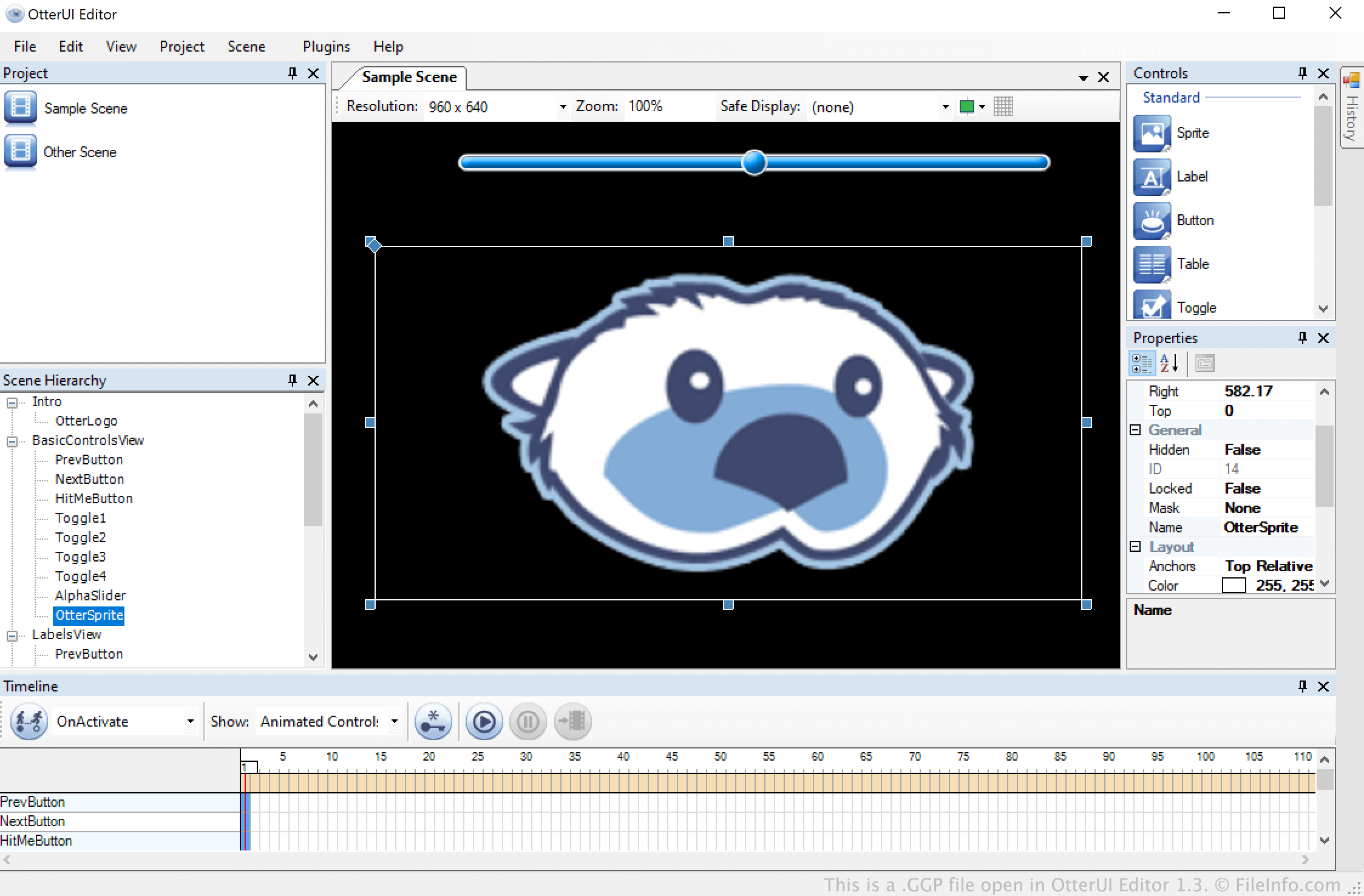
OtterUI is een toolkit voor de ontwikkeling van gebruikersinterfaces voor videogames waarmee ontwikkelaars navigeerbare menu's en andere geanimeerde scènes kunnen maken. Deze menu's en scènes worden opgeslagen in OtterUI-projecten, oftewel GGP-bestanden.
Een GGP-bestand kan een willekeurig aantal scènes, animaties en andere scène-elementen bevatten. Nadat een ontwikkelaar klaar is met het bewerken van een scène, kan die scène worden geëxporteerd als een .GBS-bestand voor gebruik in een videogame.
Een GGP-bestand openen
Je kunt een GGP-bestand openen in OtterUI Editor (Windows). Selecteer hiervoor in de menubalk van het programma. Navigeer vervolgens naar je GGP-bestand en open het.