

.GGP Dateiendung
OtterUI-Projektdatei
| Entwickler | Aonyx Software |
| Beliebtheit |
2,0 | 1 Stimme |
Was ist eine GGP-Datei?
Eine GGP-Datei ist eine von OtterUI erstellte Projektdatei, einer Open-Source-Spielebibliothek für Benutzeroberflächen. Sie ist eine XML-Datei, in der der Name, die Szenen, Schriftarten, vorgesehenen Plattformen und vorgesehenen Auflösungen eines OtterUI-Projekts definiert sind. GGP-Dateien werden normalerweise im Verzeichnis C:/Program Files (x86)/Aonyx Software/OtterUI Editor gespeichert.
Weitere Informationen
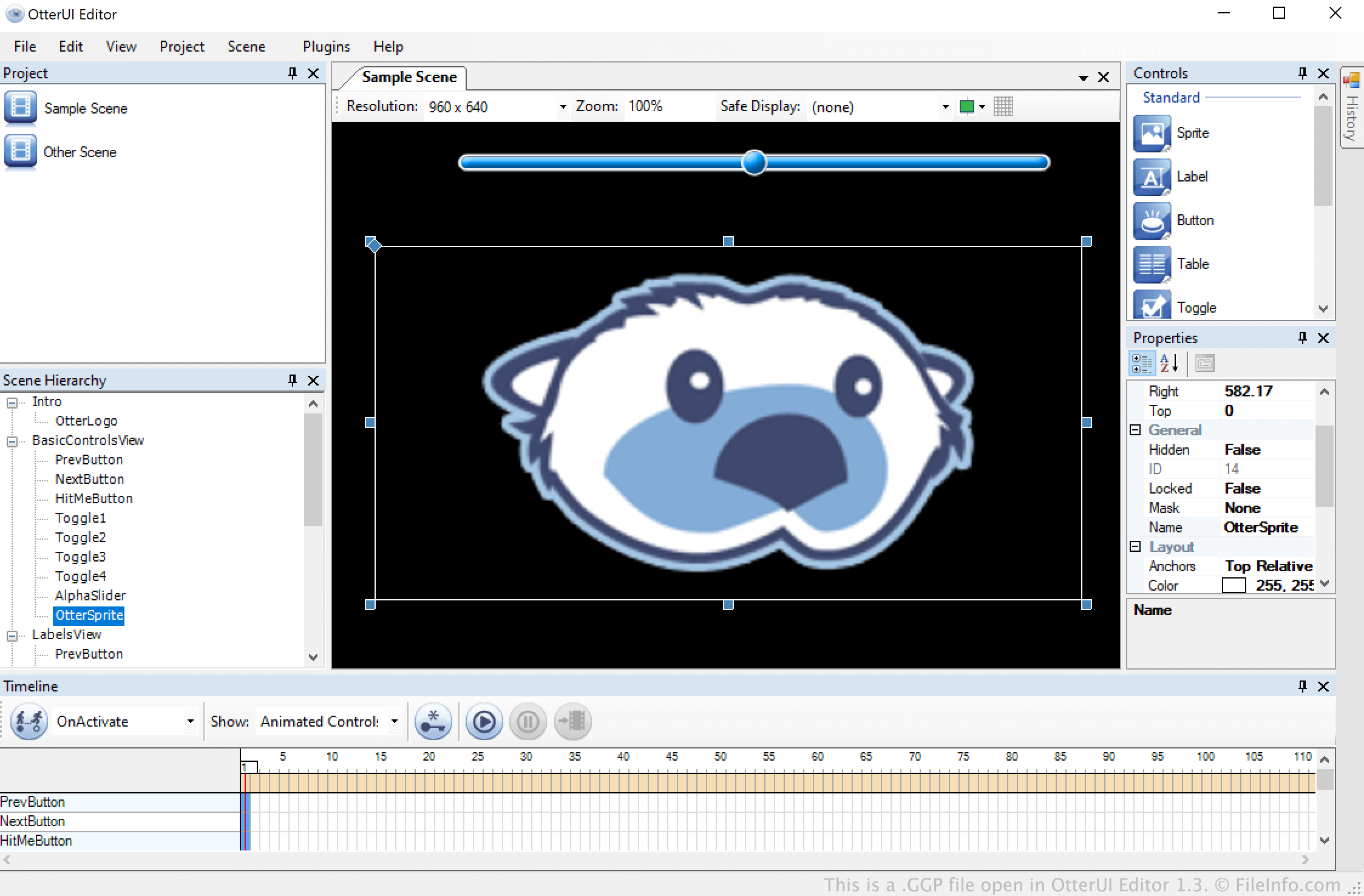
OtterUI ist ein Toolkit zur Entwicklung von Benutzeroberflächen für Videospiele, mit dem Entwickler navigierbare Menüs und andere animierte Szenen erstellen können. Diese Menüs und Szenen werden in OtterUI-Projekten bzw. GGP-Dateien gespeichert.
Eine GGP-Datei kann beliebig viele Szenen, Animationen und andere Szenenelemente enthalten. Nachdem ein Entwickler die Bearbeitung einer Szene abgeschlossen hat, kann er diese Szene als eine .GBS-Datei zur Verwendung in einem Videospiel exportieren.
So öffnen Sie eine GGP-Datei
Sie können eine GGP-Datei in OtterUI Editor (Windows) öffnen. Wählen Sie dazu in der Menüleiste des Programms aus. Navigieren Sie anschließend zu Ihrer GGP-Datei und öffnen Sie sie.