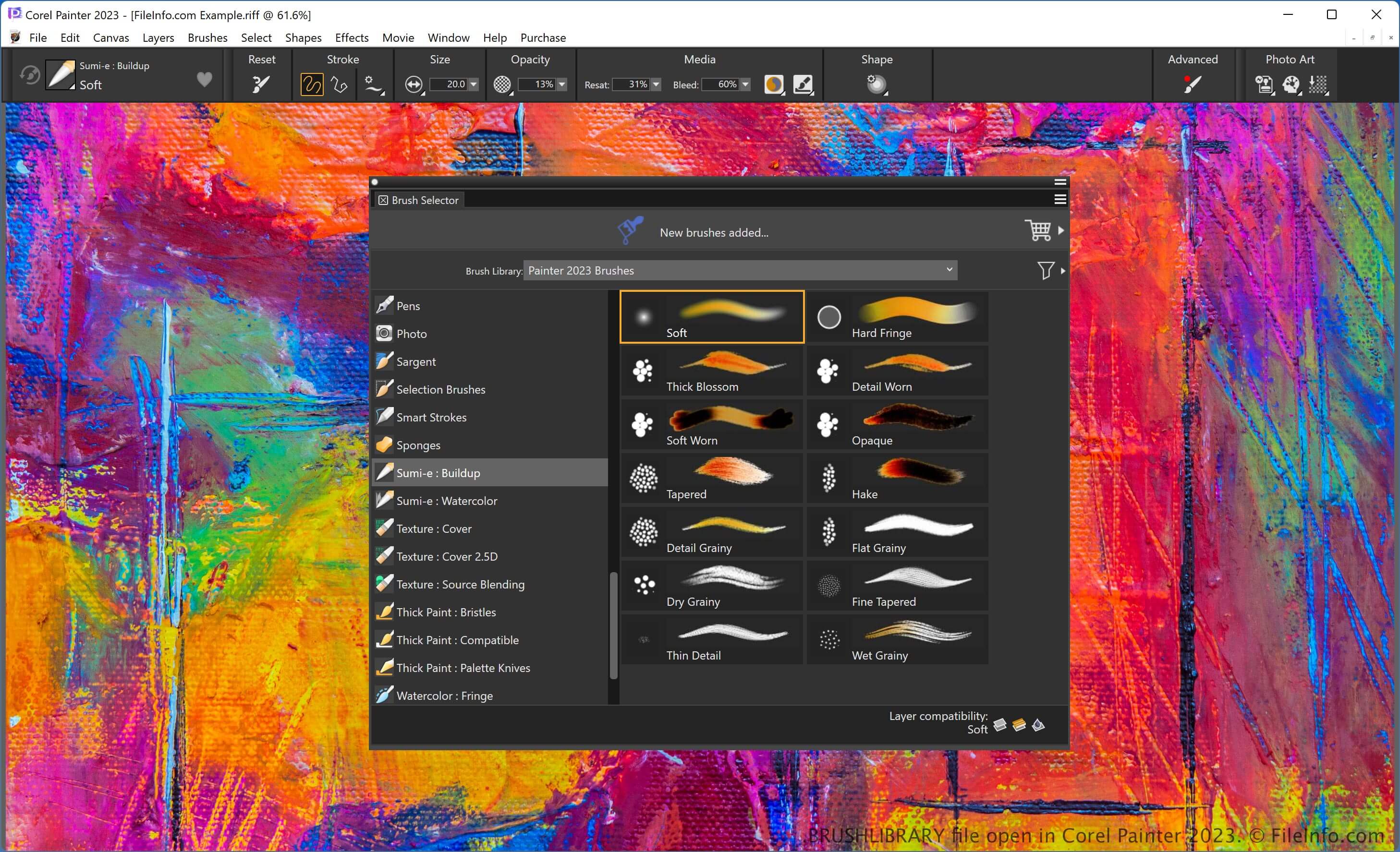
.BRUSHLIBRARY 文件扩展名
Painter Brush Library
| 开发者 | Corel |
| 受欢迎程度 |
2.7 | 3 票 |
什么是 BRUSHLIBRARY 文件?
A BRUSHLIBRARY file is a library of brushes created by Corel Painter, a digital artwork application for Windows and macOS. It stores a collection of brushes grouped into different categories depending on the brush type, such as the Chalk, Crayons, and Felt Pens categories.
更多信息
Painter provides various features for creating digital artwork, including many types of brushes, with each brush featuring a unique effect. You can choose which brush type to use to give your artwork a specific look, such as an oil painting or a kid's drawing using crayons.
The software organizes brushes into categories, allowing you to find them more easily. You can also export the brush categories export as .BRUSHCATEGORY files. Additionally, the categories are stored in libraries, which you can export as BRUSHLIBRARY files.
To export a BRUSHLIBRARY file, select Brushes → Export → Brush Library..., choose the library from the dropdown menu, and click "OK." Then, name the file, choose the save location, and click Save.
如何打开 BRUSHLIBRARY 文件
You can open a BRUSHLIBRARY file with Corel Painter. For example, to import a BRUSHLIBRARY file, select Brushes → Import → Brush Library..., choose the library, and click Open.