

.BRUSHLIBRARY Estensione file
Libreria di pennelli di Painter
| Sviluppatore | Corel |
| Popolarità |
2,7 | 3 Voti |
Che cos'è un file BRUSHLIBRARY?
Un file BRUSHLIBRARY è una libreria di pennelli creata da Corel Painter, un'applicazione per la grafica digitale per Windows e macOS. Contiene una raccolta di pennelli raggruppati in diverse categorie in base al tipo di pennello, come le categorie Gessetti, Pastelli e Pennarelli.
Maggiori informazioni
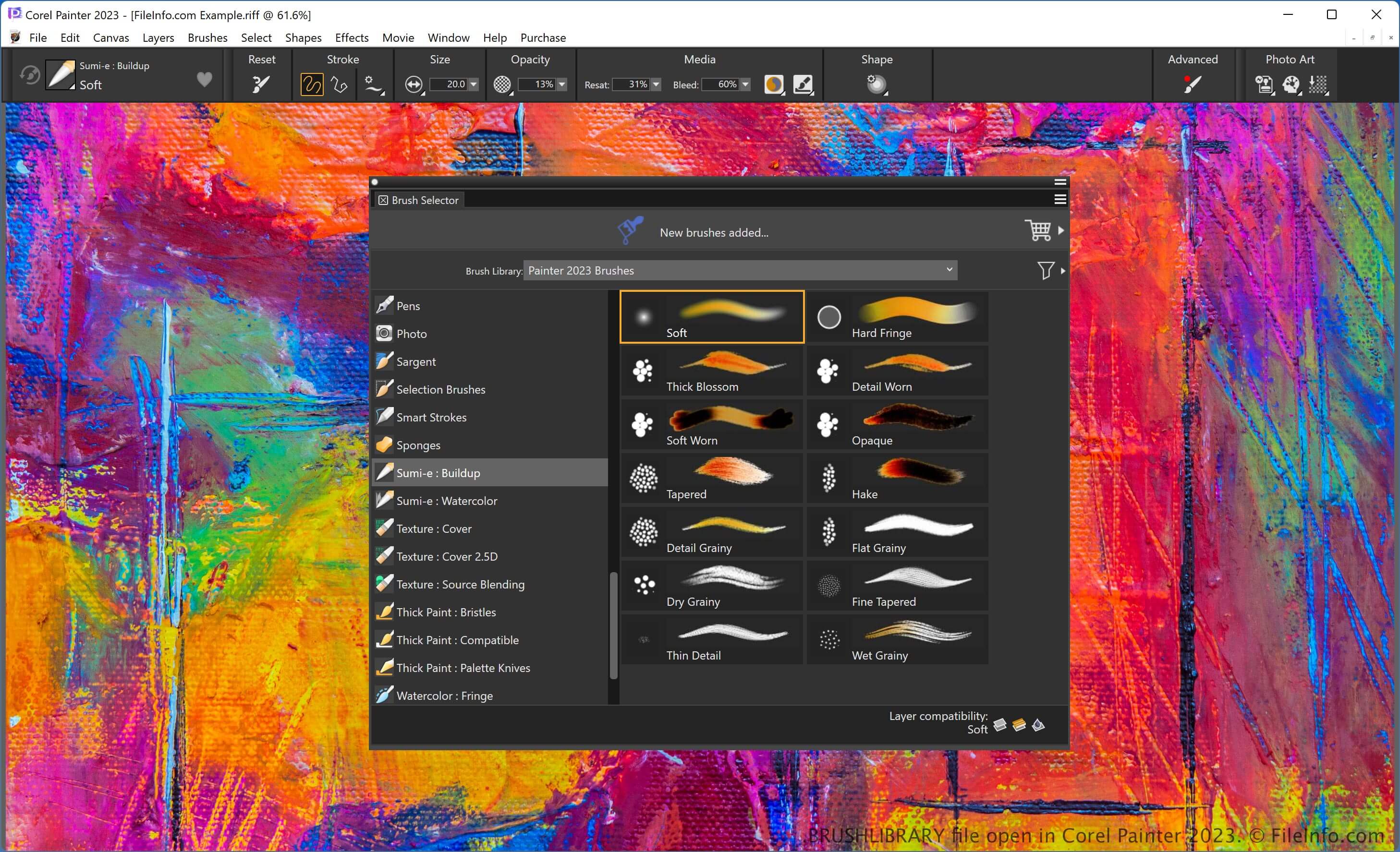
Painter offre varie funzioni per creare opere d'arte digitali, tra cui molti tipi di pennelli, ognuno dei quali produce un effetto unico. Puoi scegliere quale tipo di pennello usare per dare alla tua opera un aspetto specifico, ad esempio quello di un dipinto a olio o di un disegno realizzato da un bambino con i pastelli.
Il software organizza i pennelli in categorie, così puoi trovarli più facilmente. Puoi anche esportare le categorie di pennelli come file .BRUSHCATEGORY. Inoltre, le categorie sono archiviate in librerie, che puoi esportare come file BRUSHLIBRARY.
Per esportare un file BRUSHLIBRARY, seleziona , scegli la libreria dal menu a discesa e fai clic su "OK". Quindi assegna un nome al file, scegli il percorso di salvataggio e fai clic su .
Come aprire un file BRUSHLIBRARY
Puoi aprire un file BRUSHLIBRARY con Corel Painter. Ad esempio, per importare un file BRUSHLIBRARY, seleziona , scegli la libreria e fai clic su .