.APKG 文件扩展名
Exported Anki Flashcard Deck
| 开发者 | Damien Elmes |
| 受欢迎程度 |
4.0 | 416 票 |
什么是 APKG 文件?
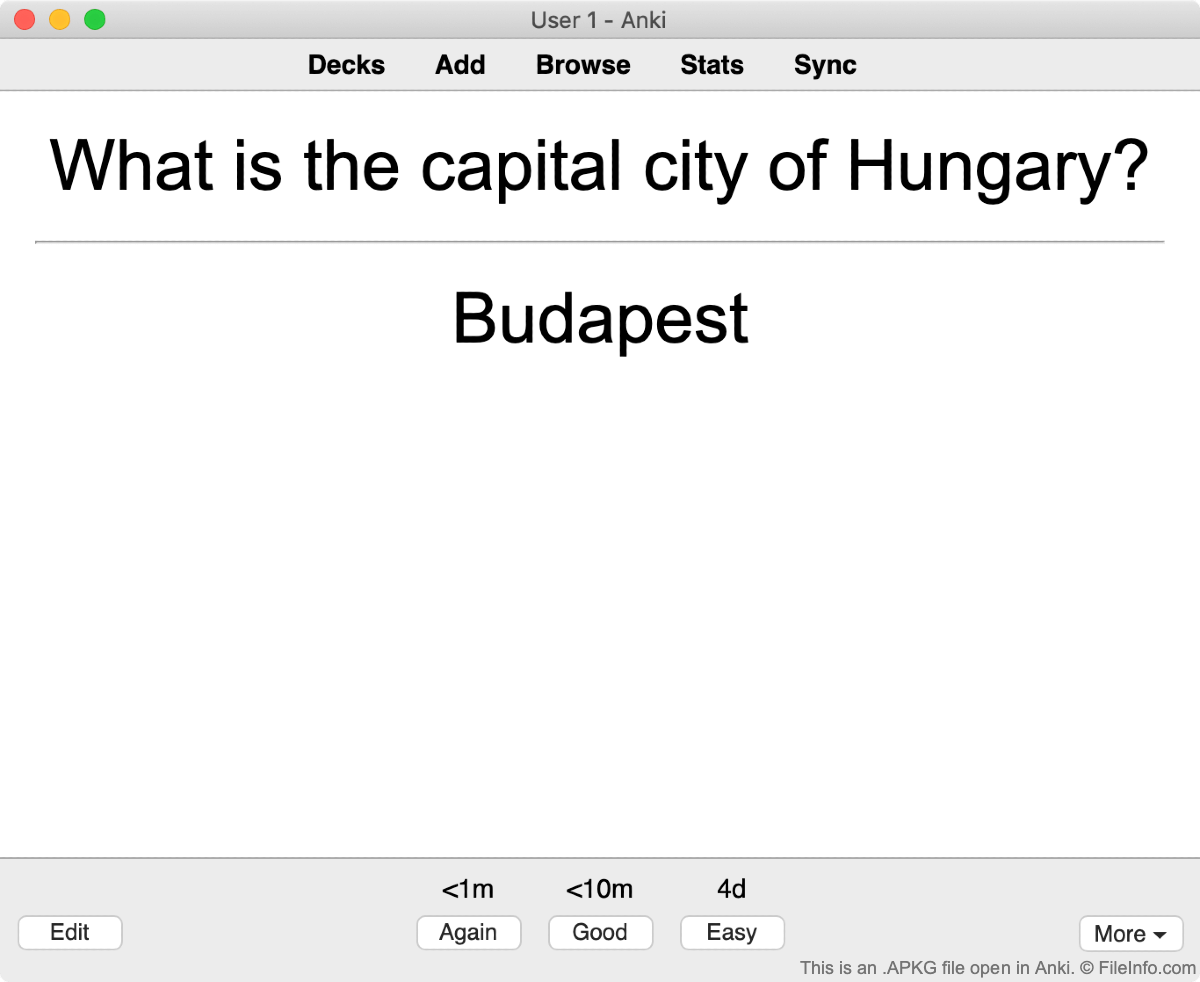
An APKG file is a custom deck of flashcards created for use in Anki, a flashcard-based studying program. It is a .ZIP archive that contains an .anki2 database file, images, and a media file. Users can create their own Anki flashcard decks or import others' by selecting the Create Deck or Get Shared buttons found in the app.
更多信息
Anki is a free program that students, professionals, and enthusiasts use to study a variety of memorization-based topics. The program lets users create and import decks of flashcards that can be used to learn languages, study for exams, memorize trivia, and even match faces to names. To help users get started, Anki provides a variety of sample APKG files on its website.
APKG files store each side of a flashcard, called a "note," in a format similar to a database entry. Note entries are associated with a specific flashcard using a unique ID. Flashcards can have any number of notes linked to them.
如何打开 APKG 文件
To open an APKG file in Anki:
- Open Anki and select the Import File button.
- Browse to your APKG file and select Open.
- Your new flashcard deck will appear in Anki, where you can select it to begin studying.
You can also use Whiterock Software Anki APKG File Viewer to view an APKG file's contents (Windows).
如何转换 APKG 文件
Whiterock Software publishes Windows apps that convert APKG files to the following formats:
- .XLSX - Microsoft Excel Spreadsheet
- .PDF - Portable Document Format
- .HTML - Hypertext Markup Language
- .DOCX - Microsoft Word Document
- .TXT - Plain Text
- .CSV - Comma-separated Values
- .JSON -JavaScript Object Notation
- .XML - Extensible Markup Language
Whiterock also publishes apps that convert files saved in these formats to the APKG format.