

.VSSX Extensão de arquivo
Arquivo de estêncil do Visio
| Desenvolvedor | Microsoft |
| Popularidade |
3,5 | 15 Votos |
O que é um arquivo VSSX?
Um arquivo VSSX contém estênceis criados pelo Microsoft Visio, um programa de desenho técnico. Ele armazena uma coleção de formas, conectores ou outros objetos que podem ser usados em um desenho. Os arquivos VSSX são frequentemente usados por organizações para distribuir logotipos e outros elementos de design padronizados que podem ser incluídos em desenhos técnicos.
Mais informações
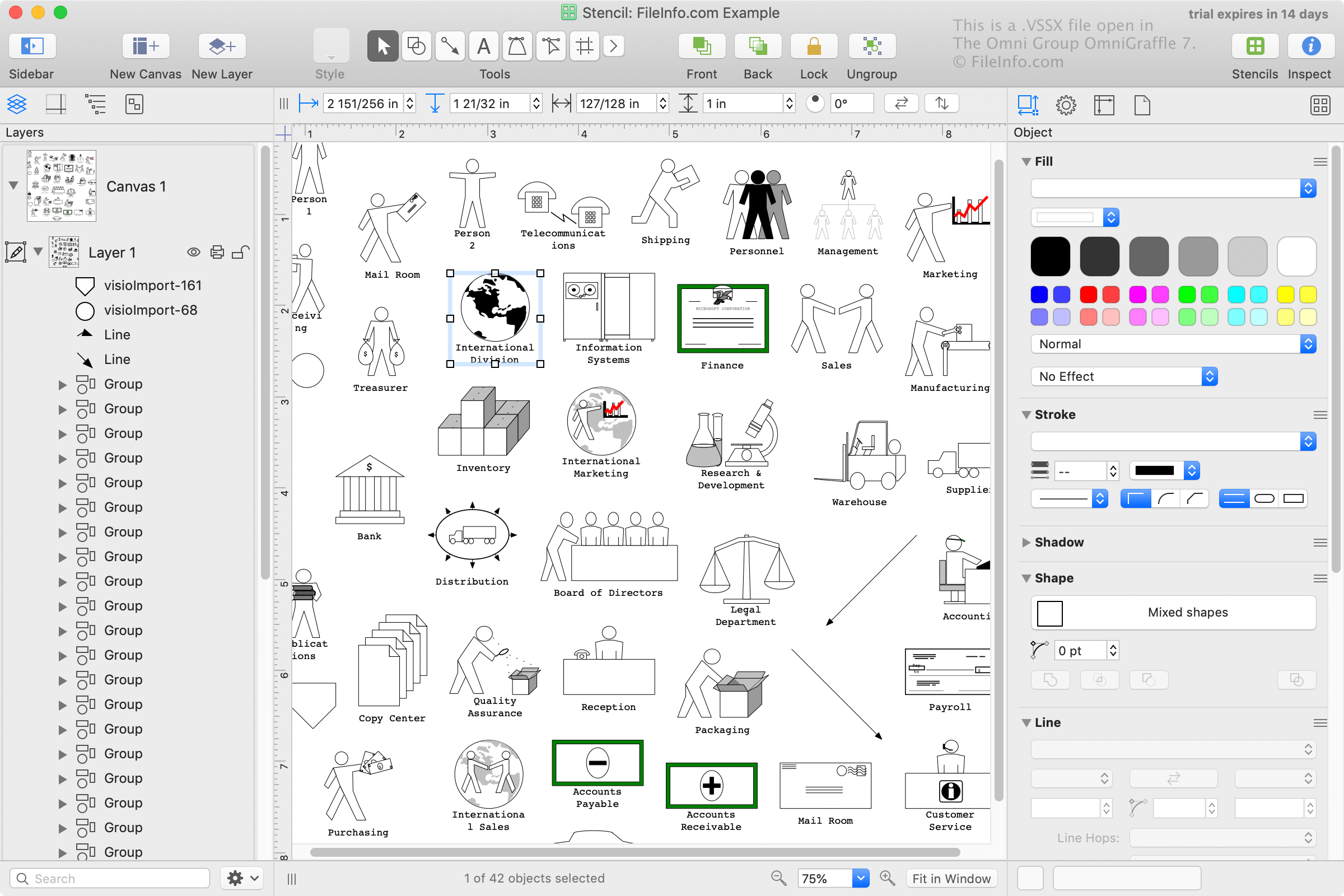
O Microsoft Visio é frequentemente usado em ambientes empresariais para organizar, visualizar e comunicar fluxos de trabalho complexos, como organogramas, modelos de banco de dados, fluxogramas empresariais e diagramas de software e redes. O Visio vem com arquivos VSSX pré-instalados, e os usuários também podem criá-los.
A Microsoft introduziu o formato VSSX quando lançou o Visio 2013. VSSX é um formato baseado em ZIP que substituiu o formato VSS baseado em binário, usado pelo Visio nos anos 2000.
NOTA: O Visio 2013 e versões posteriores ainda são compatíveis com arquivos VSS. No entanto, o formato VSSX é o formato padrão usado pelo Visio para salvar estênceis.
Como abrir um arquivo VSSX
Você pode abrir, editar e salvar arquivos VSSX com o Microsoft Visio (Windows). Para adicionar as formas de um arquivo VSSX à sua instalação do Visio, basta clicar duas vezes no arquivo, e o Visio importará as formas para a biblioteca de estênceis.
Você também pode abrir arquivos VSSX com o Nevron Software MyDraw (multiplataforma) e o The Omni Group OmniGraffle (macOS).