

.VSSX Přípona souboru
Soubor šablon Visia
| Vývojář | Microsoft |
| Popularita |
3,5 | 15 hlasů |
Co je soubor VSSX?
Soubor VSSX obsahuje šablony vytvořené programem Microsoft Visio, což je program pro technické kreslení. Ukládá kolekci tvarů, spojnic nebo jiných objektů, které lze použít v kresbě. Soubory VSSX organizace často používají k distribuci log a dalších standardních grafických prvků, které lze zahrnout do technických kreseb.
Další informace
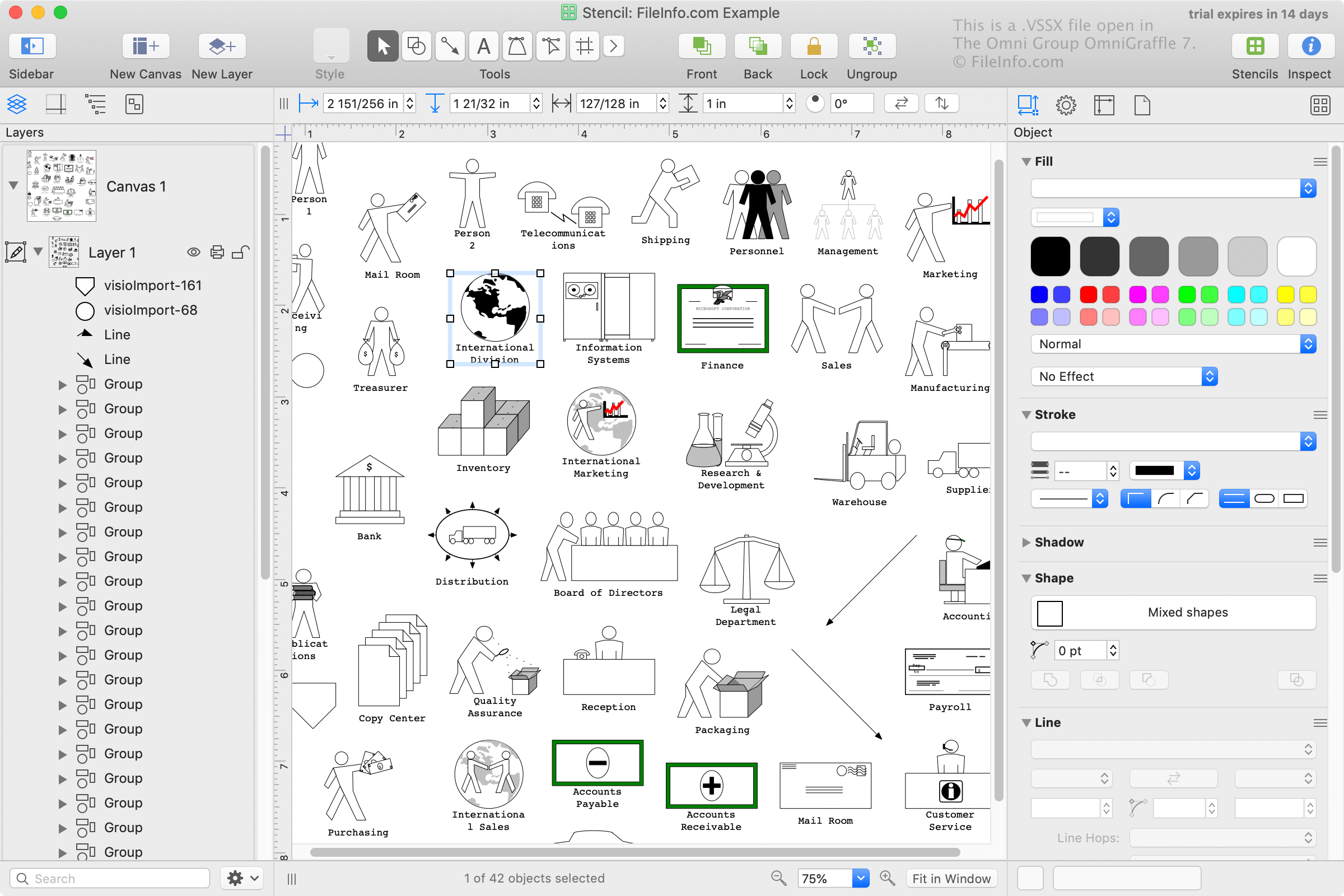
Microsoft Visio se často používá v obchodním prostředí k uspořádání, vizualizaci a komunikaci komplexních pracovních postupů, jako jsou organizační diagramy, modely databází, obchodní vývojové diagramy a diagramy softwarových systémů a sítí. Visio se dodává s předinstalovanými soubory VSSX a uživatelé je také mohou vytvářet.
Společnost Microsoft představila formát VSSX při vydání Visia 2013. VSSX je formát založený na formátu Zip, který nahradil binární formát VSS používaný programem Visio v prvním desetiletí 21. století.
POZNÁMKA: Visio 2013 a novější verze stále podporují soubory VSS. Formát VSSX je však výchozím formátem, který Visio používá k ukládání šablon.
Jak otevřít soubor VSSX
Soubory VSSX můžete otevřít, upravovat a ukládat pomocí programu Microsoft Visio (Windows). Chcete-li tvary ze souboru VSSX přidat do své instalace Visia, jednoduše na soubor dvakrát klikněte a Visio tvary importuje do knihovny šablon.
Soubory VSSX můžete také otevřít pomocí programů Nevron Software MyDraw (pro více platforem) a The Omni Group OmniGraffle (macOS).