

.VSSX Extension de fichier
Fichier de gabarits Visio
| Développeur | Microsoft |
| Popularité |
3,5 | 15 Votes |
Qu'est-ce qu'un fichier VSSX ?
Un fichier VSSX contient des gabarits créés par Microsoft Visio, un logiciel de dessin technique. Il stocke une collection de formes, de connecteurs ou d'autres objets pouvant être utilisés dans un dessin. Les fichiers VSSX sont souvent utilisés par les organisations pour distribuer des logos et d'autres éléments de conception standard pouvant être inclus dans des dessins techniques.
Plus d'informations
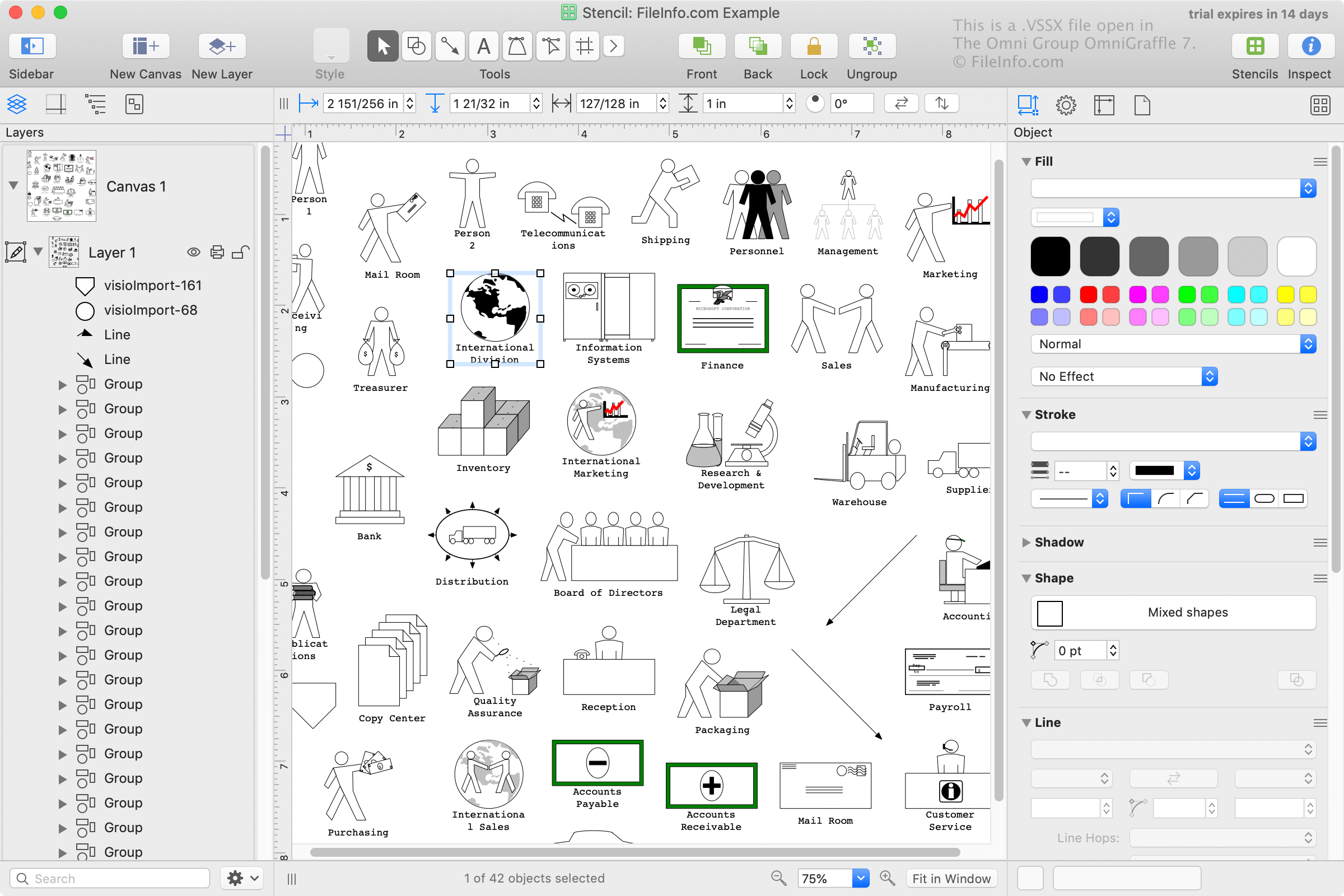
Microsoft Visio est souvent utilisé dans les environnements professionnels pour organiser, visualiser et communiquer des flux de travail complexes, tels que des organigrammes, des modèles de bases de données, des organigrammes de processus métier et des diagrammes de logiciels et de réseaux. Visio est fourni avec des fichiers VSSX préinstallés, et les utilisateurs peuvent également en créer.
Microsoft a introduit le format VSSX lors de la sortie de Visio 2013. VSSX est un format basé sur Zip qui a remplacé le format VSS basé sur des données binaires, utilisé par Visio dans les années 2000.
REMARQUE : Les versions 2013 et ultérieures de Visio prennent toujours en charge les fichiers VSS. Toutefois, le format VSSX est le format par défaut utilisé par Visio pour enregistrer les gabarits.
Comment ouvrir un fichier VSSX
Vous pouvez ouvrir, modifier et enregistrer des fichiers VSSX avec Microsoft Visio (Windows). Pour ajouter les formes d'un fichier VSSX à votre installation de Visio, double-cliquez simplement sur le fichier : Visio importera les formes dans votre bibliothèque de gabarits.
Vous pouvez également ouvrir des fichiers VSSX avec Nevron Software MyDraw (multiplateforme) et The Omni Group OmniGraffle (macOS).