

.XLT Rozszerzenie pliku
Starszy szablon arkusza kalkulacyjnego Microsoft Excel
| Deweloper | Microsoft |
| Popularność |
3,5 | 29 Głosów |
Czym jest plik XLT?
Plik XLT to szablon utworzony przez Microsoft Excel, aplikację do obsługi arkuszy kalkulacyjnych wchodzącą w skład pakietu Microsoft Office. Zawiera domyślne formatowanie i dane arkusza kalkulacyjnego oraz służy do tworzenia nowych .XLS. Pliki XLT są zapisywane w formacie plików binarnych programu Excel, który był podstawowym formatem plików programu Excel do czasu zastąpienia go formatem Office Open XML (.XLTX) w programie Excel 2007.
Więcej informacji
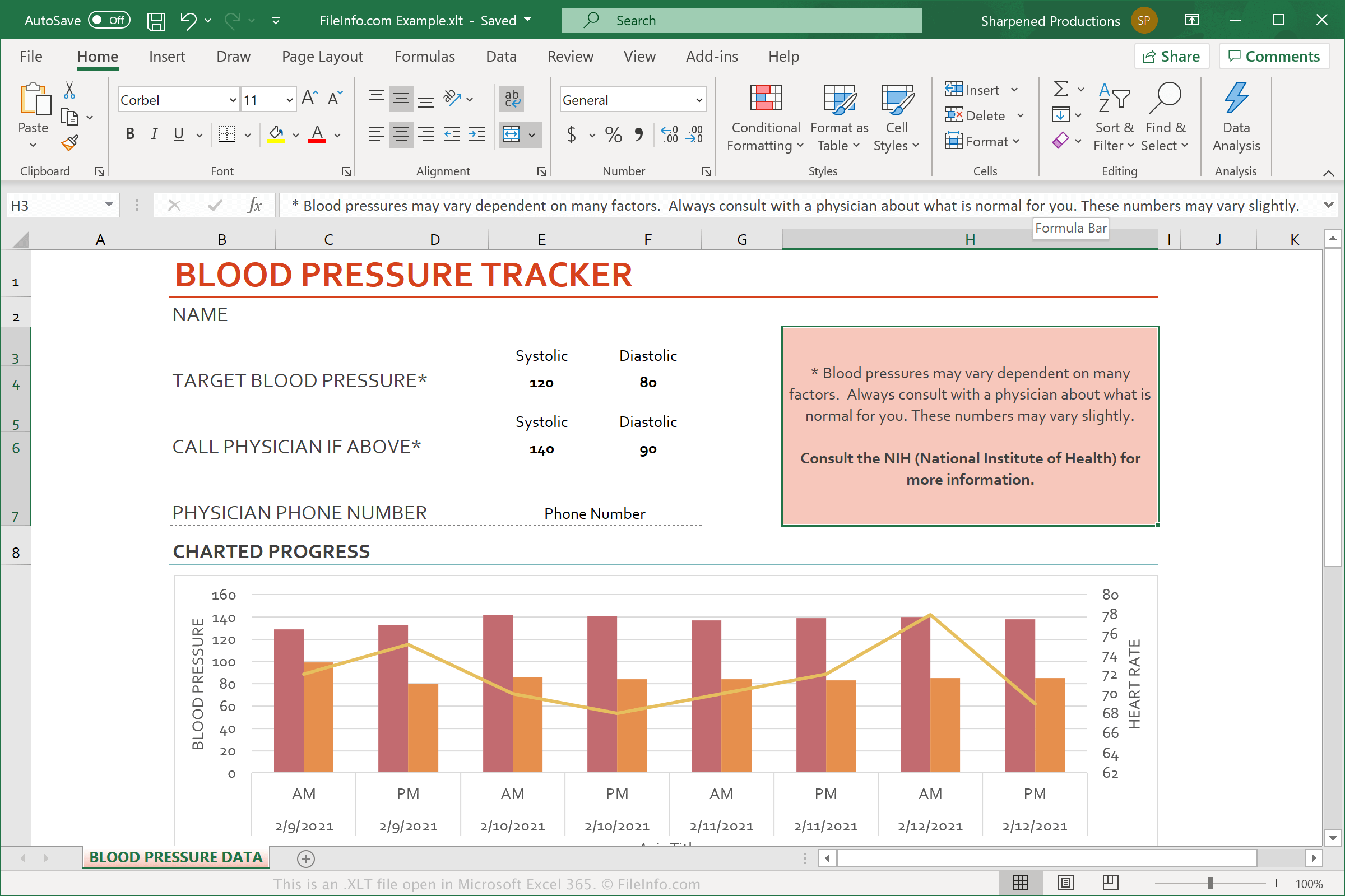
Microsoft Excel zawiera wiele gotowych plików XLT, które umożliwiają szybkie tworzenie typowych dokumentów, takich jak planery budżetu, kalendarze i faktury, na podstawie wstępnie zdefiniowanych szablonów. Możesz także tworzyć własne szablony na podstawie swoich arkuszy kalkulacyjnych, aby w przyszłości szybko tworzyć podobne arkusze.
Excel to najczęściej używana aplikacja do obsługi arkuszy kalkulacyjnych na świecie. Jest dołączana do każdej edycji pakietu Microsoft Office i jest używana w domu, środowisku akademickim oraz firmach.
UWAGA: Chociaż pliki XLTX zastąpiły pliki XLT, program Excel 2007 i jego nowsze wersje nadal obsługują pliki XLT.
Jak otworzyć plik XLT
Pliki XLT można otwierać w programie Microsoft Excel (Windows, Mac, iOS, Android). W tym celu wybierz z paska menu programu. Następnie możesz edytować szablon zawarty w pliku XLT albo użyć pliku XLT do utworzenia nowego arkusza kalkulacyjnego.