

.XLT Dateiendung
Microsoft Excel-Tabellenvorlage (älteres Format)
| Entwickler | Microsoft |
| Beliebtheit |
3,5 | 29 Stimmen |
Was ist eine XLT-Datei?
Eine XLT-Datei ist eine Vorlage, die von Microsoft Excel erstellt wird, einer Tabellenkalkulationsanwendung aus der Microsoft Office-Suite. Sie enthält Standardformatierungen und Daten für eine Tabelle und wird zum Erstellen neuer .XLS-Dateien verwendet. XLT-Dateien werden im binären Excel-Dateiformat gespeichert, dem primären Dateiformat von Excel, bis es in Excel 2007 durch das Office Open XML-Format (.XLTX) ersetzt wurde.
Weitere Informationen
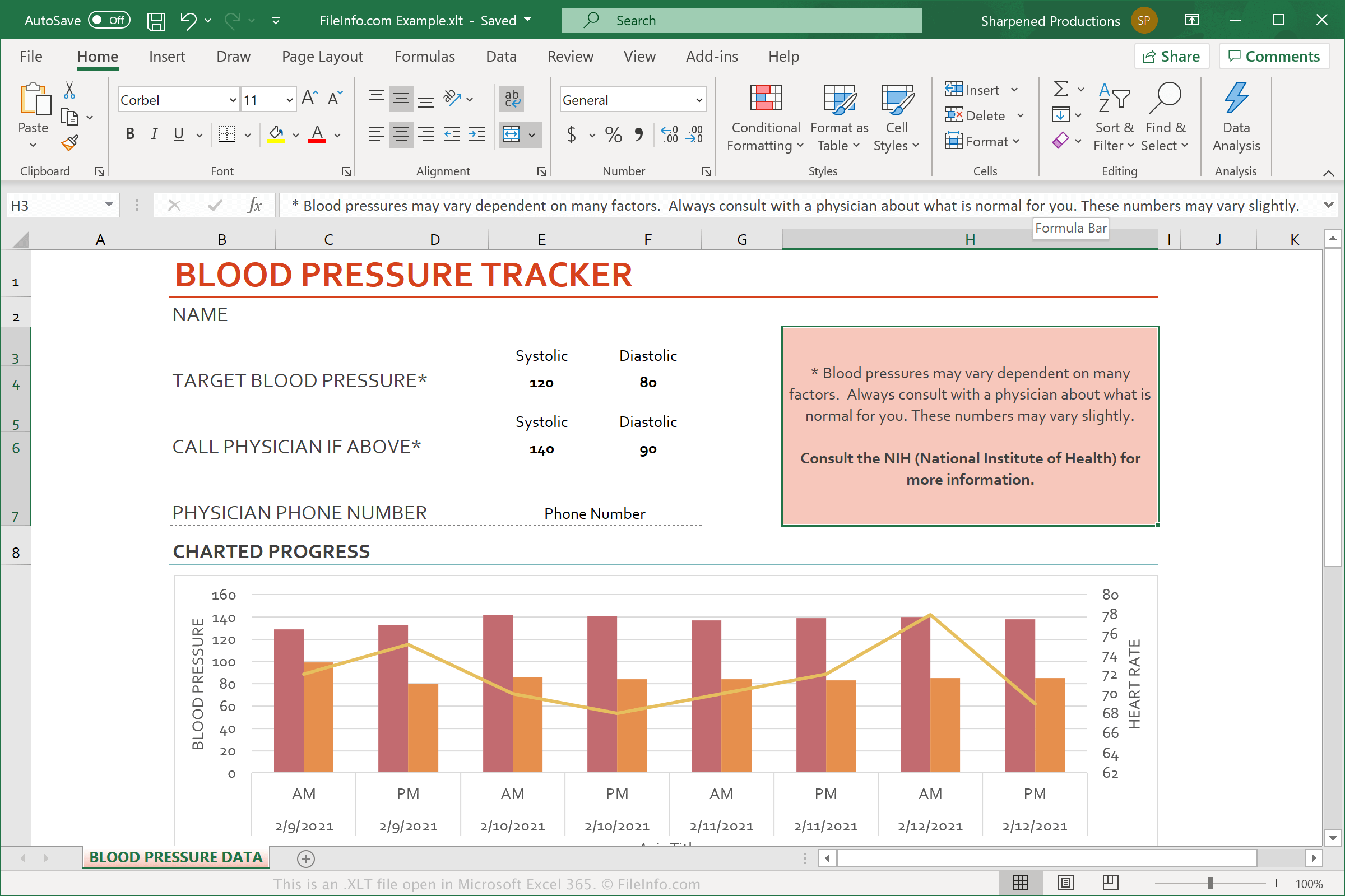
Microsoft Excel enthält eine Reihe vorgefertigter XLT-Dateien, mit denen Sie schnell gängige Dokumente wie Budgetplaner, Kalender und Rechnungen aus vordefinierten Vorlagen erstellen können. Sie können auch benutzerdefinierte Vorlagen aus Ihren eigenen Tabellen erstellen und so in Zukunft schnell ähnliche Tabellen anlegen.
Excel ist die weltweit am häufigsten verwendete Tabellenkalkulationsanwendung. Es ist in jeder Edition der Microsoft Office-Suite enthalten und wird im privaten, akademischen und geschäftlichen Umfeld eingesetzt.
HINWEIS: Obwohl XLTX-Dateien XLT-Dateien ersetzt haben, unterstützen Excel 2007 und spätere Versionen weiterhin XLT-Dateien.
So öffnen Sie eine XLT-Datei
Sie können XLT-Dateien mit Microsoft Excel (Windows, Mac, iOS, Android) öffnen. Wählen Sie dazu in der Menüleiste des Programms aus. Anschließend können Sie entweder die in der XLT-Datei enthaltene Vorlage bearbeiten oder die XLT-Datei verwenden, um eine neue Tabelle zu erstellen.