

.XLT Estensione file
Modello di foglio di calcolo Microsoft Excel (legacy)
| Sviluppatore | Microsoft |
| Popolarità |
3,5 | 29 Voti |
Che cos'è un file XLT?
Un file XLT è un modello creato da Microsoft Excel, un'applicazione per fogli di calcolo inclusa nella suite Microsoft Office. Contiene la formattazione e i dati predefiniti per un foglio di calcolo e viene utilizzato per creare nuovi .XLS file. I file XLT vengono salvati nel formato di file binario di Excel, che è stato il formato di file principale di Excel fino a quando il formato Office Open XML (.XLTX) lo ha sostituito in Excel 2007.
Maggiori informazioni
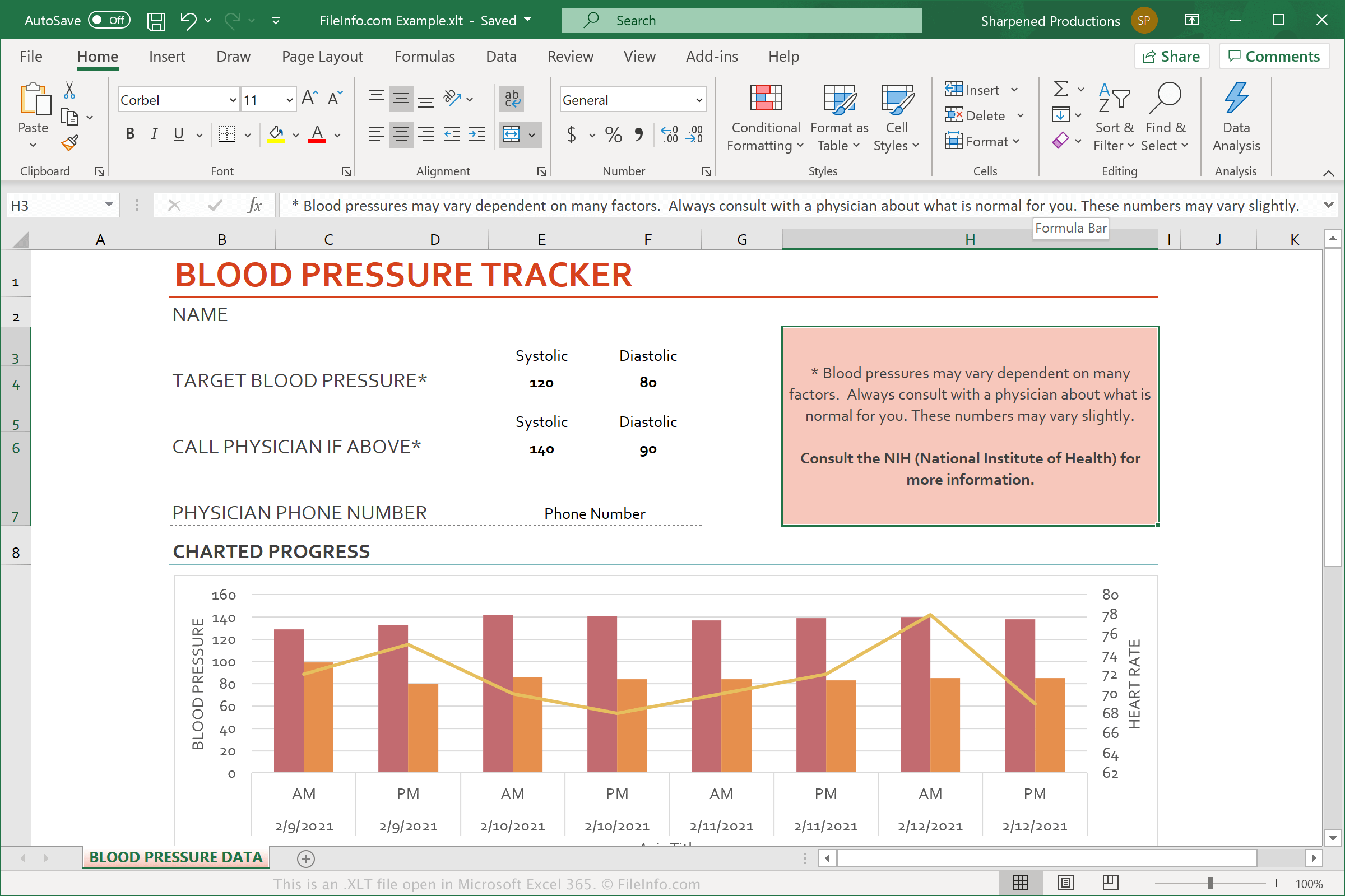
Microsoft Excel include numerosi file XLT già creati che consentono di creare rapidamente documenti comuni, come pianificatori di budget, calendari e fatture, a partire da modelli predefiniti. È anche possibile creare modelli personalizzati dai propri fogli di calcolo, così da poter creare rapidamente fogli di calcolo simili in futuro.
Excel è l'applicazione per fogli di calcolo più utilizzata al mondo. È incluso in ogni edizione della suite Microsoft Office e viene utilizzato in ambito domestico, scolastico e aziendale.
NOTA: Sebbene i file XLTX abbiano sostituito i file XLT, Excel 2007 e le versioni successive supportano ancora i file XLT.
Come aprire un file XLT
È possibile aprire i file XLT in Microsoft Excel (Windows, Mac, iOS, Android). Per farlo, selezionare dalla barra dei menu del programma. Dopodiché, è possibile modificare il modello contenuto nel file XLT oppure utilizzare il file XLT per creare un nuovo foglio di calcolo.