

.SRL Bestandsextensie
OpenSSL-beveiligingscertificaatserienummer
| Ontwikkelaar | N.v.t. |
| Populariteit |
3,0 | 1 stem |
Een SRL-bestand bevat een serienummer dat wordt gegenereerd tijdens het ondertekenen van een OpenSSL certificaat. Het wordt gebruikt om een ondertekend certificaat uniek te identificeren. SRL-bestanden gebruiken dezelfde basisbestandsnaam als de .PEM-, .CER- en .KEY-bestanden van een certificaat.
Meer informatie
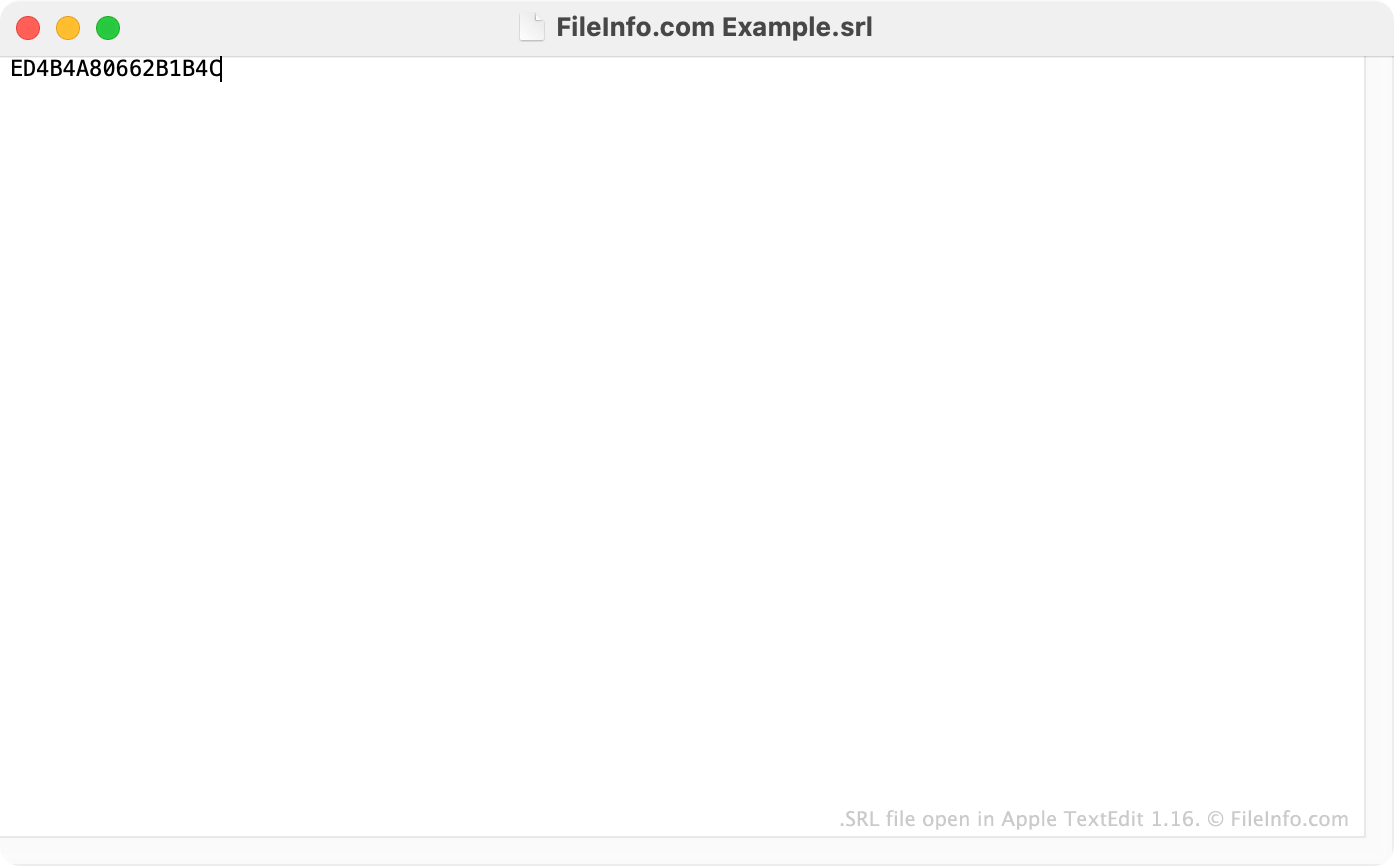
Om te certificeren dat de informatie van gebruikers veilig wordt verwerkt, moeten eigenaren van een webserver een SSL-certificaat installeren. Met OpenSSL kunnen gebruikers hun eigen SSL-certificaten maken. Als onderdeel van het installeren van een OpenSSL-certificaat moeten gebruikers het certificaat 'ondertekenen'. Het ondertekenen van het certificaat produceert een SRL-bestand, dat het unieke serienummer van het certificaat bevat.
Elke keer dat een gebruiker een ondertekend certificaat maakt, moet diegene een nieuw SRL-bestand voor dat certificaat maken. Wanneer een gebruiker het eerste OpenSSL-certificaat maakt, gebruikt diegene de opdracht -CAcreateserial om het SRL-bestand van dat certificaat te maken. Wanneer een gebruiker volgende certificaten maakt, gebruikt diegene de opdracht -CAserial en geeft diegene het pad naar het oorspronkelijke SRL-bestand op om een nieuw SRL-bestand te maken dat een verhoogd serienummer bevat. De serienummers in SRL-bestanden worden geschreven met het hexadecimale systeem.
OPMERKING: Je kunt het SSL-certificaatserienummer van een website bekijken door op het slotpictogram naast de URL van de website te klikken en vervolgens de details van het beveiligingscertificaat van de website te bekijken.
Een SRL-bestand openen
Je kunt een SRL-bestand openen in elke teksteditor, zoals Microsoft Notepad (Windows), Apple TextEdit (Mac) of GitHub Atom (platformonafhankelijk). Je moet de tekst in je SRL-bestand echter niet bewerken. Door je SRL-bestand te bewerken, werkt je SSL-beveiligingscertificaat mogelijk niet goed.