

.RED Bestandsextensie
Red-broncodebestand
| Ontwikkelaar | Nenad Rakočević |
| Populariteit |
3,5 | 2 stemmen |
Een RED-bestand is een broncode-bestand dat is geschreven in de programmeertaal Red, een programmeertaal op hoog niveau. Het bevat code in de syntaxis van Red, die leesbaar is voor mensen en vergelijkbaar is met de programmeertaal Rebol. RED-bestanden kunnen worden gecompileerd of geïnterpreteerd door de Red-console.
Meer informatie
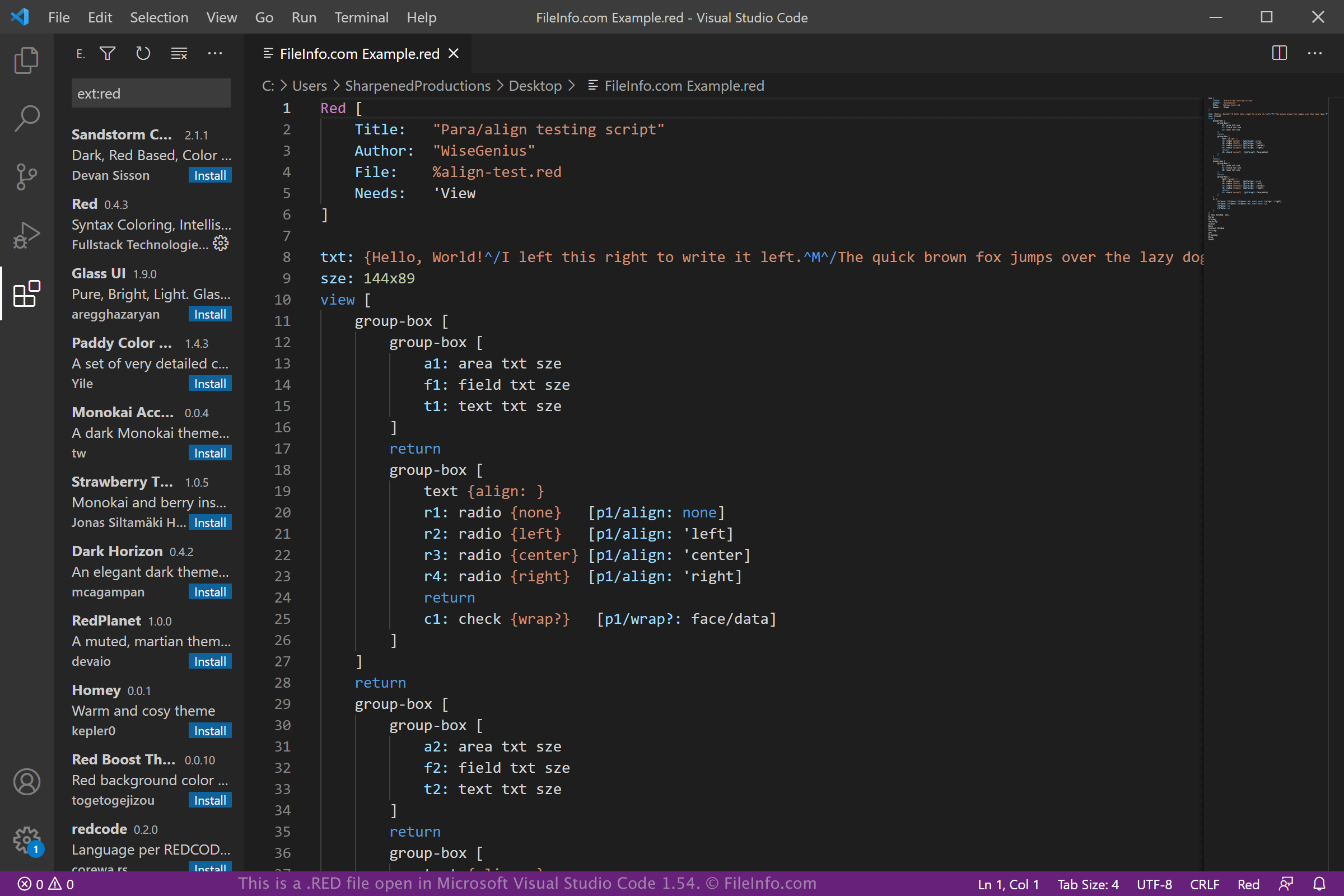
De programmeertaal Red werd in 2011 geïntroduceerd en ontworpen als verbetering van de programmeertaal Rebol. Nenad Rakočević ontwikkelde Red als een full-stacktaal waarmee een ontwikkelaar de front-end en back-end van software kon maken.
OPMERKING: Hoewel RED-bestanden Red-broncode bevatten, bevatten .REDS-bestanden een laag-niveau-dialect van de programmeertaal Red, dat bekendstaat als Red/System.
Een RED-bestand openen
Je kunt een RED-bestand openen en bewerken met verschillende broncode-editors, zoals Microsoft Visual Studio Code met de Red-extensie (multiplatform) en GitHub Atom (multiplatform). Omdat RED-bestanden als platte tekst worden opgeslagen, kun je ze ook openen en bewerken met een teksteditor, zoals Microsoft Notepad (meegeleverd met Windows) of Apple TextEdit (meegeleverd met macOS), maar deze bieden geen handige functies voor het bewerken van broncode.
Nadat je klaar bent met het bewerken van je RED-bestand, kun je de broncode compileren met de Red-console door te selecteren.