

.PLUSH Bestandsextensie
Plushify-project
| Ontwikkelaar | Sebastian Stamm |
| Populariteit |
4,0 | 5 stemmen |
Wat is een PLUSH-bestand?
Een PLUSH-bestand bevat een 3D-model en bijbehorend naaipatroon dat is gemaakt met Plushify, een online hulpmiddel voor patronen van knuffels. Mensen die naaien gebruiken Plushify om een 3D-model (bestand .OBJ) te importeren en een naaipatroon (bestand .PDF) te maken, te bewerken en af te drukken. Vervolgens gebruiken ze het patroon om een echte, knuffelachtige versie van het 3D-model te naaien.
Meer informatie
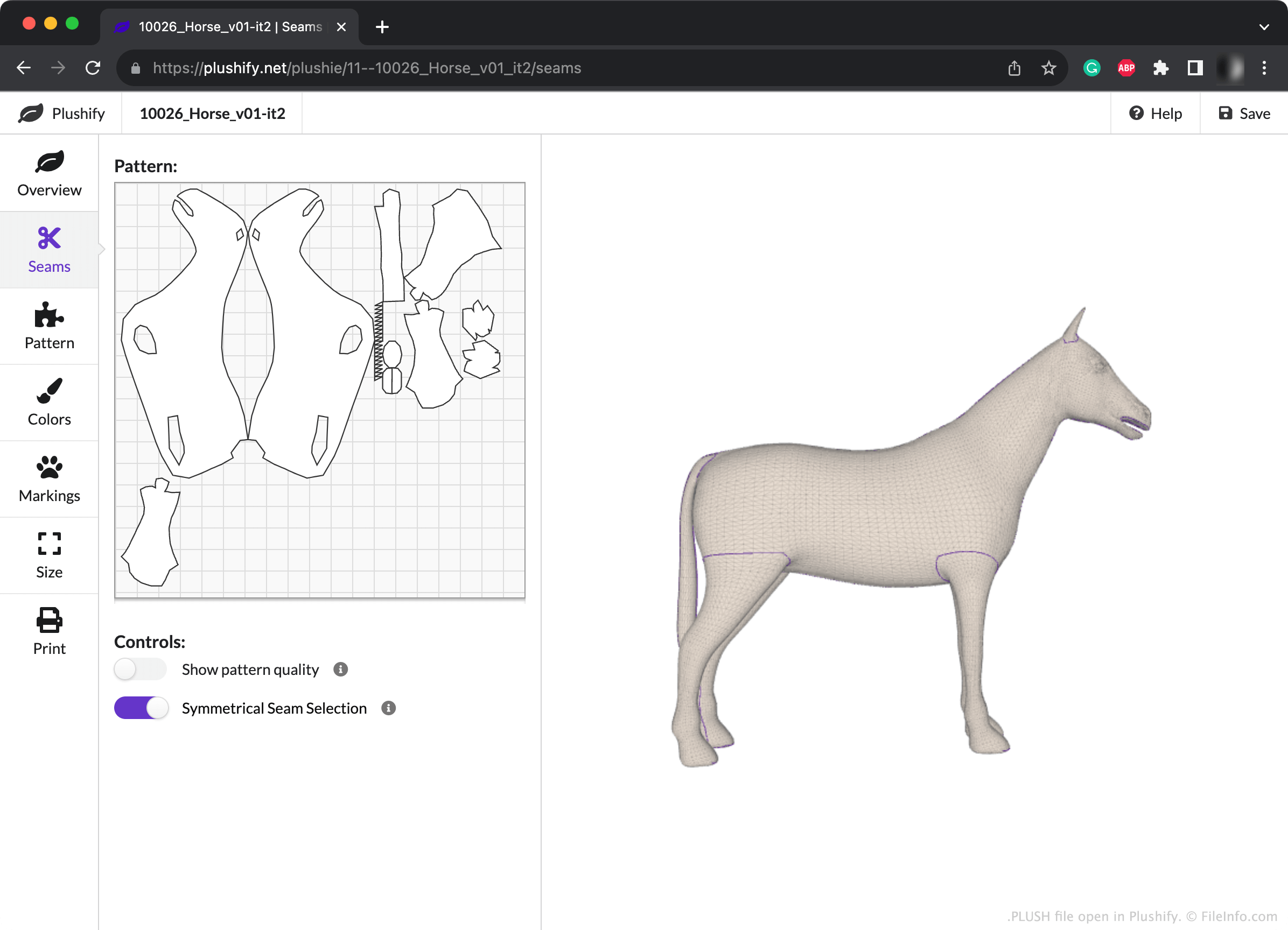
Tijdens het maken van een patroon in Plushify kunnen mensen die naaien de naden van het patroon handmatig aanpassen en kleuren en markeringen toevoegen om te zien hoe hun knuffel er in het echt uit zal zien. Ze kunnen ook de grootte van hun patroon (en dus van de knuffel) aanpassen en andere patrooninstellingen wijzigen.
Als iemand die naait een kopie van een Plushify-project wil opslaan (bijvoorbeeld omdat diegene van plan is het in de toekomst opnieuw te gebruiken), kan diegene dat doen door de knop in de rechterbovenhoek van Plushify te selecteren. Hiermee wordt het project opgeslagen als een PLUSH-bestand. Elk PLUSH-bestand bestaat uit platte tekst in JSON-indeling die het 3D-model beschrijft waarvan het patroon is gemaakt, evenals de bewerkingen die in Plushify zijn uitgevoerd. Plushify gebruikt deze tekstgegevens om het 3D-model en patroon van de gebruiker te laden en weer te geven.
Een PLUSH-bestand openen
Je kunt een PLUSH-bestand openen met Plushify (Web). Ga hiervoor naar de homepage van Plushify (hieronder gelinkt) en selecteer de knop (in de rechterbovenhoek van de pagina). Navigeer vervolgens naar je PLUSH-bestand en open het.