

.OPB Bestandsextensie
Outplayed-back-upbestand
| Ontwikkelaar | Overwolf |
| Populariteit |
4,0 | 2 stemmen |
Wat is een OPB-bestand?
Een OPB-bestand is een back-up-bestand dat is gemaakt door Overwolf Outplayed, een app voor het opnemen van video's voor gamers. Het bevat een kopie van de Outplayed-video's, instellingen en andere gegevens van een gebruiker. Gebruikers kunnen OPB-bestanden maken en herstellen vanuit het scherm van het menu van Outplayed.
Meer informatie
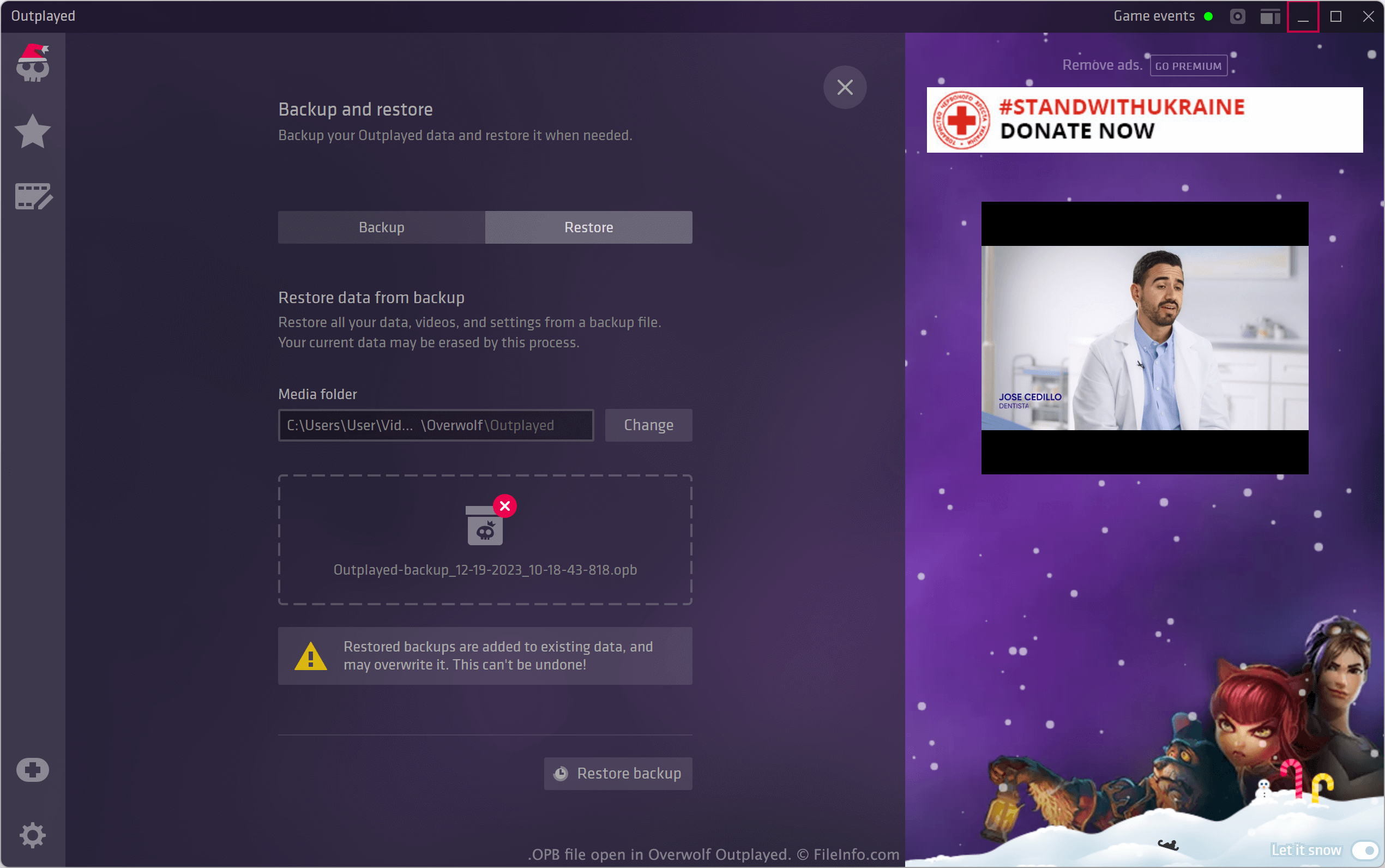
Met Outplayed kunnen Windows-gamers zichzelf opnemen terwijl ze videogames spelen. Outplayed slaat deze opnamen standaard op in de volgende map:
C:/Users/UserName/Videos/Overwolf/Outplayed
Outplayed-gebruikers kunnen de app ook inschakelen voor specifieke games, aanpassen hoe de app video opneemt en bepalen welke meldingen de app weergeeft.
Als een gebruiker een back-up wil maken van diens Outplayed-opnamen en -instellingen, kan dat door te selecteren. Hierdoor wordt het scherm geopend, van waaruit de gebruiker het volgende kan doen:
- De Outplayed-gegevens opslaan in een OPB-bestand
- De gegevens herstellen die een eerder gemaakt OPB-bestand bevat
OPB-bestanden zijn hernoemde .ZIP-bestanden, die een map Media, een bestand metadata.json en een bestand outplayed.json bevatten. De map Media bevat een back-up van de video's van een gebruiker. Metadata.json bevat informatie over het tijdstip waarop het OPB-bestand is gemaakt en de versie van Outplayed waarmee het is gemaakt. Outplayed.json bevat een back-up van de Outplayed-instellingen van een gebruiker.
Veelvoorkomende .OPB-bestandsnamen
Outplayed-backup_MM-DD-YYYY_HH-MM-SS-MSS - De standaardnaam die Outplayed aan OPB-bestanden toewijst.
Een OPB-bestand openen
Zo herstel je de back-up die een OPB-bestand bevat in Overwolf Outplayed (Windows):
- Open het menu van Outplayed.
- Selecteer .
- Selecteer .
- Blader naar je OPB-bestand of sleep het naar het venster.
- Selecteer .
Wanneer Outplayed klaar is met het herstellen van je back-up, wordt je gevraagd de app opnieuw te starten. Daarna verschijnen je herstelde video's en instellingen in Outplayed.
Als dat nodig is, kun je de bestanden in een OPB-bestand ook uitpakken door het bestand te hernoemen zodat het de extensie .ZIP gebruikt en het vervolgens te openen met een hulpprogramma voor het uitpakken van Zip-bestanden.