

.NDB Bestandsextensie
MyDraw-binaire tekening
| Ontwikkelaar | Nevron Software |
| Populariteit |
2,0 | 1 stem |
Een NDB-bestand is een tekening die is gemaakt met Nevron Software MyDraw, een toepassing voor het maken van verschillende diagrammen en technische illustraties. Het bestand bevat tekst, vormen, lijnen en andere objecten die samen op een vrij canvas zijn geplaatst. NDB-bestanden worden meestal gebruikt voor het opslaan van stroomdiagrammen, stambomen, procesdiagrammen, organigrammen, mindmaps, gegevensstroomdiagrammen en andere soorten tekeningen.
Meer informatie
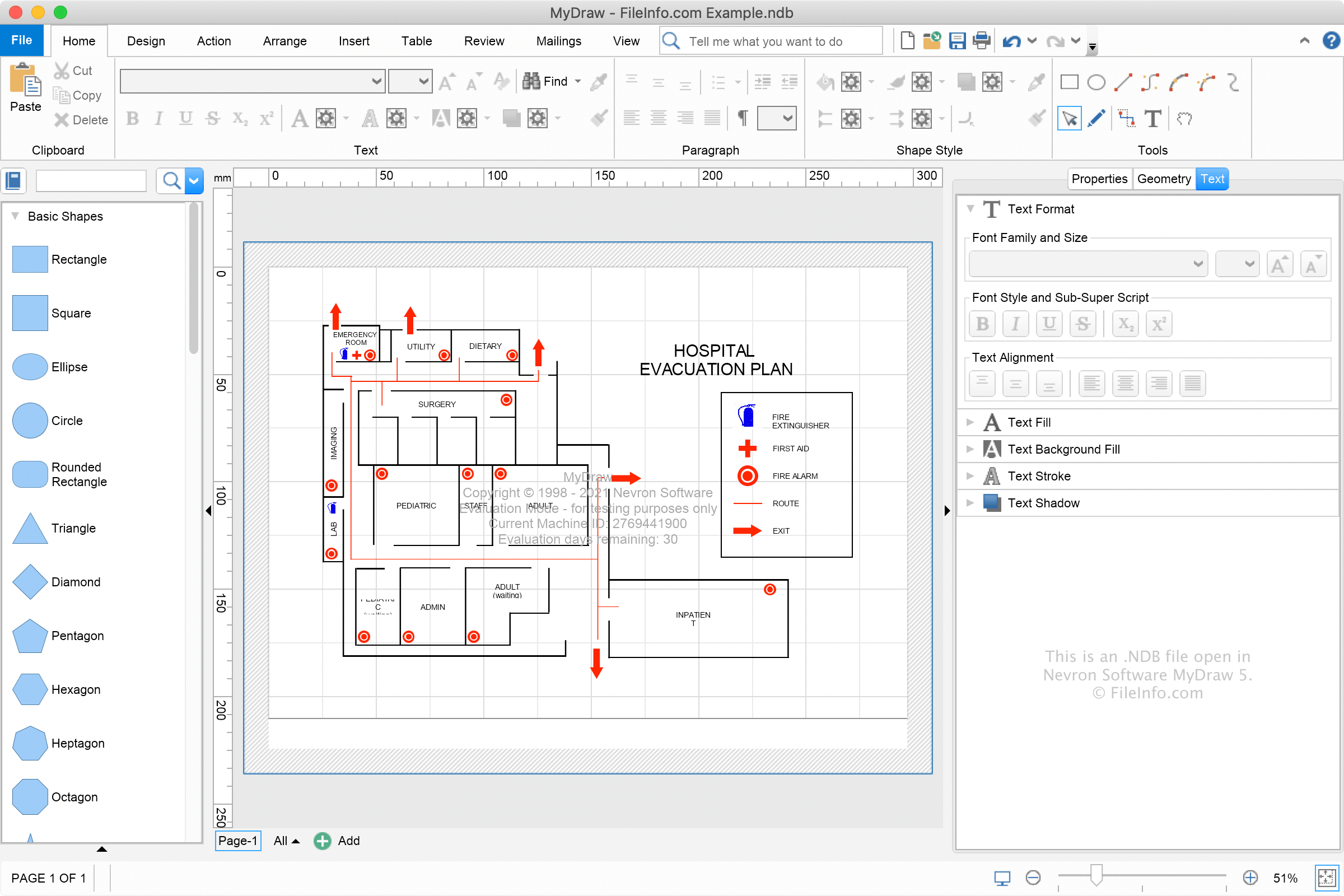
MyDraw gebruikt de NDB binaire indeling en .NDX XML-indeling voor het opslaan van tekeningen. Met deze indelingen kun je tekeningen bewerken, de bestanden sluiten en ze later opnieuw openen om verder te bewerken.
Je kunt een NDB-bestand maken met MyDraw door te selecteren en vervolgens de indeling "MyDraw-binaire tekening" te kiezen. Als je de tekening in een andere indeling wilt opslaan, zoals de indeling "MyDraw XML-tekening" of de indeling "MyDraw XML-tekeningsjabloon", kies je een andere indeling in het vervolgkeuzemenu.
Een NDB-bestand openen
Je kunt NDB-bestanden openen met Nevron Software MyDraw in Windows en macOS door te selecteren.
Hoe converteer ik een NDB-bestand?
Nadat je klaar bent met het aanpassen van je tekening in MyDraw, kun je deze converteren naar verschillende indelingen, waaronder .VSDX, .JPEG, .PNG, .EMF, .SVG, .DXF en .PDF. Als je een NDB-bestand wilt converteren, selecteer je .