

.FTMX Bestandsextensie
Finale 2014-scoretemplate
| Ontwikkelaar | MakeMusic |
| Populariteit |
3,6 | 5 stemmen |
Wat is een FTMX-bestand?
Een FTMX-bestand is een sjabloon voor een muziekpartituur dat is gemaakt door MakeMusic Finale, een populair programma voor het maken van partituren. Het bevat een vooraf ingestelde lay-out die een componist kan gebruiken om snel een nieuw .MUSX-bestand te maken. Door met een FTMX-bestand te beginnen, besparen componisten de tijd die nodig is om de instellingen van een nieuwe partituur handmatig op te geven.
Meer informatie
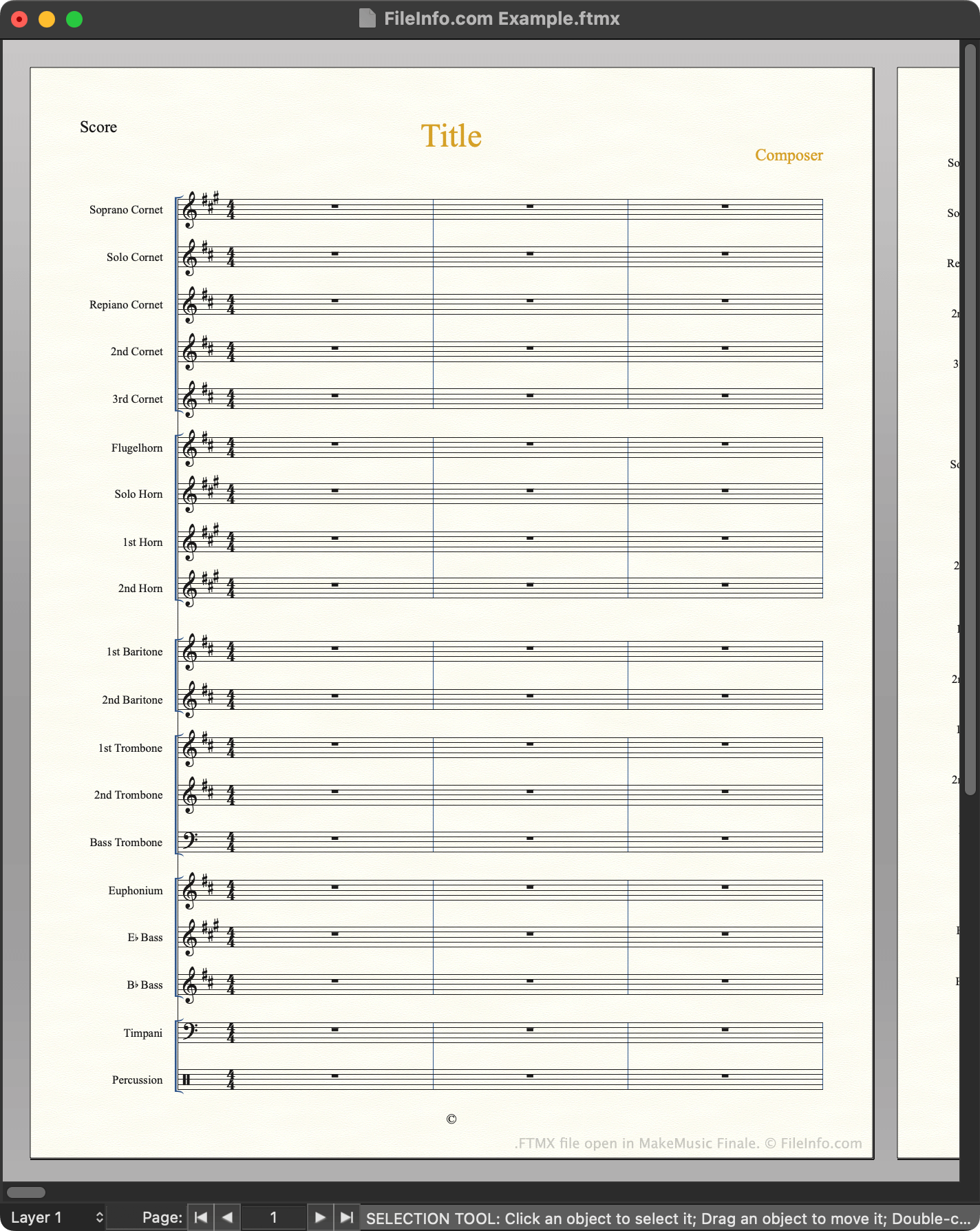
MakeMusic Finale is een notatieprogramma waarmee componisten muziekpartituren kunnen maken, bewerken en afspelen. Als een componist niet helemaal vanaf nul wil beginnen met het maken van een partituur, kan diegene een van de vele meegeleverde partituursjablonen van Finale openen. Deze sjablonen bevatten standaardnotatie, tekst en andere instellingen waarmee een componist gemakkelijker bepaalde soorten partituren kan maken.
Finale 2014 tot en met 26 slaan sjablonen op als FTMX-bestanden. Deze bestanden bevinden zich in de volgende map:
~/MakeMusic/Finale ##/Music Files/Templates
Componisten kunnen ook hun eigen FTMX-bestanden maken door te gebruiken om een gemaakte partituur als FTMX-bestand op te slaan. Het wordt aanbevolen dat componisten de sjablonen die ze maken opslaan in de map Templates, zodat ze hun sjablonen gemakkelijker kunnen beheren.
OPMERKING: Finale 2012 en eerdere versies slaan sjablonen op als .FTM-bestanden. Finale 27 slaat sjablonen op als .MUSX-bestanden.
Een partituur maken vanuit een FTMX-bestand
Een nieuwe partituur maken vanuit een FTMX-bestand:
- Selecteer
- Ga naar je FTMX-bestand en open het.
De van Finale wordt vervolgens geopend. Hierin kun je informatie over je nieuwe partituur opgeven.
Een FTMX-bestand openen
Je kunt een FTMX-bestand openen met MakeMusic Finale (Windows, Mac). In versies 2014 tot en met 26 kun je selecteren, naar je FTMX-bestand gaan en selecteren om het te openen. In versie 27 moet je met de rechtermuisknop op je FTMX-bestand klikken, selecteren en het bestand vervolgens handmatig met Finale openen. (Je kunt ook de extensie van het bestand wijzigen in .musx en het openen zoals je een MUSX-bestand zou openen.)