

.NCRS 파일 확장자
NeedCoolerShoes 스킨
| 개발사 | MNCS Restoration Team |
| 인기도 |
3.5 | 2 표 |
NCRS 파일이란 무엇인가요?
NCRS 파일은 Miners Need Cool Shoes 온라인 편집기로 만든 사용자 지정 캐릭터 스킨입니다. 여기에는 레이아웃, 색상, 편집기에서 적용한 수정 사항을 포함한 Minecraft 플레이어 스킨 디자인이 들어 있습니다. NCRS 파일은 사용자가 스킨을 닫았다가 다시 열어 최종 .PNG 이미지로 내보내기 전에 계속 편집할 수 있도록 하는 독점 프로젝트 형식으로 정보를 저장합니다.
추가 정보
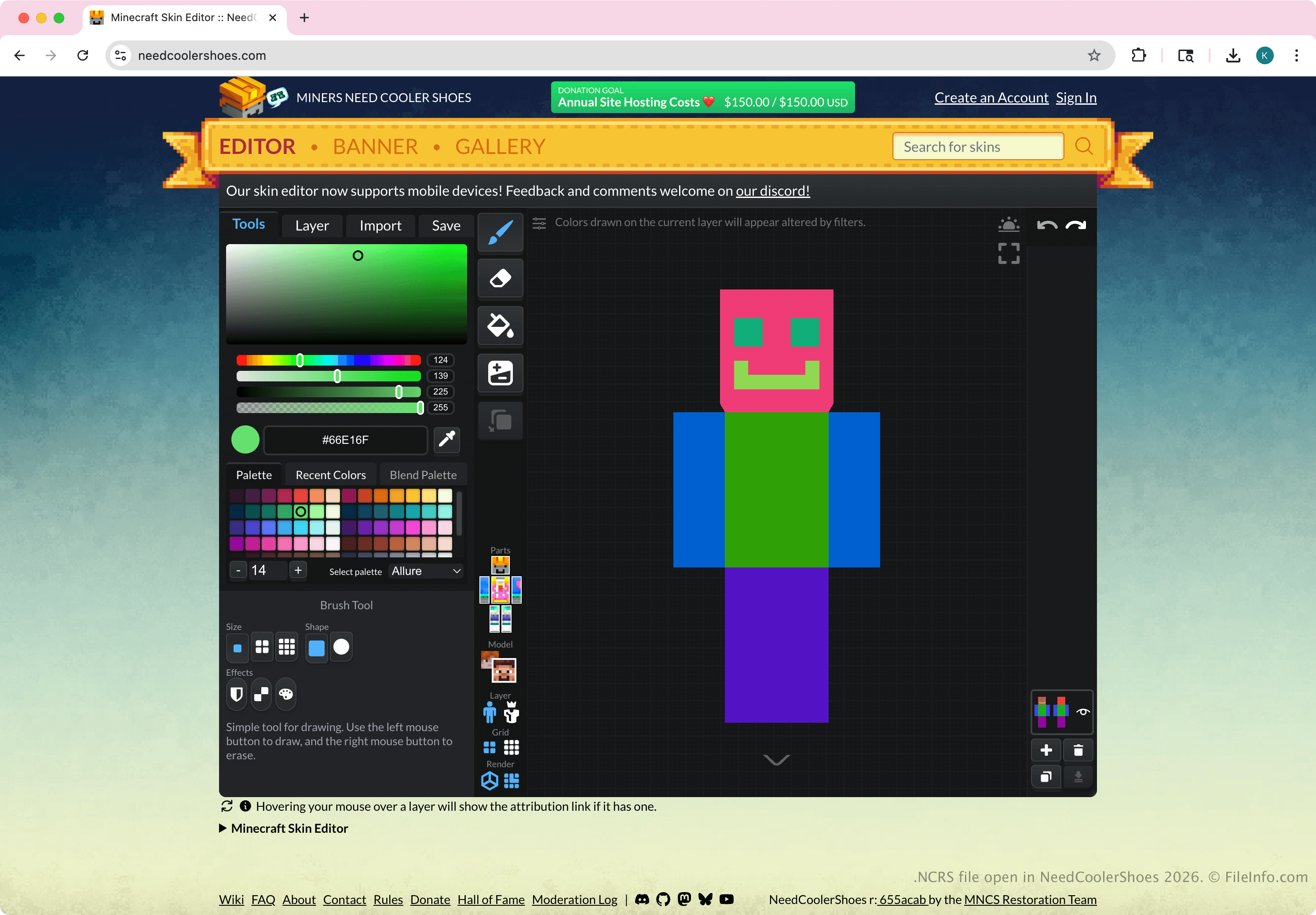
Minecraft 플레이어와 스킨 제작자는 NeedCoolerShoes 온라인 편집기에서 를 선택한 다음 를 선택하여 NCRS 파일을 만듭니다. 이 파일에는 표준 Minecraft 스킨 이미지가 저장되지 않으며 Minecraft 자체에서 사용하도록 만들어지지 않았습니다. 사용자가 Minecraft에 스킨을 추가하려면 먼저 편집기에서 Minecraft의 스킨 요구 사항에 맞는 표준 PNG 이미지로 내보내야 합니다.
일반적인 .NCRS 파일 이름
ncrs_skin_YYYYMMDD_HHMM.ncrs - NCRS 파일의 파일 이름 지정 규칙입니다. 예를 들어 2026년 1월 29일 오전 8시 39분에 NCRS 파일을 내보내면 파일 이름은 ncrs_skin_20260129_0839.ncrs가 됩니다.
NCRS 파일을 여는 방법
NCRS 파일은 온라인 NeedCoolerShoes 스킨 편집기로 열 수 있습니다. NCRS 파일을 열려면 를 선택한 다음 를 선택합니다.
NCRS 파일을 변환하는 방법
NCRS 파일을 Minecraft 또는 다른 프로그램에서 사용할 수 있는 .PNG 이미지로 변환할 수 있습니다. NCRS 파일을 내보내려면 NeedCoolerShoes 온라인 편집기에서 를 선택한 다음 를 선택합니다.