

.NCRS File Extension
NeedCoolerShoes Skin
| Developer | MNCS Restoration Team |
| Popularity |
3.5 | 2 Votes |
What is an NCRS file?
An NCRS file is a custom character skin created by the Miners Need Cool Shoes online editor. It contains a Minecraft player skin design, which includes the layout, colors, and edits made in the editor. NCRS files save information in a proprietary project format that allows users to close and reopen a skin and continue editing before exporting to a final .PNG image.
More Information
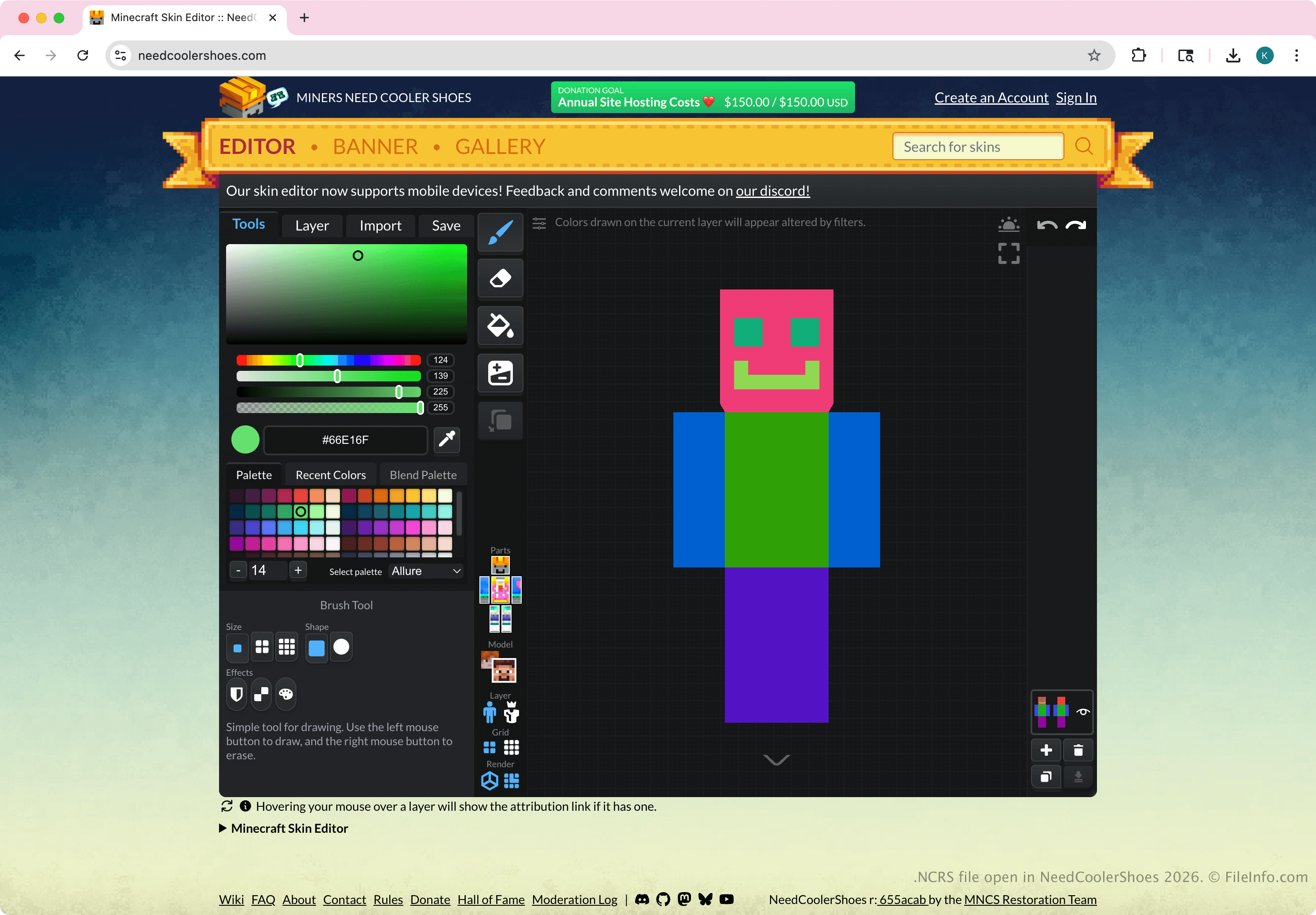
Minecraft players and skin creators create NCRS files by selecting in the NeedCoolerShoes online editor, and then choosing . The file does not store a standard Minecraft skin image and is not intended for use inside Minecraft itself. Before a user can add a skin to Minecraft, the user must export it from the editor as a standard PNG image that matches Minecraft's skin requirements.
Common .NCRS Filenames
ncrs_skin_YYYYMMDD_HHMM.ncrs - The file naming convention for NCRS files. For example, if you export an NCRS file at 8:39 am on January 29th, 2026, the file name would be ncrs_skin_20260129_0839.ncrs.
How to open an NCRS file
You can open an NCRS file with the NeedCoolerShoes skin editor online. To open an NCRS file, select and choose .
How to convert an NCRS file
You can convert an NCRS to a .PNG image to use in Minecraft or another program. To export an NCRS file, select in the NeedCoolerShoes online editor, and then choose .