.KKSRC 파일 확장자

KDE Plasma Keyboard Shortcut Settings

개발사 KDE
인기도
4.0  |  3 투표
 

KKSRC 파일이란 무엇인가요?

A KKSRC file is a settings file used by KDE Plasma, a graphical workspace environment often used with Linux. It contains a plain text list of keyboard shortcuts, which associate keyboard key(s) with certain functions. Users can export and import KKSRC files from KDE Plasma System Settings.

추가 정보

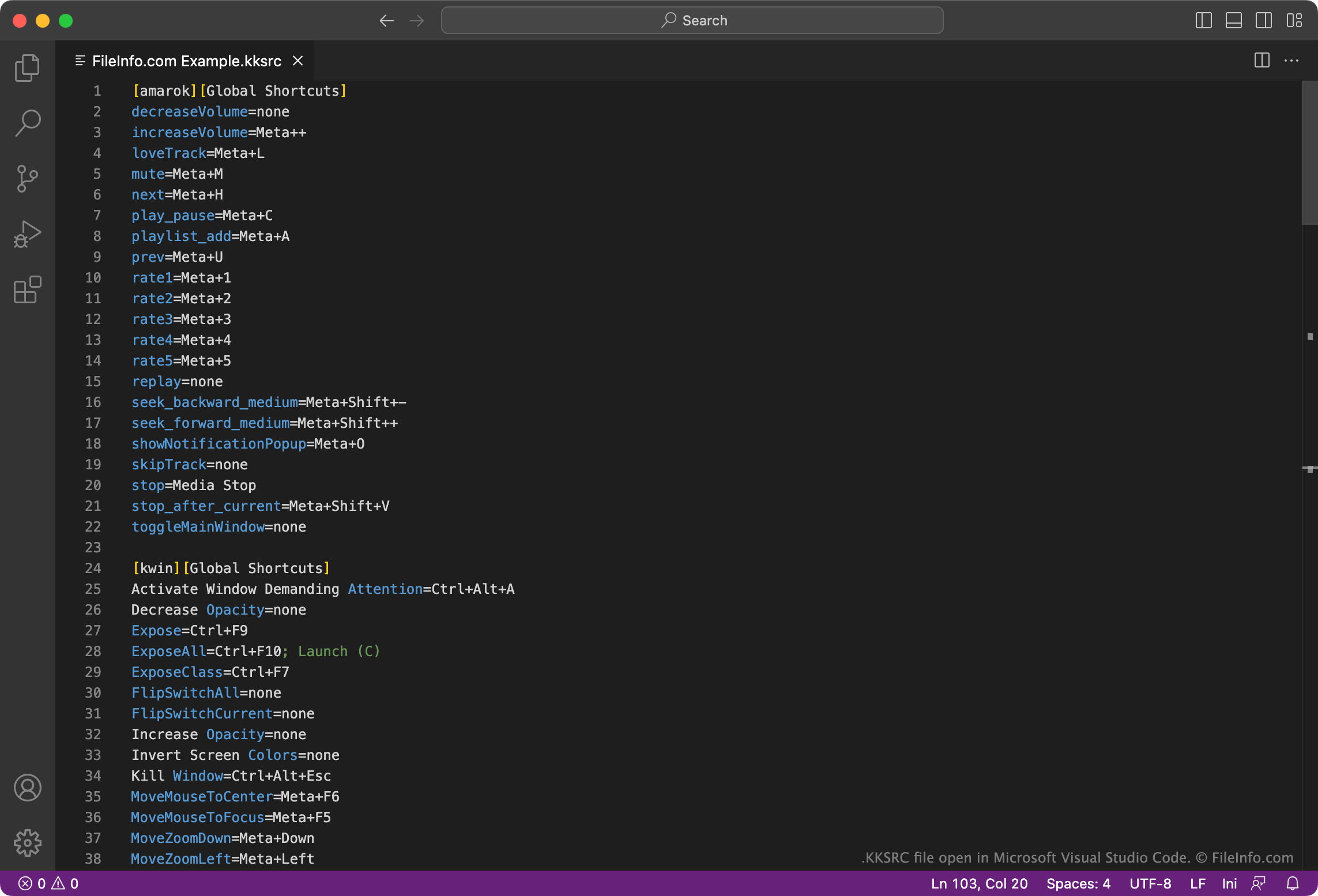
Microsoft Visual Studio Code에서 열린 .kksrc 파일의 스크린샷
Microsoft Visual Studio Code에서 열린 KKSRC 파일

KDE Plasma is a graphical workspace environment available for various platforms. Most often, KDE Plasma is used as a desktop GUI for Linux systems.

Plasma stores Global and Custom Keyboard Shortcut settings in KKSRC files. These files specify key combinations you can press to perform various functions. For example, a KKSRC file might contain the setting Walk Through Windows=Alt+Tab. This means that, if that KKSRC file is a user's currently applied shortcut file, they can press Alt + Tab to switch between application windows.

By default, Plasma stores Global Shortcuts in the following directory:

~/​.config/​kglobalshortcutsrc

And it stores Custom Shortcuts in the following directory:

~/​.config/​khotkeysrc

KKSRC 파일을 여는 방법

You can open and edit a KKSRC file with Kate Editor (multiplatform), Microsoft Visual Studio Code (multiplatform), or any other text editor. Doing so allows you to customize the keyboard shortcuts the file contains.

To use a KKSRC file with KDE Plasma, either import the file in the Global Shortcuts section of System Settings or use the following command to change your current keyboard shortcut scheme:

kcmshell keys

File Viewer Plus(으)로 400개 이상의 파일 형식을 여세요.무료 다운로드

KKSRC 파일을 열거나 참조하는 프로그램

카테고리: 설정
업데이트: 2023-04-21

검증자 FileInfo.com

FileInfo.com 팀 이 페이지에 나열된 KDE Plasma Keyboard Shortcut Settings 파일 형식과 Mac, Windows, and Linux 앱을 독자적으로 조사했습니다. 저희의 목표는 100% 정확성이며, 검증한 파일 유형에 대한 정보만 게시합니다.

이 페이지에 추가하거나 업데이트할 내용을 제안하고 싶으시면 알려 주세요.