

.KKSRC ファイル拡張子
KDE Plasmaキーボードショートカット設定
| 開発元 | KDE |
| 人気度 |
4.0 | 3 票 |
KKSRCファイルとは?
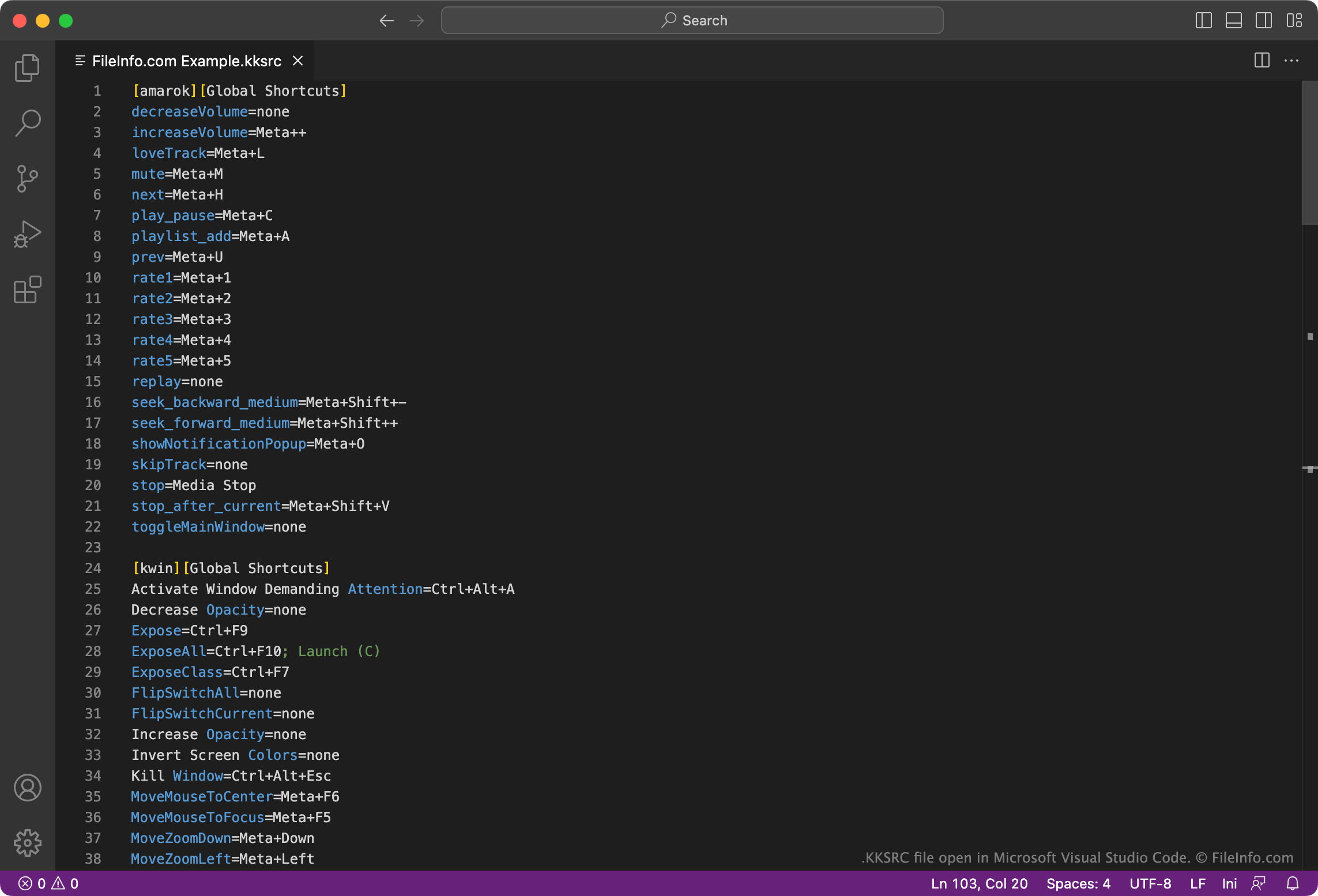
KKSRCファイルは、Linuxでよく使用されるグラフィカルなワークスペース環境であるKDE Plasmaが使用する設定ファイルです。プレーンテキスト形式のキーボードショートカット一覧が含まれており、キーボードのキーと特定の機能を関連付けます。ユーザーは、KDE Plasmaのシステム設定からKKSRCファイルをエクスポートおよびインポートできます。
詳細情報
KDE Plasmaは、さまざまなプラットフォームで利用できるグラフィカルなワークスペース環境です。KDE Plasmaは、Linuxシステム向けのデスクトップGUIとして使用されることが最も一般的です。
Plasmaは、グローバルキーボードショートカットとカスタムキーボードショートカットの設定をKKSRCファイルに保存します。これらのファイルでは、さまざまな機能を実行するために押すキーの組み合わせを指定します。たとえば、KKSRCファイルにWalk Through Windows=Alt+Tabという設定が含まれている場合があります。これは、そのKKSRCファイルが現在適用されているショートカットファイルであれば、 + を押してアプリケーションウィンドウを切り替えられることを意味します。
デフォルトでは、Plasmaはグローバルショートカットを次のディレクトリに保存します。
~/.config/kglobalshortcutsrc
また、カスタムショートカットを次のディレクトリに保存します。
~/.config/khotkeysrc
KKSRCファイルの開き方
KKSRCファイルは、Kate Editor(マルチプラットフォーム)、Microsoft Visual Studio Code(マルチプラットフォーム)、またはその他のテキストエディターで開いて編集できます。これにより、ファイルに含まれるキーボードショートカットをカスタマイズできます。
KDE PlasmaでKKSRCファイルを使用するには、システム設定のグローバルショートカットセクションでファイルをインポートするか、次のコマンドを使用して現在のキーボードショートカットスキームを変更します。
kcmshell keys