.DTS 파일 확장자
DTS Encoded Audio File
| 개발사 | 해당 없음 |
| 인기도 |
3.1 | 22 투표 |
DTS 파일이란 무엇인가요?
Multi-channel audio file encoded in the Digital Theater Systems (DTS) format; saves five tracks of audio data used for surround sound; channels include center, left-front, right-front, left-rear, and right-rear.
추가 정보
참고: In order to play all channels of a DTS file, the output and speaker setup must support 5 channel audio. For example, this may be accomplished by using an optical out connection with a surround speaker system.
DTS 파일을 여는 프로그램
Device Tree Source File
| 개발사 | DeviceTree |
| 인기도 |
4.0 | 4 투표 |
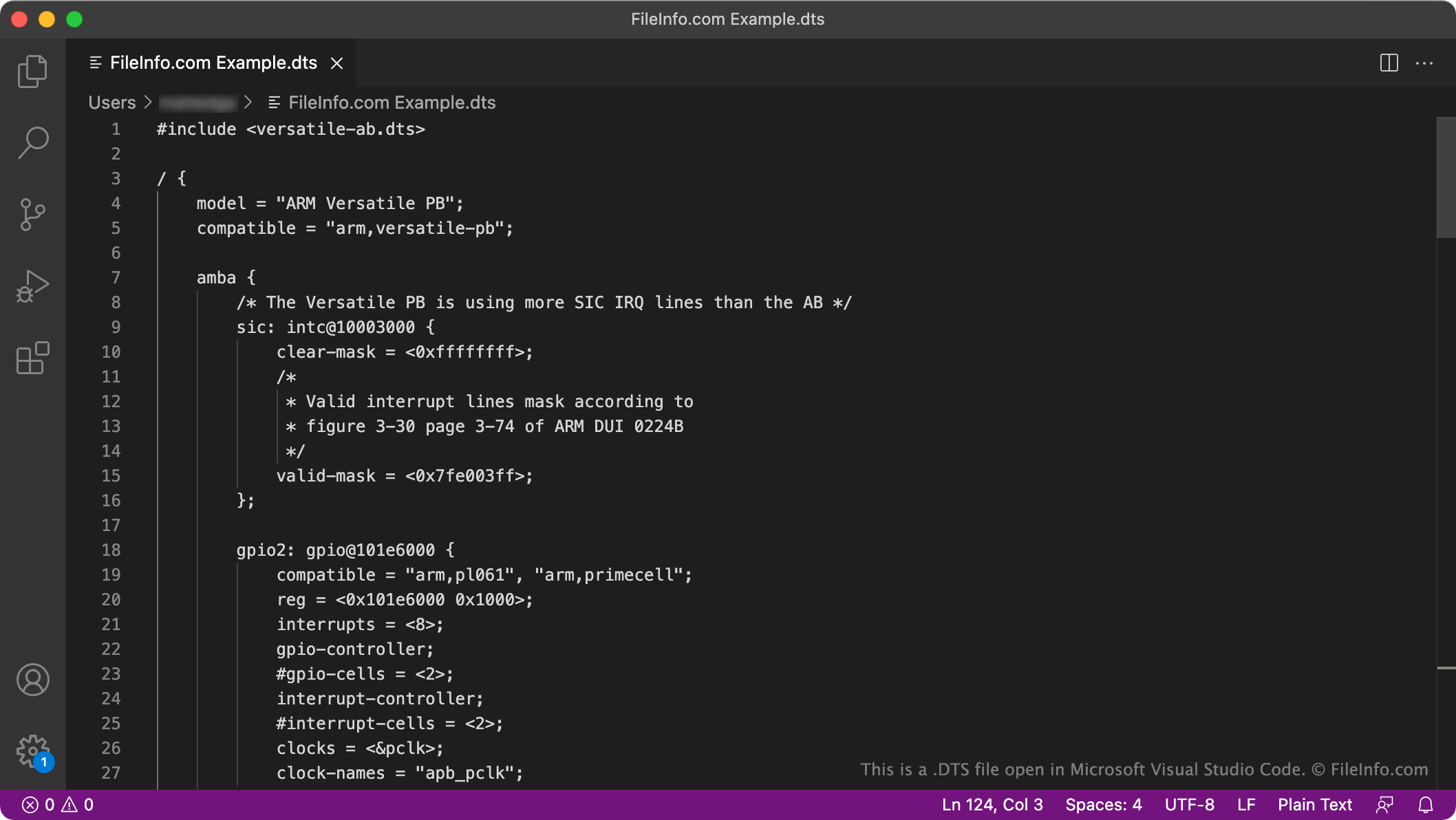
A DTS file is a device tree (or devicetree) source file. It contains plain text data that describes a computer's hardware. DTS files are meant to be compiled into .DTB files, which are used by the Linux kernel.
추가 정보
Device trees are files that an operating system's kernel, or core program, uses to manage and communicate with the computer's hardware. Because different computers contain different hardware, they use different device trees.
A DTS file is the source file used to create a computer's device tree. It contains a list of nodes, properties, and child nodes that describes what hardware a computer contains. For example, a DTS file describes the computer's CPU, memory, buses, and peripherals (such as the computer's keyboard).
DTS files are compiled into DTB (Device Tree Blob) files, which are binary files that a computer uses during the booting process. DTS files are compiled using a DTC, or device tree compiler.
DTS 파일을 여는 방법
Because DTS files are plain text files, you can open and edit them in any text editor, including GitHub Atom (cross-platform), GNU Emacs (cross-platform), and Vim (Linux).
How do I compile a DTS file into a DTB file?
To compile a DTS file into a DTB file, you must invoke Linux's device tree compiler. The device tree compiler is stored in linux-xlnx/scripts/dtc and must itself be compiled to be used. After compiling the DTC, you can invoke it using the dtc command. For example, to compile a DTS file into a DTB file, you can enter the command dtc -I dts -O dtb -o filename.dtb filename.dts.