.DN 파일 확장자

Adobe Dimension Document

개발사 Adobe Systems
인기도
3.8  |  5 투표
 

DN 파일이란 무엇인가요?

A DN file contains a 3D scene created by Adobe Dimension, a professional program used to create real-life mockups and abstract artwork. It stores information about objects and graphics placed on a canvas, along with settings applied to the scene, such as lighting intensity and camera perspective. DN files are commonly created and shared among graphics professionals designing life-like visualizations of products.

추가 정보

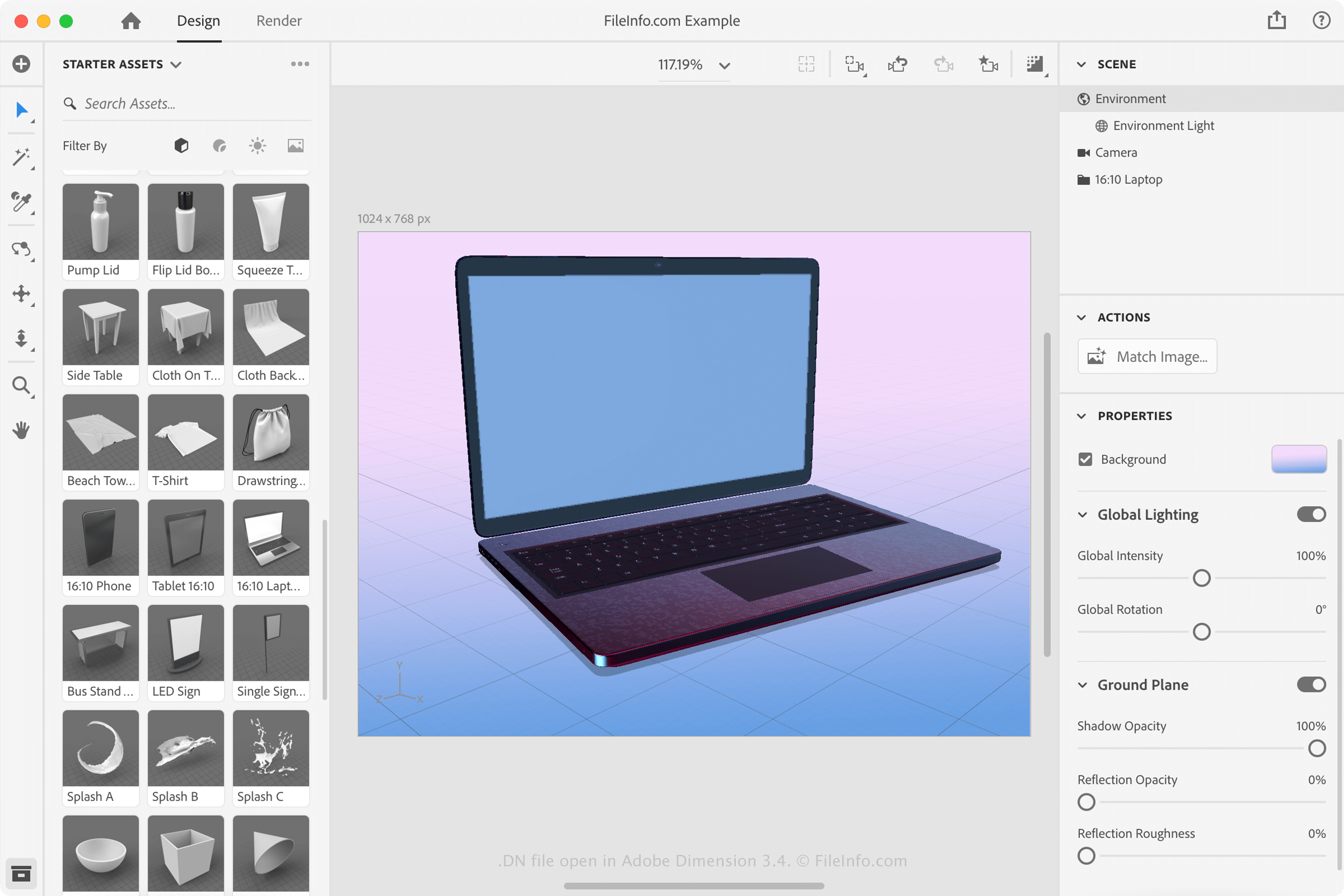
Adobe Dimension 3.4에서 열린 .dn 파일의 스크린샷
Adobe Dimension 3.4에서 열린 DN 파일

Graphic designers primarily utilize Dimension to design photorealistic mockups and product visualizations. When saving a 3D scene with Dimension, the application creates a DN file to store the contents. The DN files are working files, which means that they can be modified in Dimension, saved, closed, then reopened in Dimension for further editing.

참고: To create a DN file in Adobe Dimension, select File → New or New with Settings..., modify the 3D scene, then select File → Save... or Save As....

DN 파일을 여는 방법

You can only open DN files with Adobe Dimension. To open the DN file with Dimension, select File → Open... or double-click the icon of the DN file if Dimension is already associated with the DN file.

To convert a DN file to another format in Adobe Dimension, select File → Export or select the Render view. Some formats you can export the DN file format to include .GLTF, .GLB, .OBJ, .PNG, and .PSD.

File Viewer Plus(으)로 400개 이상의 파일 형식을 여세요.무료 다운로드

DN 파일을 여는 프로그램

Windows
무료 체험판
Mac
무료 체험판

검증자 FileInfo.com

FileInfo.com 팀 이 페이지에 나열된 Adobe Dimension Document 파일 형식과 Mac and Windows 앱을 독자적으로 조사했습니다. 저희의 목표는 100% 정확성이며, 검증한 파일 유형에 대한 정보만 게시합니다.

이 페이지에 추가하거나 업데이트할 내용을 제안하고 싶으시면 알려 주세요.