.DMS 파일 확장자
Amiga Disk Masher Image
| 개발사 | Commodore International |
| 인기도 |
2.8 | 59 투표 |
DMS 파일이란 무엇인가요?
A DMS file is a compressed Amiga disk image created using Amiga's Disk Masher System (DMS). It contains data intended for use with an Amiga computer. DMS files were originally used to transfer data among Amiga users via physical floppy disks, but are now most often used to share Amiga games, programs, and other files online, for use with Amiga emulators such as Amiga Forever.
추가 정보
The Amiga was created by Commodore International and was one of the earliest PCs to support advanced graphics, sound, and video. Its superior multimedia capabilities made it quite popular among gamers, music enthusiasts, video producers, and other creatives. However, as other companies released computers and game consoles that matched or surpassed the Amiga's capabilities, the Amiga faded from the PC market.
DMS 파일을 여는 방법
Many modern decompression programs do not support the DMS format, so you might have to download a program such as The Unarchiver (Mac) or WinFellow (Windows) if you want to view the files contained within a DMS archive.
To actually open and use the files contained within a DMS archive, you will have to download an Amiga emulator such as Amiga Forever.
DMS 파일을 여는 프로그램
Domino MIDI Sequence
| 개발사 | Takabo Soft |
| 인기도 |
4.3 | 4 투표 |
추가 정보
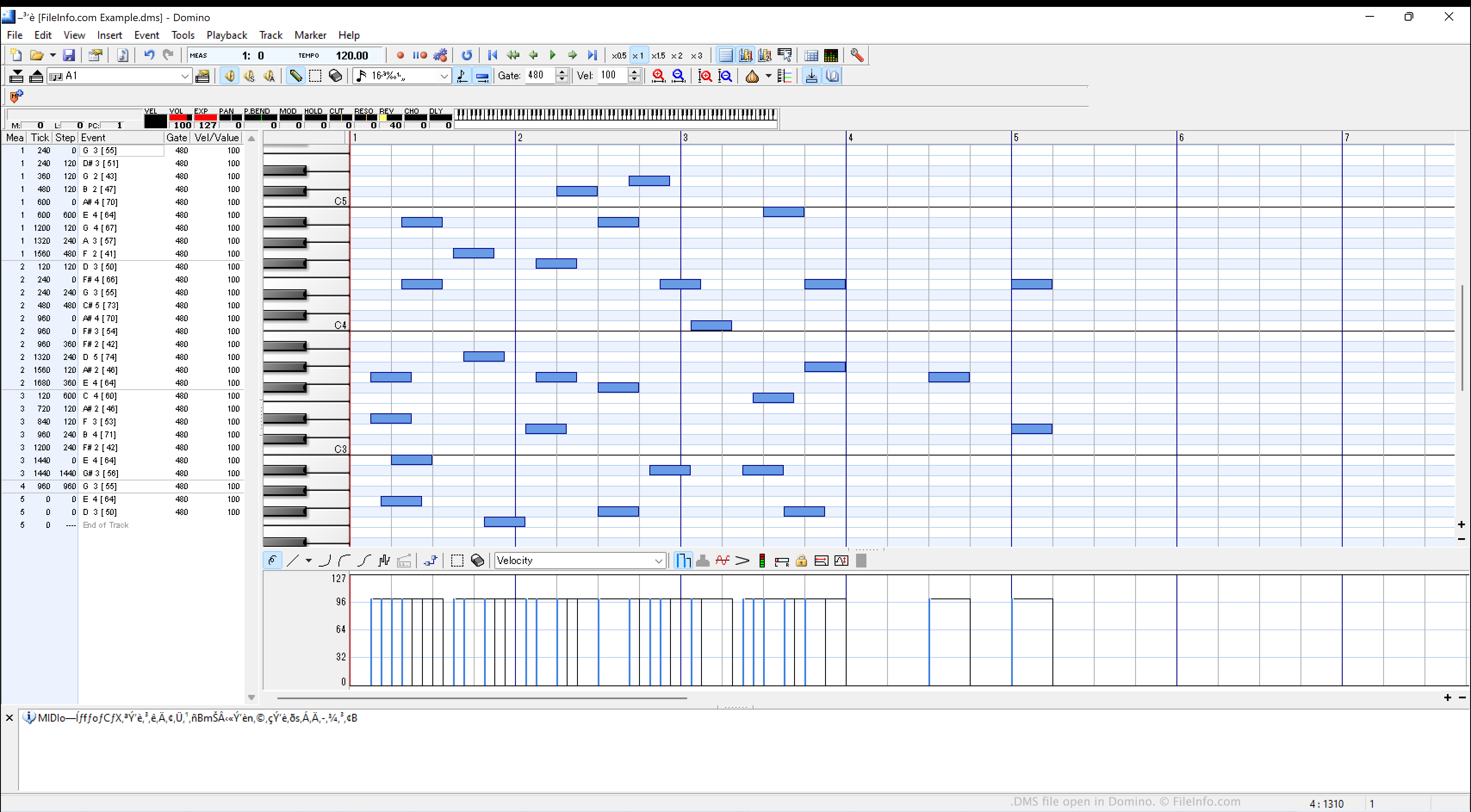
Domino allows amateur composers to create digital music by placing notes upon a piano roll. Each song a composer creates in Domino can consist of up to 16 tracks, allowing composers to create complex, multi-track songs. Composers can also adjust their songs' time and key signature, and they can add lyrics, comments, and cue points.
By default, Domino saves the songs that composers create as DMS files. From within Domino, composers can send the songs their DMS files contain to a MIDI device, or they can export the songs in the Standard MIDI (.SMF) format, for use with other MIDI programs and devices.
참고: Domino is a Japanese program, but a community-translated English version is available on GitHub.
DMS 파일을 여는 방법
You can open a DMS file with Domino (Windows). To do so, select File → Open... from Domino's menu bar. Then, navigate to and open your DMS file.
DMS 파일을 변환하는 방법
You can use Domino to export the sequence a DMS file contains as an .SMF (Standard Midi) file:
- Open your DMS file in Domino.
- Select File → Export as SMF (MIDI) (M)....
DMS 파일을 여는 프로그램
Dream Maker Script
| 개발사 | BYOND |
| 인기도 |
3.1 | 9 투표 |
A DMS file is a script file (i.e. "connect.dms") run by Dream Seeker, a client for playing online games. It was created by Dream Maker, part of the BYOND (Build Your Own Net Dream) suite of programs.
DMS 파일을 열거나 참조하는 프로그램
Renamed Downloaded File
| 개발사 | N/A |
| 인기도 |
3.3 | 6 투표 |
추가 정보
You most likely will encounter this type of DMS file only if you download a file that does not have a file extension in macOS with Safari or Mail. In some cases, Safari or Mail may also replace a valid extension with .dms or may append the .dms extension onto a file extension. For example, sample.pdf may become sample.dms or sample.pdf.dms when downloaded with Safari or Mail.
The bug is specific to Macs and has been reported across multiple versions of Mac operating systems, with some issues dating back to the early 2000s. While Safari and Mail are the typical perpetrators, the .dms renaming may also occur with other web browsers and programs.
DMS 파일을 여는 방법
To open a DMS file, rename the .dms extension with the appropriate extension for the file type. For example, if you know you downloaded an .XLSX file that was renamed with the .dms extension, click on the extension to highlight it and change it back to .xlsx. Then, you can open the file with a program that supports XLSX files.