.LDT ファイル拡張子
Eulumdat Formatted Luminaire Data File
| 開発元 | DIAL |
| 人気度 |
3.3 | 16 票 |
LDTファイルとは?
An LDT file is a luminaire (light fixture) data file created for use with DIALux, a professional lighting planning application. It defines the lighting parameters of a luminaire, including its number of lamps, light intensity, light distribution curve, and size.
詳細情報
Each LDT file contains plain text data that defines a luminaire's features. This data is saved in the Elumudat format, which was created by DIAL for use in DIALux. Lighting designers can import LDT files into DIALux to include them in lighting plans for homes, office buildings, neighborhoods, commercial sites, and other environments.
Typically, lighting professionals and others create LDT files using LDT Editor, a free LDT file creator also provided by DIAL.
LDTファイルの開き方
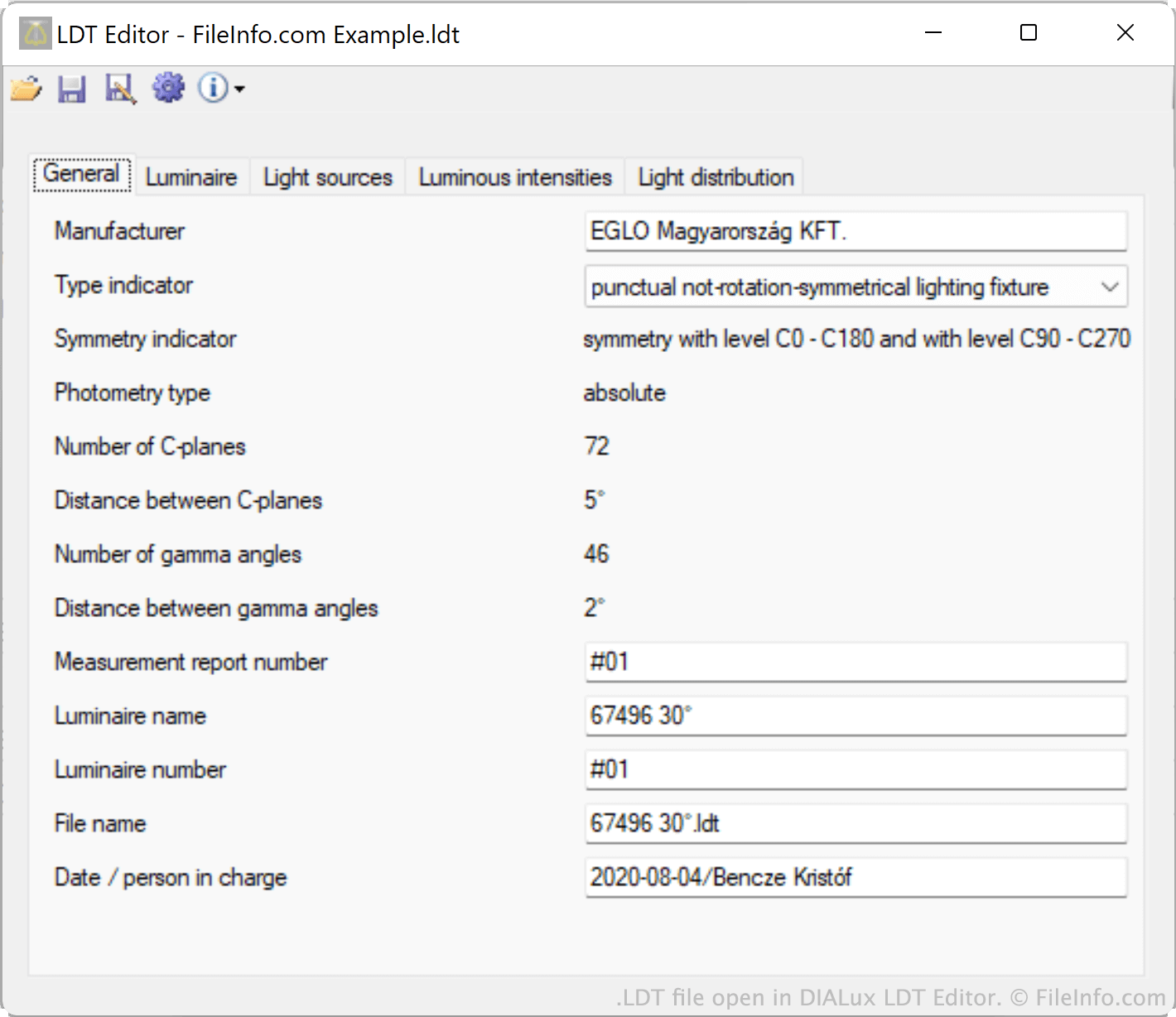
You can open an LDT file in DIAL LDT Editor (Windows) or Meduza Photometric Toolset (Windows) to view the luminaire data it contains in a standardized format. You can also import LDT files into DIAL DIALux Evo (Windows) to simulate a lighting source.
Opening an LDT file in a text editor
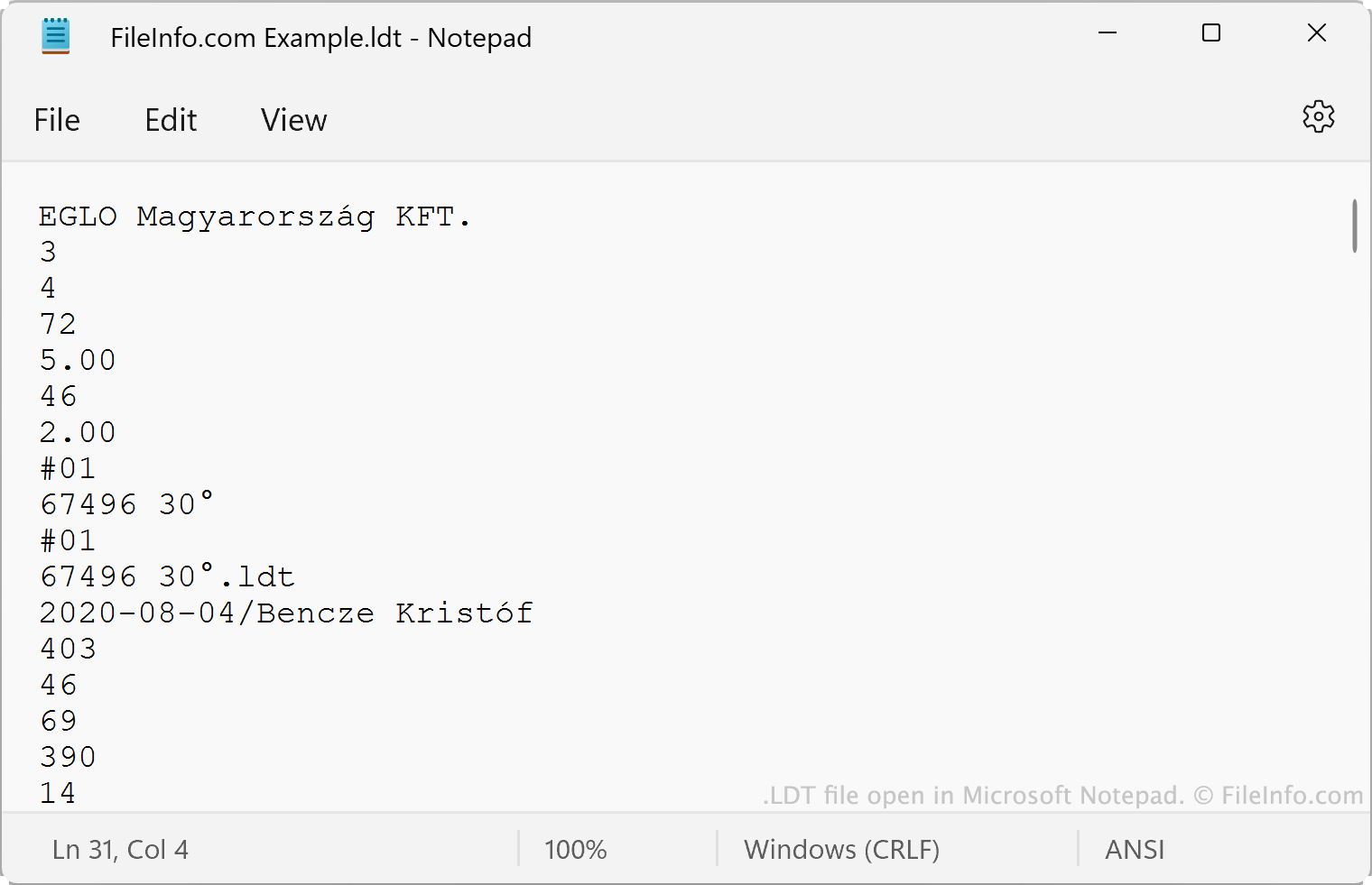
Alternatively, you can open an LDT file in Microsoft Notepad, Apple TextEdit, or any other text editor, to view the plain text data it contains. However, it's far better to open an LDT file in LDT Editor or another program that shows the file's data in an understandable format.
LDTファイルの変換方法
You can use the PhotoView module included in OxyTech LITESTAR 4D Open to convert LDT files to the following formats:
- .IES - IES Photometric Data
- .LTL - Luminaire Data
- CIE - International Commission on Illumination Data
You can use the online Eulumdat Tools ELUMDAT to IES Converter to convert LDT files to the IES format.