

.JPG_LARGE ファイル拡張子
Twitterの大サイズJPEG画像
| 開発元 | 不明 |
| 人気度 |
2.0 | 1 票 |
JPG_LARGEファイルとは?
JPG_LARGEファイルは、Google ChromeユーザーがTwitterから大きなサイズの画像をダウンロードしたときに作成される画像ファイルです。標準のJPEG形式で保存されますが、カスタムファイル拡張子が付いています。JPG_LARGEファイルを開くには、拡張子を「.jpg」に変更してから、通常の.JPGファイルと同じように開きます。
詳細情報
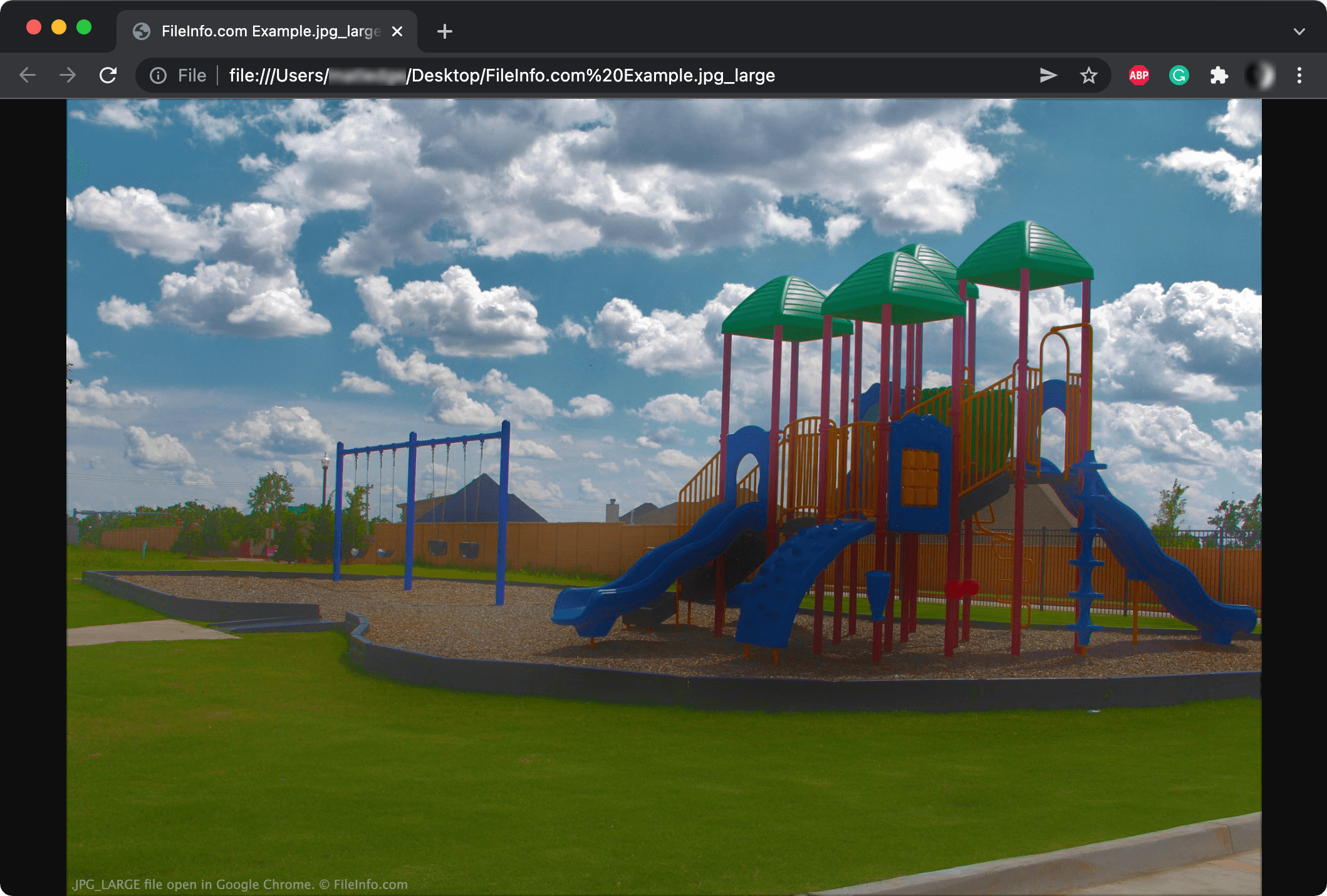
Twitterでホストされている画像を新しいChromeタブで開くと、URLは次のようになります。
https://pbs.twimg.com/media/FIQbAtSX0AQ4Z7v.jpg:large
上記のURLから画像をダウンロードすると、ChromeによってJPG_LARGEファイル拡張子で保存されることがあります。
異なる拡張子を使用していますが、JPG_LARGEファイルは通常のJPEGファイルです。Twitterは画像URLにlarge属性を追加するため、URLの末尾は.jpg:largeになります。画像をダウンロードすると、ファイル名にコロンを使用できないため、Chromeはコロンをアンダースコアに変更します。その結果、.jpg_largeファイルになります。
Twitterは、対応する拡張子を持つ次のような他の画像サイズも作成することがあります。
- オリジナル(.JPG_ORIG)
- サムネイル(.JPG_THUMB)
- 小(.JPG_SMALL)
- 中(.JPG_MEDIUM)
注: Twitterは現在、JPG_LARGEファイルが作成されないように、次のURL構造を使用しています。https://pbs.twimg.com/media/FIQbAtSX0AQ4Z7v?format=jpg&name=large
JPG_LARGEファイルの開き方
Adobe PhotoshopやGoogle Chromeなど、一部の画像ビューアーやWebブラウザーでは、.jpg_large拡張子のファイルを開くことができます。画像ビューアーがJPG_LARGEファイルを認識しない場合は、まずファイル拡張子を.jpg_largeから.jpgに変更してから、ファイルを開きます。