

.JPG_LARGE 파일 확장자
Twitter 대형 JPEG 이미지
| 개발사 | 해당 없음 |
| 인기도 |
2.0 | 1 표 |
JPG_LARGE 파일이란 무엇인가요?
JPG_LARGE 파일은 Google Chrome 사용자가 Twitter에서 큰 이미지를 다운로드할 때 생성되는 이미지 파일입니다. 표준 JPEG 형식으로 저장되지만, 사용자 지정 파일 확장자를 사용합니다. JPG_LARGE 파일을 열려면 확장자를 ".jpg"로 변경한 다음 일반 .JPG 파일을 여는 것처럼 열면 됩니다.
추가 정보
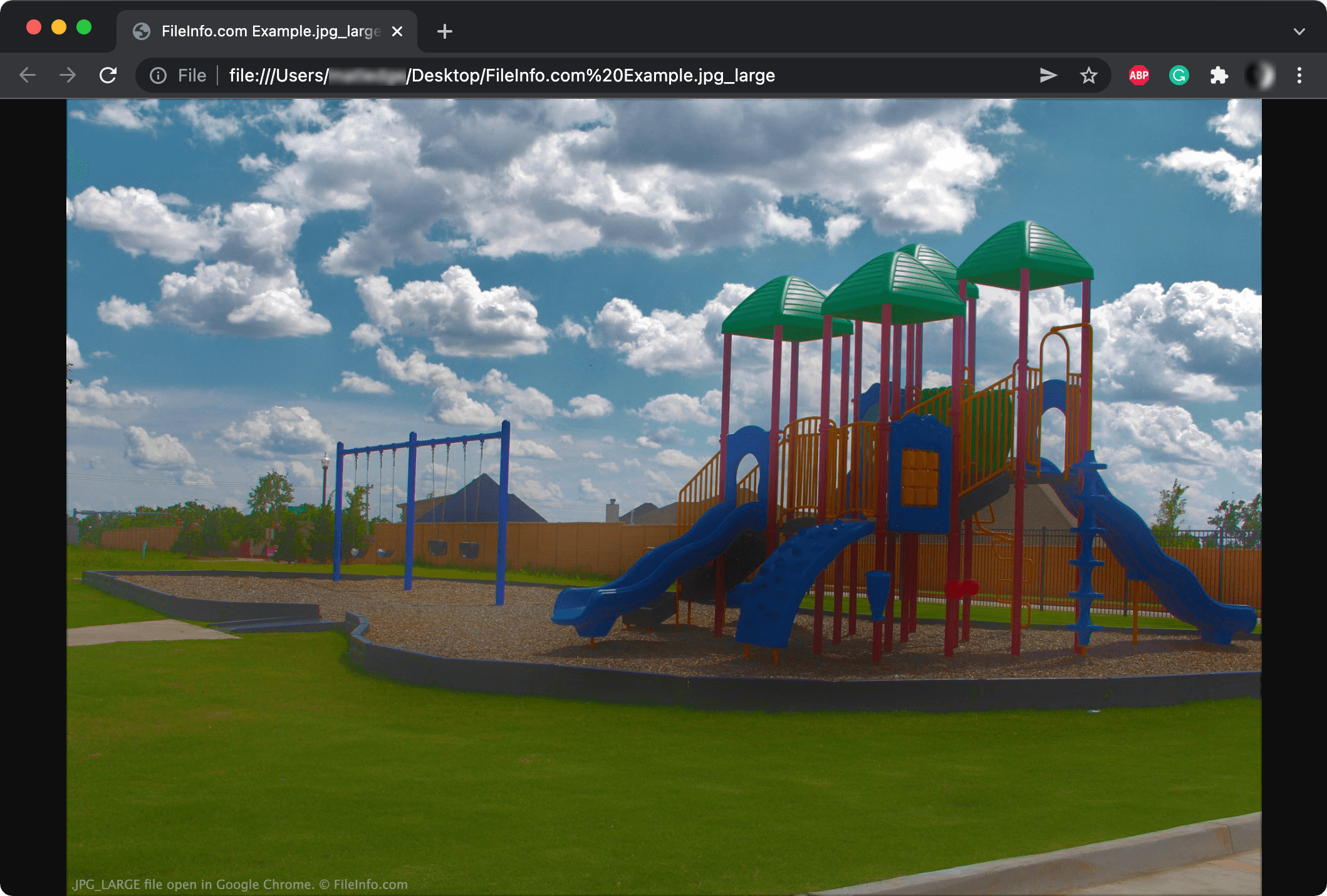
Twitter에서 호스팅하는 이미지를 새 Chrome 탭에서 열면 URL이 다음과 같이 표시될 수 있습니다.
https://pbs.twimg.com/media/FIQbAtSX0AQ4Z7v.jpg:large
위 URL에서 이미지를 다운로드하면 Chrome이 JPG_LARGE 파일 확장자로 저장할 수 있습니다.
다른 확장자를 사용하지만 JPG_LARGE 파일은 일반 JPEG 파일입니다. Twitter는 이미지 URL에 large 속성을 추가하여 URL이 .jpg:large로 끝나게 합니다. 이미지를 다운로드할 때 파일 이름에 콜론을 사용할 수 없으므로 Chrome은 콜론을 밑줄로 변경합니다. 그 결과 .jpg_large 파일이 생성됩니다.
Twitter는 다음과 같은 해당 확장자를 사용하여 다른 이미지 크기도 만들 수 있습니다.
- 원본 (.JPG_ORIG)
- 미리 보기 이미지 (.JPG_THUMB)
- 작게 (.JPG_SMALL)
- 중간 (.JPG_MEDIUM)
참고: Twitter는 이제 JPG_LARGE 파일이 생성되지 않도록 다음 URL 구조를 사용합니다. https://pbs.twimg.com/media/FIQbAtSX0AQ4Z7v?format=jpg&name=large
JPG_LARGE 파일을 여는 방법
Adobe Photoshop 및 Google Chrome과 같은 일부 이미지 뷰어와 웹 브라우저는 .jpg_large 확장자를 가진 파일을 열 수 있습니다. 이미지 뷰어가 JPG_LARGE 파일을 인식하지 못하면 먼저 파일 확장자를 .jpg_large에서 .jpg로 변경한 다음 파일을 여세요.