.JPG_LARGE 文件扩展名

Twitter Large JPEG Image

开发者 不适用
受欢迎程度
2.0  |  1 
 

什么是 JPG_LARGE 文件?

A JPG_LARGE file is an image created when a Google Chrome user downloads a large-sized image from Twitter. It is saved in the standard JPEG format, but with a custom file extension. To open a JPG_LARGE file, change the extension to ".jpg," then open it as you would any .JPG file.

更多信息

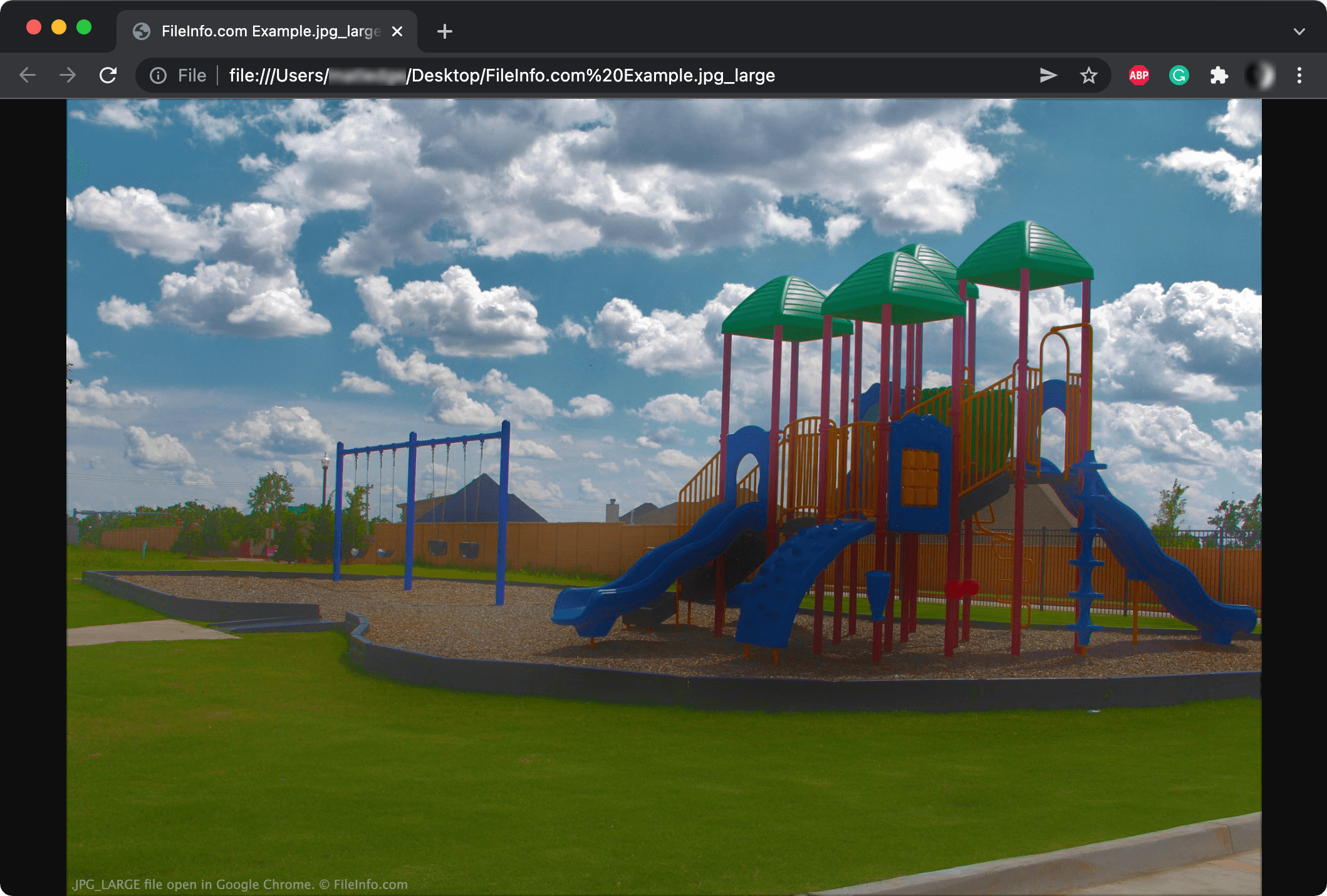
在 Google Chrome 中打开的 .jpg_large 文件截图
在 Google Chrome 中打开的 JPG_LARGE 文件

When you open a Twitter-hosted image in a new Chrome tab, the URL may look something like this:

https:/​/​pbs.twimg.com/​media/​FIQbAtSX0AQ4Z7v.jpg:large

If you download the image from the URL above, Chrome may save it with a JPG_LARGE file extension.

Despite using a different extension, JPG_LARGE files are normal JPEG files. Twitter appends the large attribute to the image URL, causing it to end with .jpg:large. When downloading the image, Chrome changes the colon to an underscore since filenames cannot contain colons. The result is a .jpg_large file.

Twitter may also create other image sizes with the corresponding extensions:

  1. Original (.JPG_ORIG)
  2. Thumbnail (.JPG_THUMB)
  3. Small (.JPG_SMALL)
  4. Medium (.JPG_MEDIUM)

注: Twitter now uses the following URL structure to prevent the creation of JPG_LARGE files: https:/​/​pbs.twimg.com/​media/​FIQbAtSX0AQ4Z7v?format=jpg&name=large

如何打开 JPG_LARGE 文件

Some image viewers and web browsers, such as Adobe Photoshop and Google Chrome, can open files with a .jpg_large extension. If an image viewer does not recognize a JPG_LARGE file, first change the file extension from .jpg_large to .jpg, then open the file.

使用File Viewer Plus打开 400 多种文件格式。免费下载

可打开 JPG_LARGE 文件的程序

All Platforms
Rename .jpg_large to .jpg; open with any image viewer or web browser

验证者 FileInfo.com

FileInfo.com 团队 独立研究了本页面列出的 Twitter Large JPEG Image 文件格式和 应用。 我们的目标是达到 100% 的准确率,并且仅发布我们已验证过的文件类型信息。

如果您想为此页面提出新增或更新建议,请告诉我们