

.FZF Estensione file
Dump completo delle voci Casio FZ-1
| Sviluppatore | Jeff McClintock |
| Popolarità |
3,0 | 1 Voto |
Che cos'è un file FZF?
Un file FZF è una raccolta di voci (suoni) scaricate da una tastiera elettronica Casio della serie FZ. Puoi creare file FZF usando l'utility FZDUMP. Dopo aver scaricato i suoni in un file FZF, puoi aprire il file sul tuo PC con varie utility audio per FZ.
Maggiori informazioni
Rilasciate tra la fine degli anni '80 e l'inizio degli anni '90, le tastiere elettroniche Casio della serie FZ permettono di suonare musica usando suoni sintetizzati. La serie FZ comprendeva le tastiere FZ-1, FZ-10M e FZ-20M. Hohner HS-1 è una versione rimarchiata della FZ-1.
Gli utenti della serie FZ che vogliono modificare i suoni contenuti nella propria tastiera possono farlo usando FZDUMP. FZDUMP permette di estrarre suoni dalle tastiere della serie FZ o di inviarli a queste tastiere. Quando un utente sceglie di estrarre tutti i suoni dalla propria tastiera, FZDUMP salva la raccolta risultante come file FZF. Al contrario, i file .FZB contengono un singolo banco di suoni, mentre i file .FZV contengono un singolo suono. Un file FZF può contenere al massimo 64 suoni, poiché questo è il numero massimo di suoni che una tastiera della serie FZ può memorizzare.
Come aprire un file FZF
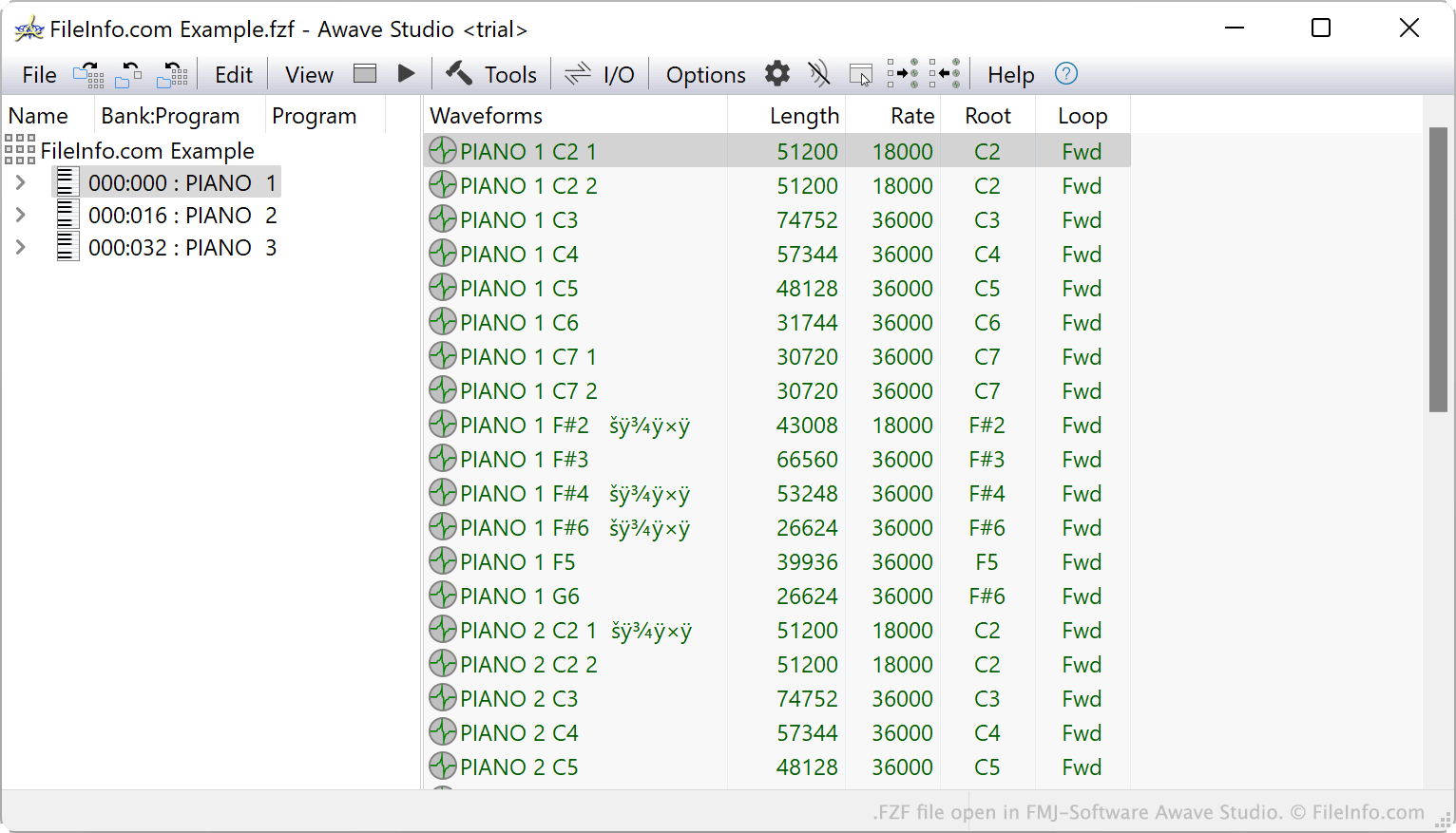
Se vuoi riprodurre i suoni contenuti in un file FZF, puoi aprirlo in FMJ-Software Awave Studio (Windows). Se vuoi modificare i suoni contenuti in un file FZF o aggiungere altri suoni al file, puoi aprirlo in Casio FZ Librarian (Windows).
Per trasferire un file FZF a una tastiera Casio della serie FZ, devi collegare la tastiera al PC e usare l'utility FZDUMP (Windows) per trasferire il file.
Come convertire un file FZF
Casio FZ Librarian e FMJ-Software Awave Studio possono convertire i suoni contenuti nei file FZF in altri formati. Casio FZ Librarian può convertire i suoni nel formato .WAV. FMJ-Software Awave Studio può convertire i suoni in molti formati, tra cui: