

.TM Extension de fichier
Projet Teachable Machine
| Développeur | |
| Popularité |
4,3 | 3 Votes |
Qu'est-ce qu'un fichier TM ?
Un fichier TM est un fichier de projet créé par Google Teachable Machine, une application en ligne utilisée pour créer des modèles d'apprentissage automatique. Il contient une copie des échantillons d'entraînement du projet ainsi qu'un fichier manifeste JSON. Les fichiers TM sont des fichiers .ZIP renommés, que vous pouvez ouvrir et dont vous pouvez extraire les fichiers comme avec n'importe quel fichier ZIP.
Plus d'informations
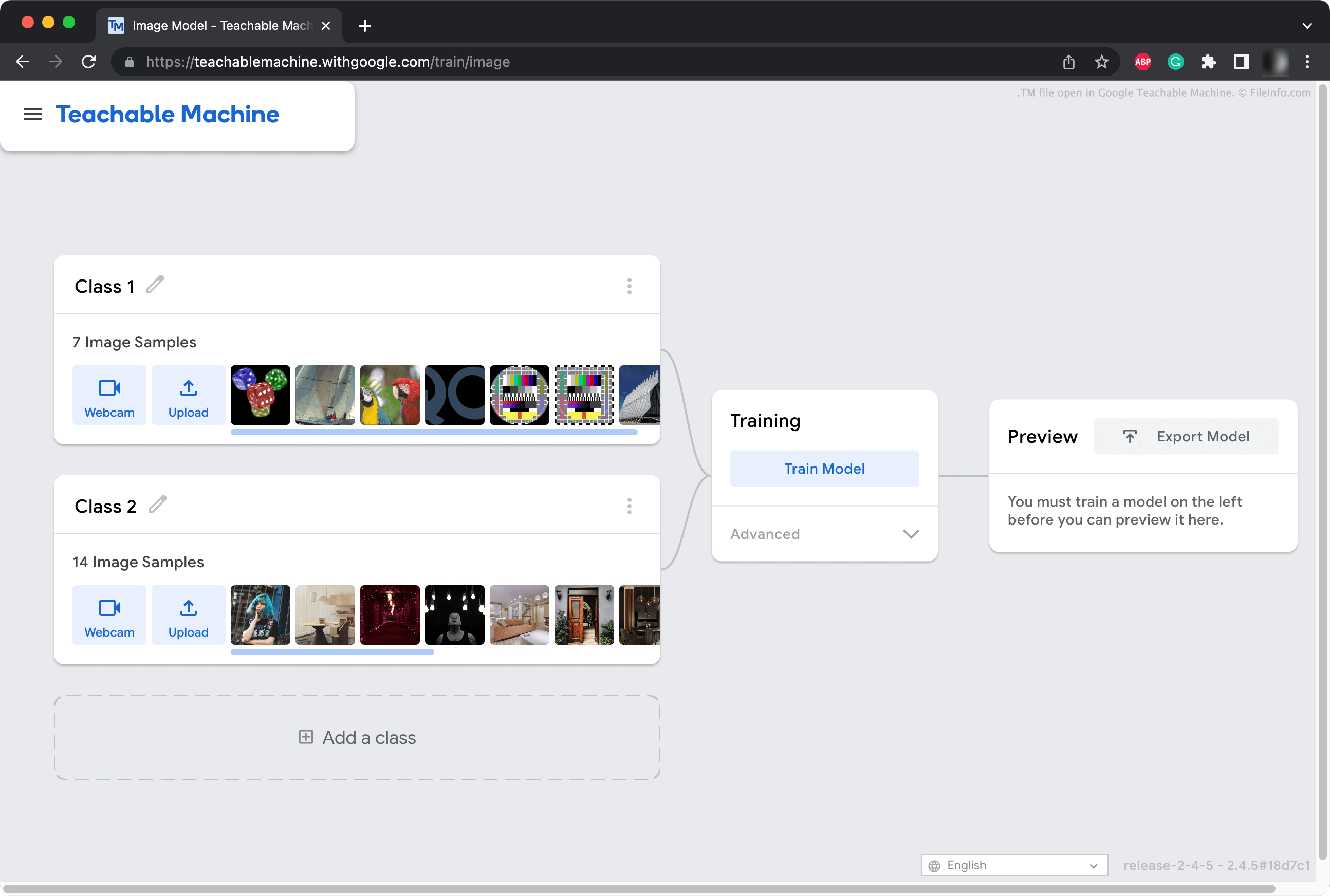
Les développeurs utilisent Teachable Machine pour créer des modèles d'apprentissage automatique (MLM) capables de reconnaître et de classer différentes images, séquences audio et poses. Par exemple, un développeur peut utiliser Teachable Machine pour créer un modèle capable de reconnaître et de classer des images de différents types de fruits.
Les utilisateurs de Teachable Machine peuvent enregistrer leurs projets MLM sur leur Google Drive ou sous forme de fichier local. Ces fichiers de projet, qui utilisent l'extension .tm, contiennent une copie de chacun des éléments image ou audio qu'un développeur a ajoutés à son projet. Ils contiennent également un fichier manifest.json, qui définit le type de leur projet (image, audio, pose), la version de Teachable Machine qui a créé le projet et d'autres métadonnées.
Comment ouvrir un fichier TM
Vous pouvez ouvrir un fichier TM avec Google Teachable Machine (Web). Pour ce faire, ouvrez Teachable Machine dans votre navigateur web, sélectionnez le menu hamburger de l'application et cliquez sur . Accédez ensuite à votre fichier TM et ouvrez-le.
Vous pouvez également ouvrir un fichier TM comme n'importe quel fichier ZIP afin de récupérer les éléments du projet et le fichier manifeste qu'il contient. Pour ce faire, vous devrez peut-être d'abord renommer l'extension du fichier en .zip.