

.RAR Extension de fichier
Archive compressée WinRAR
| Développeur | Eugene Roshal |
| Popularité |
4,2 | 4538 Votes |
Qu'est-ce qu'un fichier RAR ?
Un fichier RAR est une archive qui contient un ou plusieurs fichiers compressés avec la compression RAR. Il est compressé avec un taux de compression supérieur à celui de la compression ZIP classique et intègre un algorithme de compression propriétaire utilisé par d'autres compresseurs, notamment 7-Zip pour ses fichiers .7Z. Comme les archives RAR stockent les fichiers dans une taille réduite, les utilisateurs compressent souvent les fichiers pour les transférer ou les stocker.
Plus d'informations
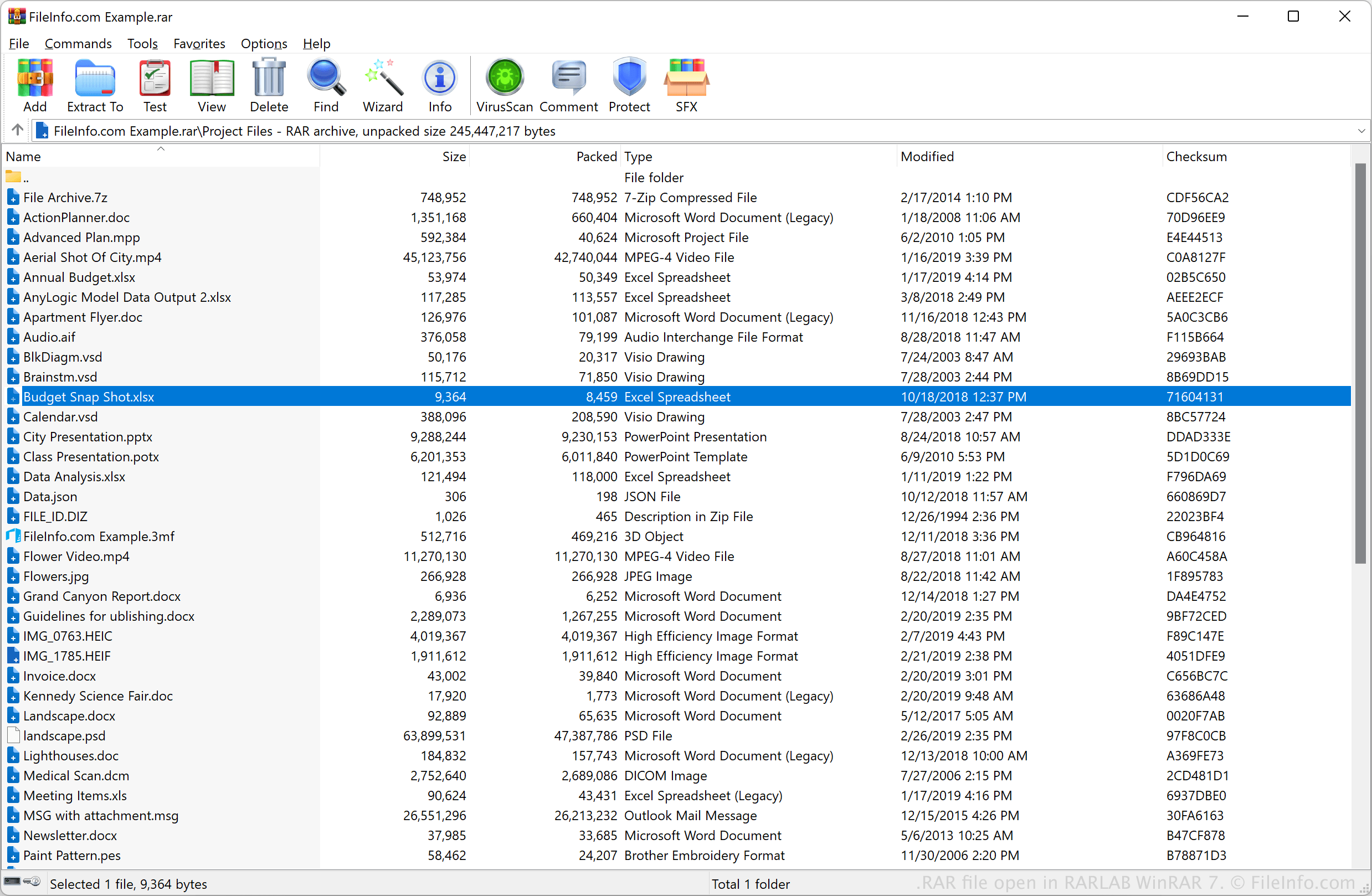
Eugene Roshal a développé le format RAR (qui signifie « Roshal ARchive ») et l'a présenté en 1993 avec la sortie du programme de compression WinRAR. Depuis son lancement, le format est devenu un format de compression standard avec .ZIP et 7Z. Bien que WinRAR crée généralement des fichiers RAR, divers utilitaires peuvent les compresser (et les extraire).
En général, les fichiers RAR stockent une collection de fichiers ou de gros fichiers, comme un fichier RAW d'appareil photo ou un fichier vidéo. Par exemple, un collègue peut compresser plusieurs vidéos volumineuses dans un fichier RAR, le joindre à un e-mail et vous l'envoyer. Autre exemple : vous pouvez télécharger des fichiers CAO 3D compressés dans une archive RAR depuis un site web consacré à la CAO.
REMARQUE : Le compresseur RAR peut également créer des archives fractionnées (ou en plusieurs volumes), réparties sur plusieurs fichiers compressés. Ces fichiers portent généralement des extensions de fichier allant de .r00 à .r99, ou peuvent tous porter l'extension standard .rar.
Comment ouvrir un fichier RAR
Vous pouvez ouvrir les fichiers RAR avec RARLAB WinRAR (Windows) et RARLAB RAR (Android). Par exemple, pour ouvrir un fichier RAR avec RARLAB WinRAR, sélectionnez .
Divers utilitaires de décompression tiers prennent également en charge les fichiers RAR, notamment les applications suivantes :
- Corel WinZip (Windows)
- Corel WinZip Mac (Mac)
- B1 Free Archiver (multiplateforme)
- PeaZip (multiplateforme)
Si votre archive RAR est répartie sur plusieurs volumes (par exemple, si vous possédez un fichier .rar, un fichier .r01, un fichier .r02, etc.), vous pouvez extraire tous les fichiers inclus dans l'archive en plusieurs volumes en ouvrant le fichier RAR principal de l'archive avec un utilitaire de décompression. Notez que, pour que cela fonctionne, tous les fichiers contenus dans l'archive en plusieurs volumes doivent être stockés dans le même dossier. Vous devez également posséder chaque fichier inclus dans l'archive (par exemple, si vous avez un fichier .r03 et un fichier .r05, mais pas de fichier .r04, vous risquez d'avoir des difficultés à extraire vos fichiers).
Certaines archives RAR peuvent être protégées par mot de passe. Pour ouvrir ces archives, vous devez saisir, lorsque vous y êtes invité, le mot de passe utilisé pour créer l'archive.