

.FGROM Extension de fichier
Fichier de shader FragRoom
| Développeur | siljamdev |
| Popularité |
2,0 | 1 Vote |
Qu'est-ce qu'un fichier FGROM ?
Un fichier FGROM est un fichier de shader de fragment utilisé par siljamdev FragRoom, une application permettant d’exécuter des shaders de fragment hors ligne sur un ordinateur de bureau. Il contient deux sections principales composées de texte brut : des options de configuration spéciales de FragRoom et du code en OpenGL Shading Language (GLSL). Les options de configuration contrôlent certains aspects de la fenêtre de FragRoom, comme son titre, le nombre maximal d’images par seconde (FPS) et d’autres paramètres d’exécution, tandis que la section GLSL contient le programme de shader lui-même, traité et rendu par l’application.
Plus d'informations
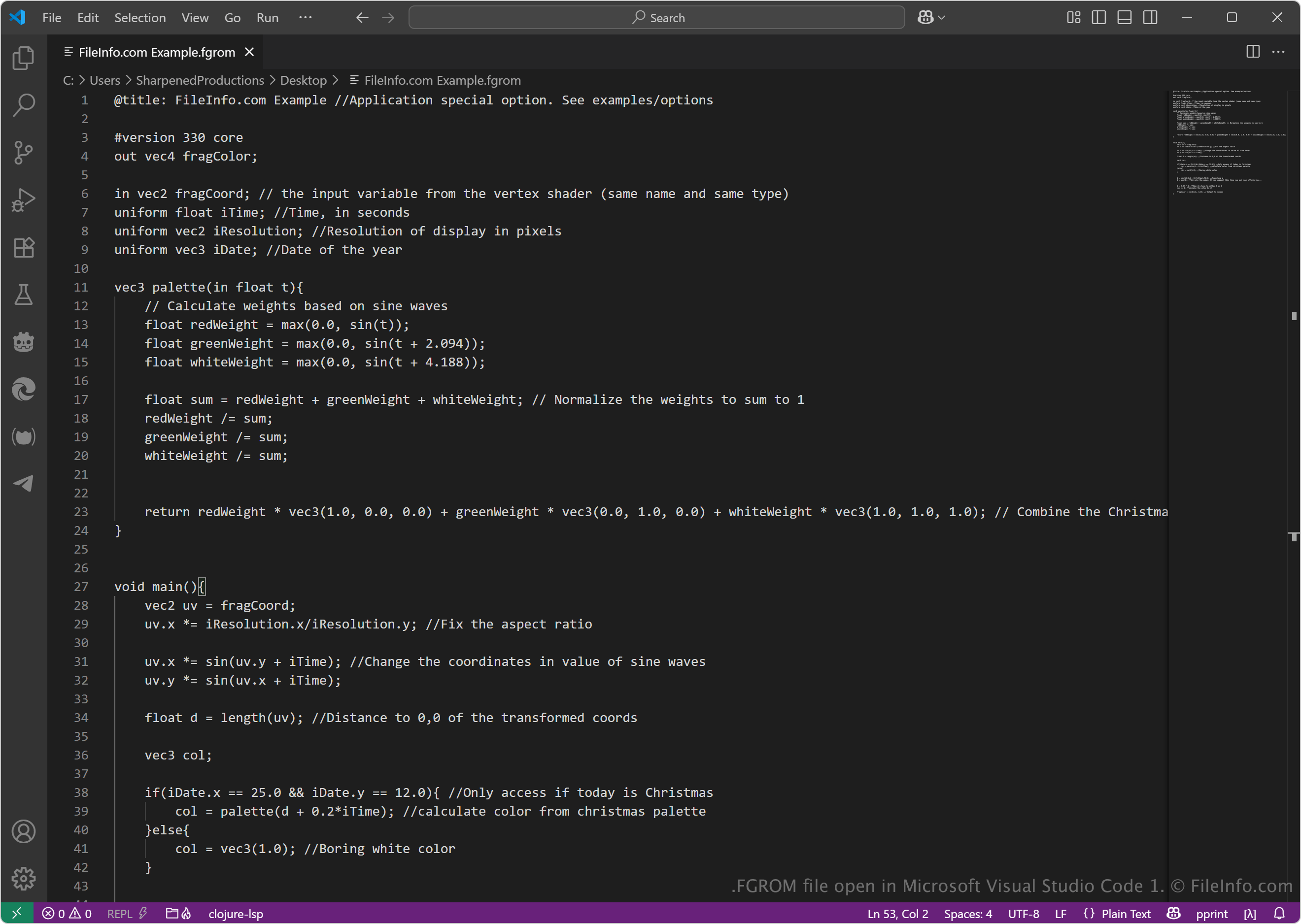
GLSL est un langage de programmation de type C utilisé pour écrire des shaders, c’est-à-dire de petits programmes qui s’exécutent sur le processeur graphique (GPU) d’un ordinateur. Tout utilisateur peut créer ou modifier un fichier FGROM avec un éditeur de texte standard, ce qui rend ce format accessible aussi bien aux développeurs de shaders qu’aux amateurs qui souhaitent expérimenter des effets visuels en dehors d’un navigateur web ou d’une plateforme de shaders en ligne.
Comment ouvrir un fichier FGROM
Vous pouvez ouvrir les fichiers FGROM avec FragRoom sous Windows. Bien que d’autres outils de shaders puissent ouvrir la partie GLSL d’un fichier FGROM, les options de configuration supplémentaires sont propres à FragRoom et peuvent provoquer des erreurs dans les programmes qui ne les reconnaissent pas.
Comme les fichiers FGROM stockent du texte brut, vous pouvez également les ouvrir avec un éditeur de code source ou de texte brut. Vous pouvez notamment utiliser Microsoft Visual Studio Code, Microsoft Notepad et Apple TextEdit.