

.BSX File Extension
Bussin X Source Code File
| Developer | face-hh |
| Popularity |
3.0 | 1 Vote |
What is a BSX file?
A BSX file is a source code file written in Bussin X, a programming language that extends the original Bussin language. It stores human-readable program code, such as variable declarations, functions, control flow statements, and other programming constructs that developers write to create software using the Bussin language syntax. Since BSX files contain source code rather than compiled programs, users typically modify them with a text editor throughout the software development process, and then compile them with Bussin development tools.
More Information
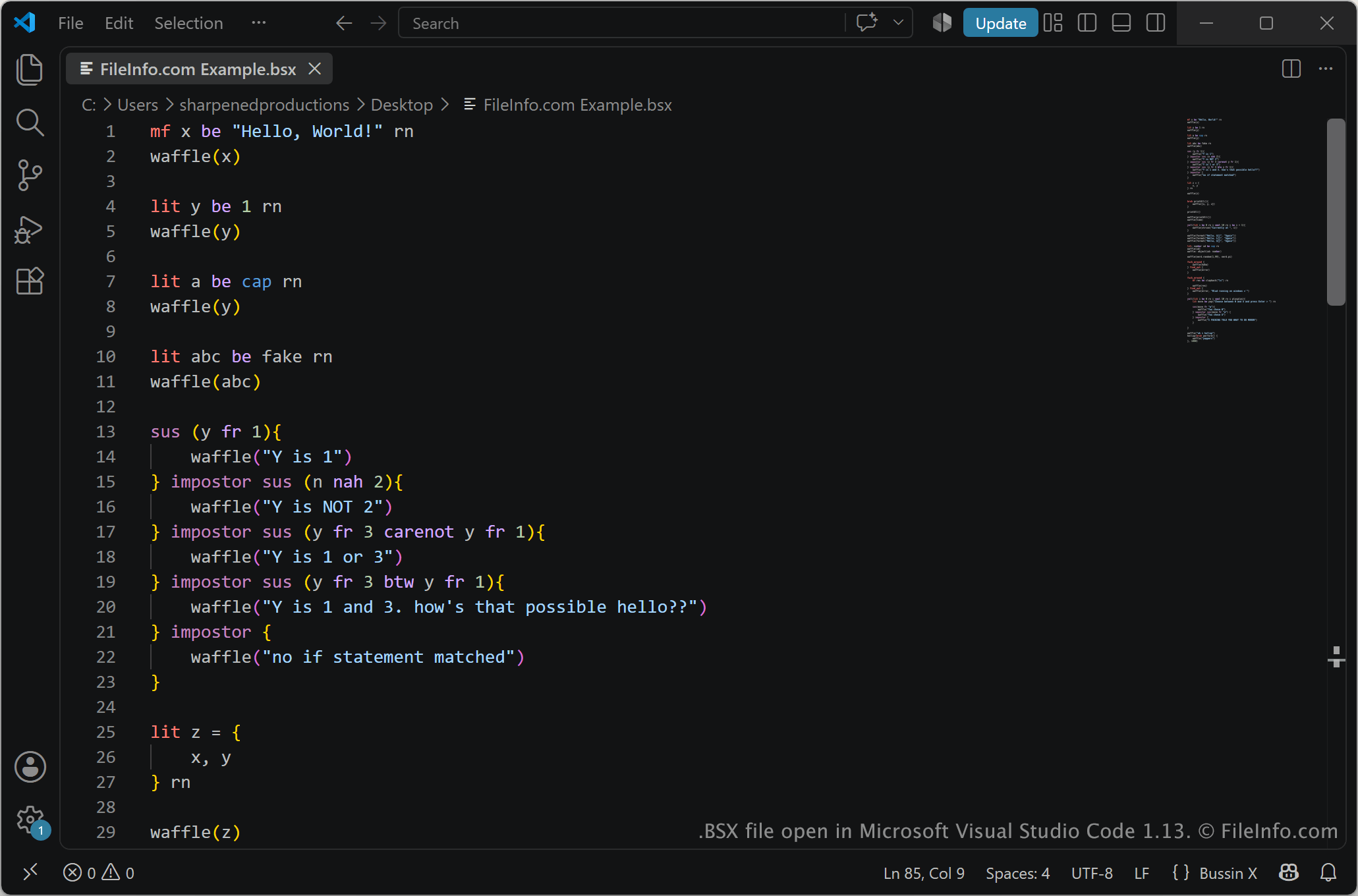
Bussin is an open-source programming language created as an experimental project with a syntax inspired by modern Internet slang and memes. The language is primarily used by hobbyists, students, and programming enthusiasts who are interested in experimenting with language design or learning how programming languages work. BSX files allow developers to write programs using Bussin X language features, then compile or run the code with the appropriate Bussin toolchain.
NOTE: BSX files are commonly stored alongside other source code and project files as part of a Bussin application or programming project.
How to open a BSX file
You can open BSX files with any text editor, such as Microsoft Visual Studio Code, Notepad++, or Sublime Text. For syntax highlighting and language support in Visual Studio Code, you can install the Bussin extension. To build or run a BSX program, you need the appropriate Bussin compiler or interpreter.