

.VVV Dateiendung
Virtual Volumes View-Katalog
| Entwickler | FSoft |
| Beliebtheit |
3,5 | 28 Stimmen |
Was ist eine VVV-Datei?
Eine VVV-Datei enthält einen von FSoft VVV (Virtual Volumes View) erstellten Katalog. Das Programm wird verwendet, um den Inhalt von Wechselmedien wie DVDs und CDs sowie Dateien und Ordner in einem Verzeichnis zu katalogisieren. Sie speichert einen Index der Dateien und Ordner, die von einem Wechseldatenträger oder Verzeichnis eingelesen wurden. VVV-Dateien enthalten außerdem Metadaten zu den Ordnern und Dateien, sodass Benutzer danach suchen können.
Weitere Informationen
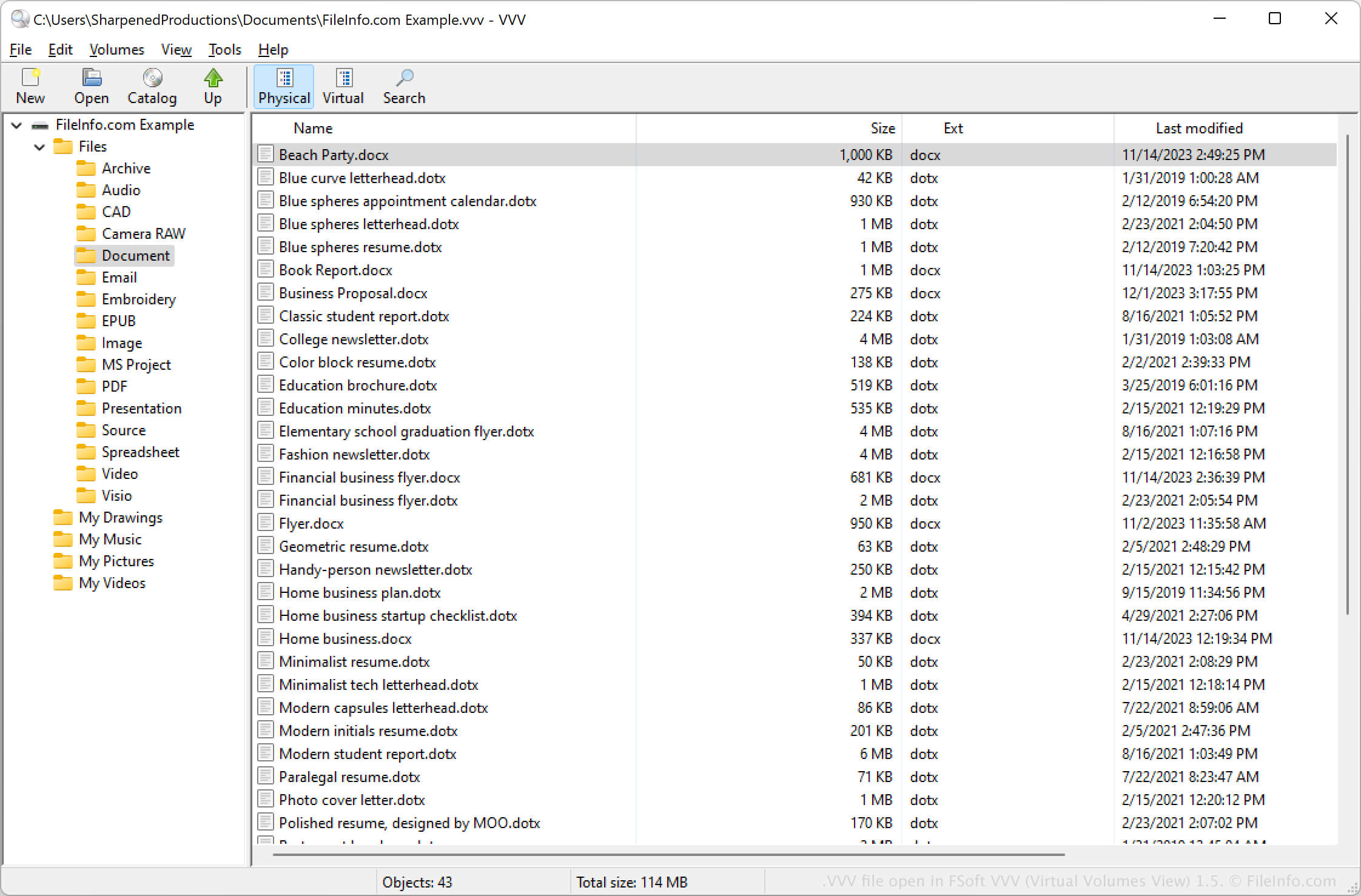
Mit VVV (Virtual Volumes View) können Sie Wechselmedien katalogisieren und Dateien und Ordner von einem lokalen Computer archivieren. Wenn Sie ein Medium katalogisieren, erstellt das Programm die VVV-Datei, um dessen Inhalt zu speichern.
Sie können VVV (Virtual Volumes View) auch verwenden, um den Inhalt des Mediums in der VVV-Datei zu durchsuchen. Beispielsweise können Sie die Metadaten im Ordner durchsuchen, um Elemente in einem bestimmten Ordner auf einem Medium zu finden.
So öffnen Sie eine VVV-Datei
Sie können eine VVV-Datei mit dem Programm FSoft VVV (Virtual Volumes View) unter Windows, macOS und Linux öffnen. Um beispielsweise eine VVV-Datei zu öffnen, wählen Sie aus oder klicken auf das Ordnersymbol .