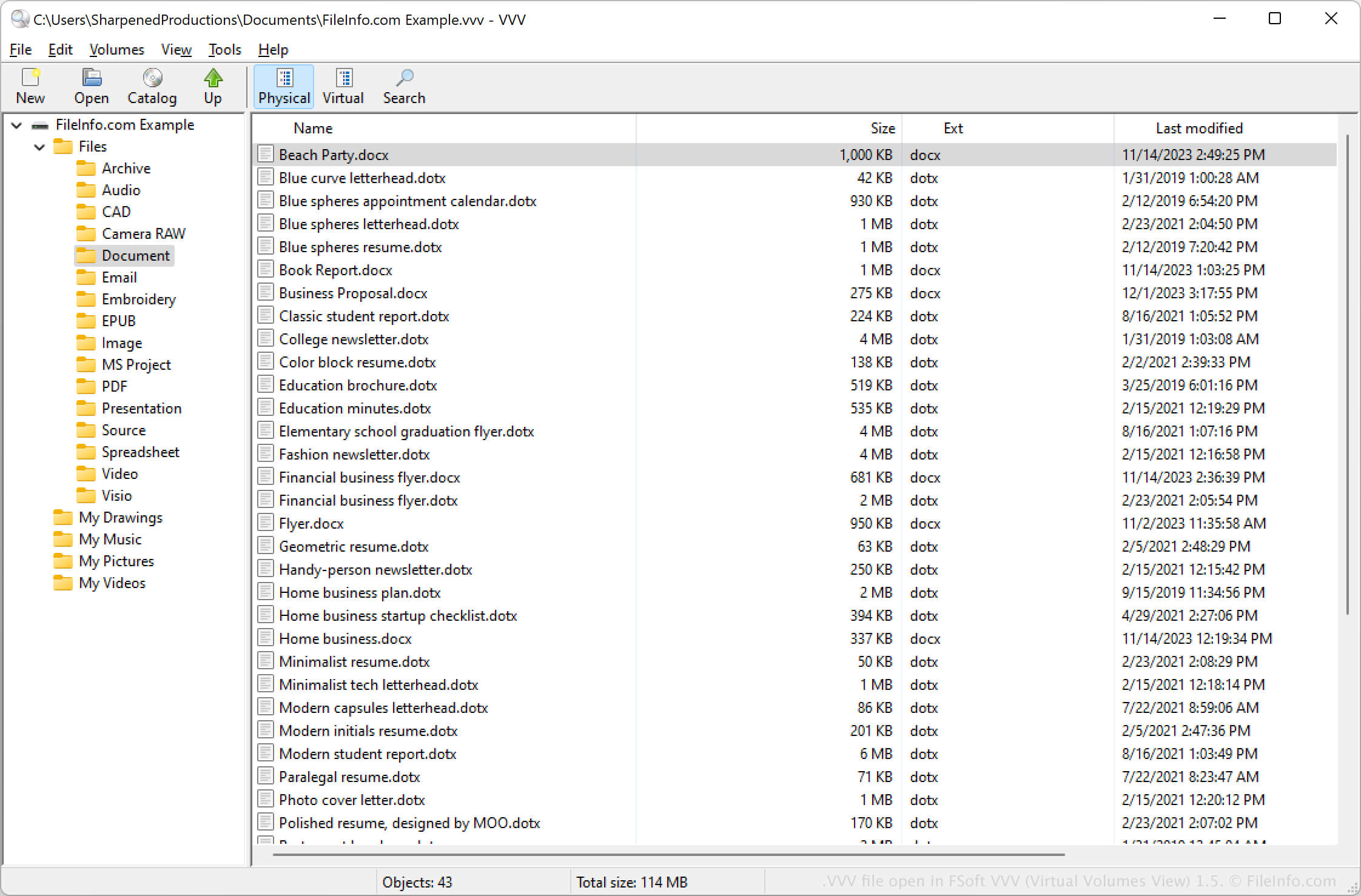
.VVV 文件扩展名
Virtual Volumes View Catalog
| 开发者 | FSoft |
| 受欢迎程度 |
3.4 | 27 票 |
什么是 VVV 文件?
A VVV file contains a catalog created by FSoft VVV (Virtual Volumes View), a program used to catalog content of removable volumes, such as DVDs and CDs, and files and folders in a directory. It stores an index of files and folders scanned from a removable disc or directory. VVV files also include metadata about the folders and files, allowing users to search them.
更多信息
VVV (Virtual Volumes View) allows you to catalog removable volumes and archive files and folders from a local computer. When you catalog a volume, the program creates the VVV file to store the volume's contents.
You can also use VVV (Virtual Volumes View) to search the volume's contents in the VVV file. For example, you can search the metadata in the folder to locate items in a specific folder in a volume.
如何打开 VVV 文件
You can open a VVV file with the FSoft VVV (Virtual Volumes View) program in Windows, macOS, and Linux. For example, to open a VVV file, select File → Open... or click the Open folder icon.