.PIC Dateiendung

Generic Picture File

Entwickler k. A.
Beliebtheit
3.5  |  46 Stimmen
 

Was ist eine PIC-Datei?

Bitmap image created by IBM Lotus or a variety of other applications; possible programs include Advanced Art Studio, Micrografx Draw, and SoftImage 3D; should not be confused with the .PICT format.

Über 400 Dateiformate öffnen mit File Viewer Plus.Kostenloser Download

Programme, die .PIC-Dateien öffnen

Windows
Kostenlose Testversion
Kostenlos
Mac
Im Betriebssystem enthalten
Kostenlos
Linux
Kostenlos

Houdini Raster Image

Entwickler Side Effects Software
Beliebtheit
3.3  |  15 Stimmen
 

Deep Raster image created by Houdini, a 3D modeling and animation application; stores a run-length encoded image, including the colors, color map, and size of the picture; supports any number of planes per pixel; stores images that can be included with 3D scenes.

Weitere Informationen

The PIC format is proprietary and is the native format used for internal Deep Raster images saved with Houdini.

Programme, die .PIC-Dateien öffnen oder referenzieren

Windows
Mac
Linux

Pictor Paint Image

Entwickler John Bridges
Beliebtheit
3.3  |  4 Stimmen
 

A PIC file is an image file saved in the PICtor raster image format. It is the native file format used by Pictor Paint (PC Paint) and Graphics Animation System for Professionals (GRASP), which were both developed by John Bridges for the MS-DOS operating system.

Weitere Informationen

PICtor PIC files are uncommon since the programs that support them are no longer developed. They were often used in the 1980s and 1990s to save and share images but are now rare. If you do encounter a PIC file, it most likely is an old image created by an MS-DOS paintbrush program. The image may also be a frame of a video sequence.

The PICtor format is similar to the Paintbrush Bitmap Image .PCX format. It includes a header that contains information about the display device, which allows it to be viewed on different systems. After the header, the format stores image data that may be uncompressed or compressed with Run-length encoding (RLE)compression.

So öffnen Sie eine PIC-Datei

You can open a PIC file with PMView Pro in Windows. You can also convert the PIC file to a more common format with FFmpeg and view it with an image viewer.

Programme, die .PIC-Dateien öffnen

Windows
Kostenlose Testversion
Kostenlos
Mac
Kostenlos
Linux
Kostenlos
Kategorie: Video
Aktualisiert: 2020-09-02

QuickDraw Picture

Entwickler Apple
Beliebtheit
2.3  |  9 Stimmen
 
🔍Öffnen Sie .PIC-Dateien direkt in Ihrem Webbrowser mit File Helper.Online ansehen

A PIC file is an image saved in the QuickDraw Picture format, used by old Macintosh computers. It is a vector image that may contain an embedded raster image. PIC files are the same as .PICT and .PCT files.

Weitere Informationen

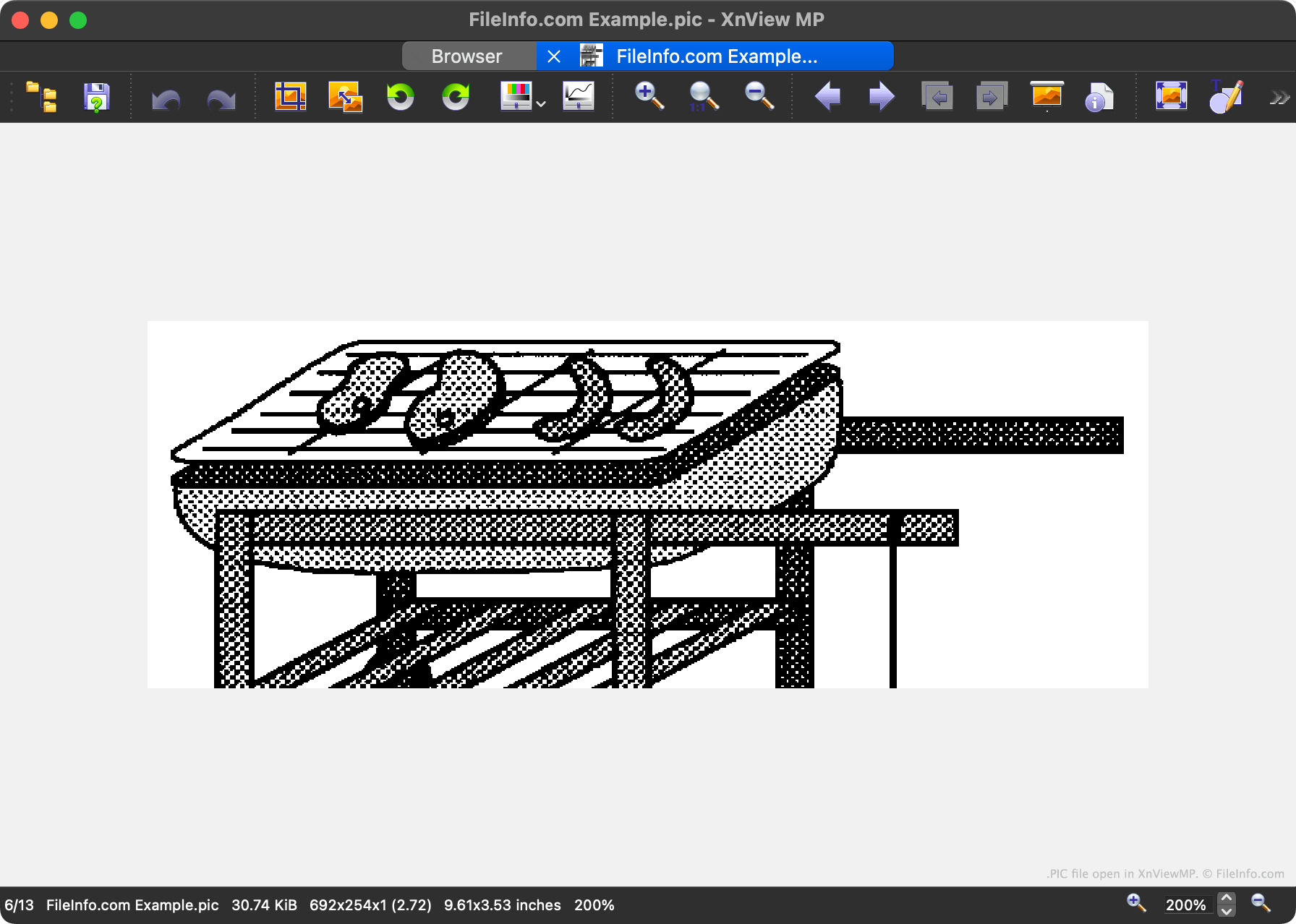
Screenshot einer .pic-Datei in XnViewMP
PIC-Datei geöffnet in XnViewMP

QuickDraw was a 2D graphics library and API used by Classic Mac OS. Various Mac OS apps, including Apple Keynote and Apple QuickTime, used QuickDraw to create, read, and display vector and raster images. These images were saved as PICT files or, less commonly, PIC or PCT files.

While the PIC format is technically a vector graphic format, each PIC file can also contain an embedded raster graphic. On occasion, PIC files contain no vector image data, and instead contain just a raster image.

HINWEIS: Apple deprecated QuickDraw in 2005, with the release of Mac OS X v10.4.

So öffnen Sie eine PIC-Datei

You can open a PIC file with:

So konvertieren Sie eine PIC-Datei

You can use XnViewMP, Apple Preview, Adobe Photoshop, or IrfanView to convert PIC files to other image formats. For example, XnViewMP can convert PIC files to the following formats (and many others):

  • .JPEG - JPEG Image
  • .GIF - Graphical Interchange Format
  • .PNG - Portable Network Graphic
  • .TIFF - Tagged Image
  • .BMP - Bitmap Image
  • .WEBP - WebP Image

Programme, die .PIC-Dateien öffnen

Windows
Kostenlose Testversion
Kostenlos
Kostenlos
Kostenlos
Mac
Im Betriebssystem enthalten
Kostenlose Testversion
Kostenlos
Kostenlos
Linux
Kostenlos
Kostenlos
Web

Geprüft von FileInfo.com

Das FileInfo.com-Team hat alle auf dieser Seite aufgeführten Dateiformate und Softwareprogramme unabhängig recherchiert. Unser Ziel ist 100% Genauigkeit, und wir veröffentlichen nur Informationen zu Dateitypen, die wir überprüft haben.

Wenn Sie Ergänzungen oder Aktualisierungen zu dieser Seite vorschlagen möchten, teilen Sie es uns bitte.