

.GRAFFLE Dateiendung
OmniGraffle-Zeichnung
| Entwickler | The Omni Group |
| Beliebtheit |
3,1 | 10 Stimmen |
Was ist eine GRAFFLE-Datei?
Eine GRAFFLE-Datei ist eine Zeichnung, die mit The Omni Group OmniGraffle, einer macOS-Anwendung zum Erstellen von Diagrammen, Schaubildern und anderen Grafiken, erstellt wurde. Sie speichert eine oder mehrere Seiten, die Text, Bilder, gezeichnete Objekte, Stile und Informationen zum Seitenlayout enthalten können. GRAFFLE-Dateien werden zum Speichern und Drucken von Ablaufdiagrammen, Skizzen, Netzwerkdiagrammen und anderen Zeichnungen verwendet.
Weitere Informationen
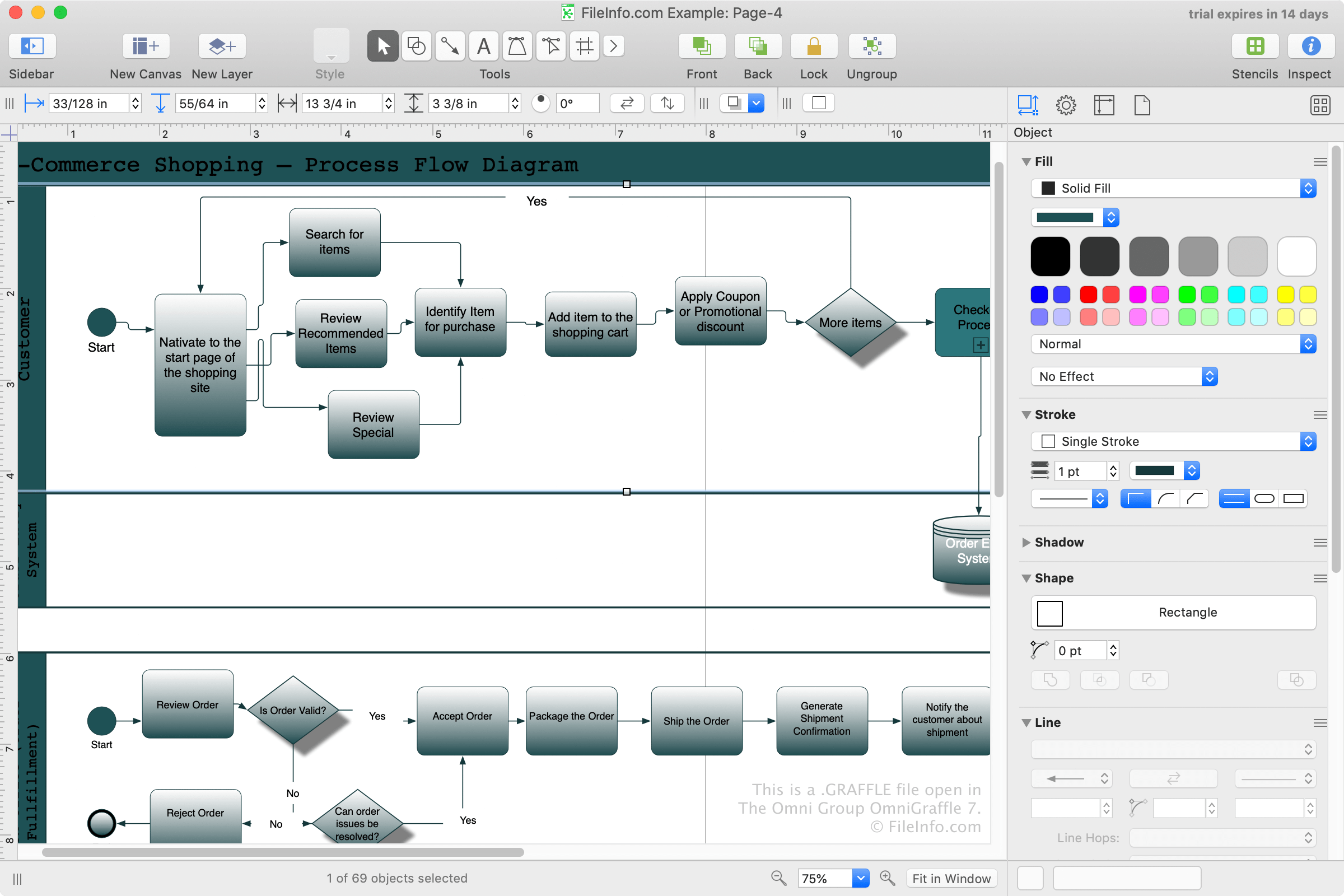
OmniGraffle ähnelt Microsoft Visio, ist jedoch für macOS statt für Windows verfügbar. Die Hauptnutzer der Software sind Fachleute, die komplexe Ideen mithilfe von Diagrammen organisieren und vermitteln müssen.
Beim Speichern eines Diagramms mit OmniGraffle erstellt die App eine GRAFFLE-Datei, um deren Inhalte zu speichern. Sie können mit OmniGraffle eine GRAFFLE-Datei erstellen, indem Sie oder auswählen. Nachdem Sie die Datei gespeichert haben, können Sie sie schließen und später erneut öffnen, um Ihre Zeichnung weiter zu bearbeiten.
So öffnen Sie eine GRAFFLE-Datei
GRAFFLE-Dateien können unter macOS nur mit The Omni Group OmniGraffle geöffnet werden. Um eine GRAFFLE-Datei mit OmniGraffle zu öffnen, wählen Sie aus.
So konvertieren Sie eine GRAFFLE-Datei
The Omni Group OmniGraffle kann GRAFFLE-Dateien in verschiedene Dateitypen konvertieren, darunter die folgenden Formate:
- .GSTENCIL - Microsoft Visio-Zeichnung
- .GTEMPLATE - Microsoft Visio-Zeichnung
- .VDX - Microsoft Visio-Zeichnungs-XML-Datei
- .PSD - Adobe Photoshop-Dokument
- .JPG - JPEG-Bild
- .PNG - Portable-Network-Graphics-Datei
- .GIF - Graphical-Interchange-Format
- .SVG - Scalable-Vector-Graphics-Datei
- .PDF - Portable-Document-Format
- .EPS - Encapsulated-PostScript-Datei
HINWEIS: Um eine Zeichnung mit OmniGraffle zu exportieren, wählen Sie aus.