

.APE Přípona souboru
Monkey's Audio
| Vývojář | Monkey's Audio |
| Popularita |
2,9 | 22 hlasů |
Soubor APE je zvukový soubor uložený ve formátu Monkey's Audio. Obvykle obsahuje jednu skladbu nebo jinou zvukovou stopu. Soubory APE se běžně používají společně se soubory .APL, které popisují obsah souboru APE. Uživatelé obvykle vytvářejí soubory APE pomocí komprimačního nástroje Monkey's Audio.
Další informace
Monkey's Audio je nástroj, který uživatelům umožňuje bezeztrátově komprimovat soubory .WAV, .AIFF, .SND, .W64, .AU a .CAF, a zmenšit tak jejich velikost při zachování kvality zvuku. Tyto komprimované zvukové soubory se ukládají jako soubory APE.
Pomocí nástroje Monkey's Audio mohou uživatelé dekomprimovat soubory APE do jejich původního formátu. Několik přehrávačů médií také umožňuje přehrávat zvuk obsažený v souborech APE (bez jejich dekomprimace).
POZNÁMKA: Některé soubory APE obsahují více skladeb komprimovaných a zabalených dohromady. Pokud váš soubor APE obsahuje více skladeb a chcete je přehrávat samostatně, budete potřebovat přidružený soubor .CUE (který přehrávače médií používají k rozdělení souborů obsahujících více zvukových stop na samostatné přehratelné stopy).
Jak otevřít soubor APE
Pokud chcete soubor APE dekomprimovat (obnovit jej do původního zvukového formátu), můžete to provést pomocí nástroje Monkey's Audio (Windows).
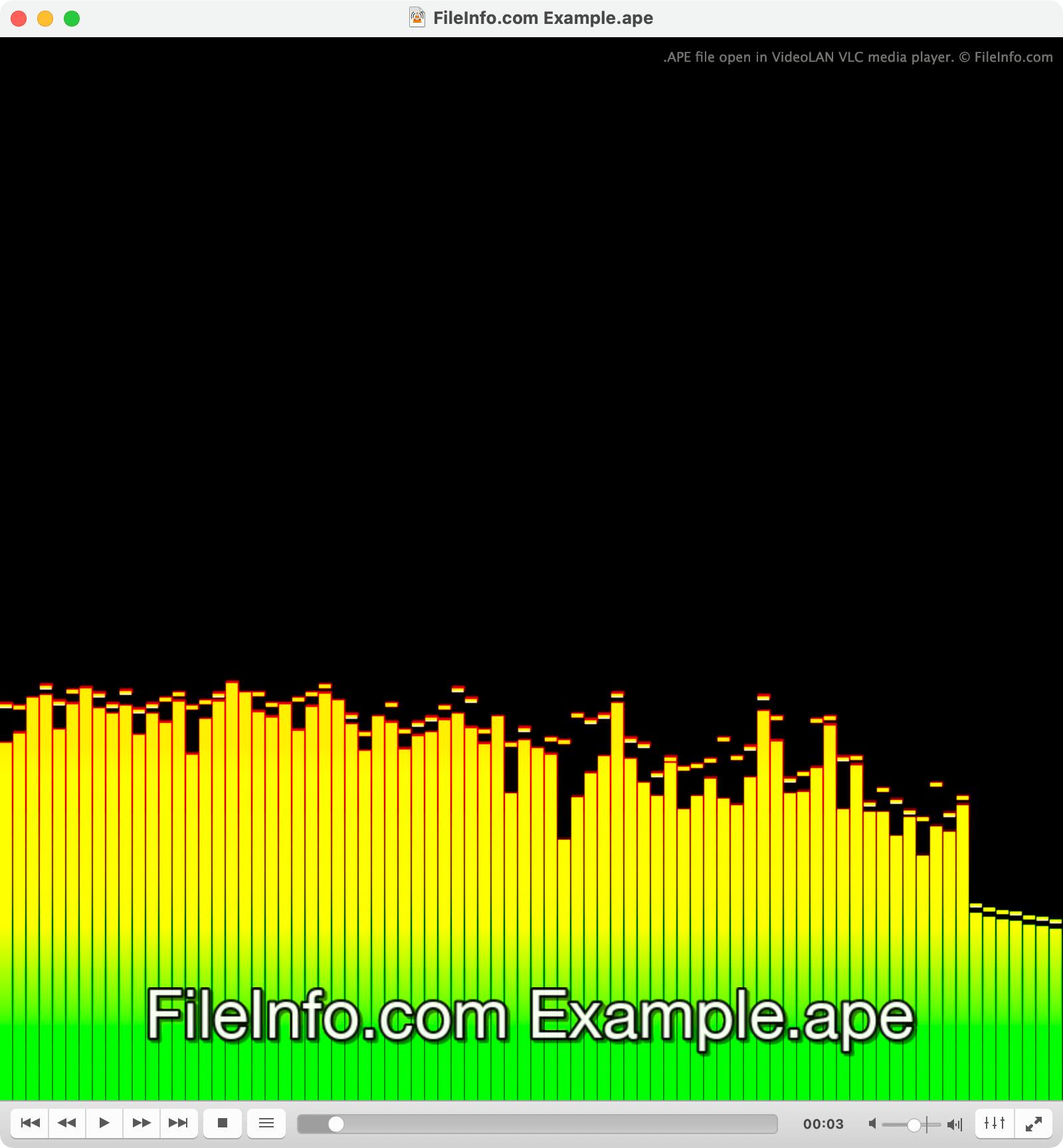
Zvuk obsažený v souboru APE můžete přehrát pomocí přehrávače VideoLAN VLC media player (pro více platforem) nebo MPlayer (pro více platforem).
Jak převést soubor APE
K převodu souborů APE do jiných zvukových formátů můžete použít nástroje FFmpeg nebo VideoLAN VLC media player. FFmpeg a VLC dokážou převádět soubory APE do několika běžných formátů.