.KCODE 文件扩展名

Kano Code Artwork

开发者 Kano
受欢迎程度
3.0  |  4 
 

什么是 KCODE 文件?

A KCODE file is an artwork created by Kano Code, an online artwork coding app. It contains one or more snippets of block-based code defined by a user that creates the artwork when run. KCODE files store information in plain text.

更多信息

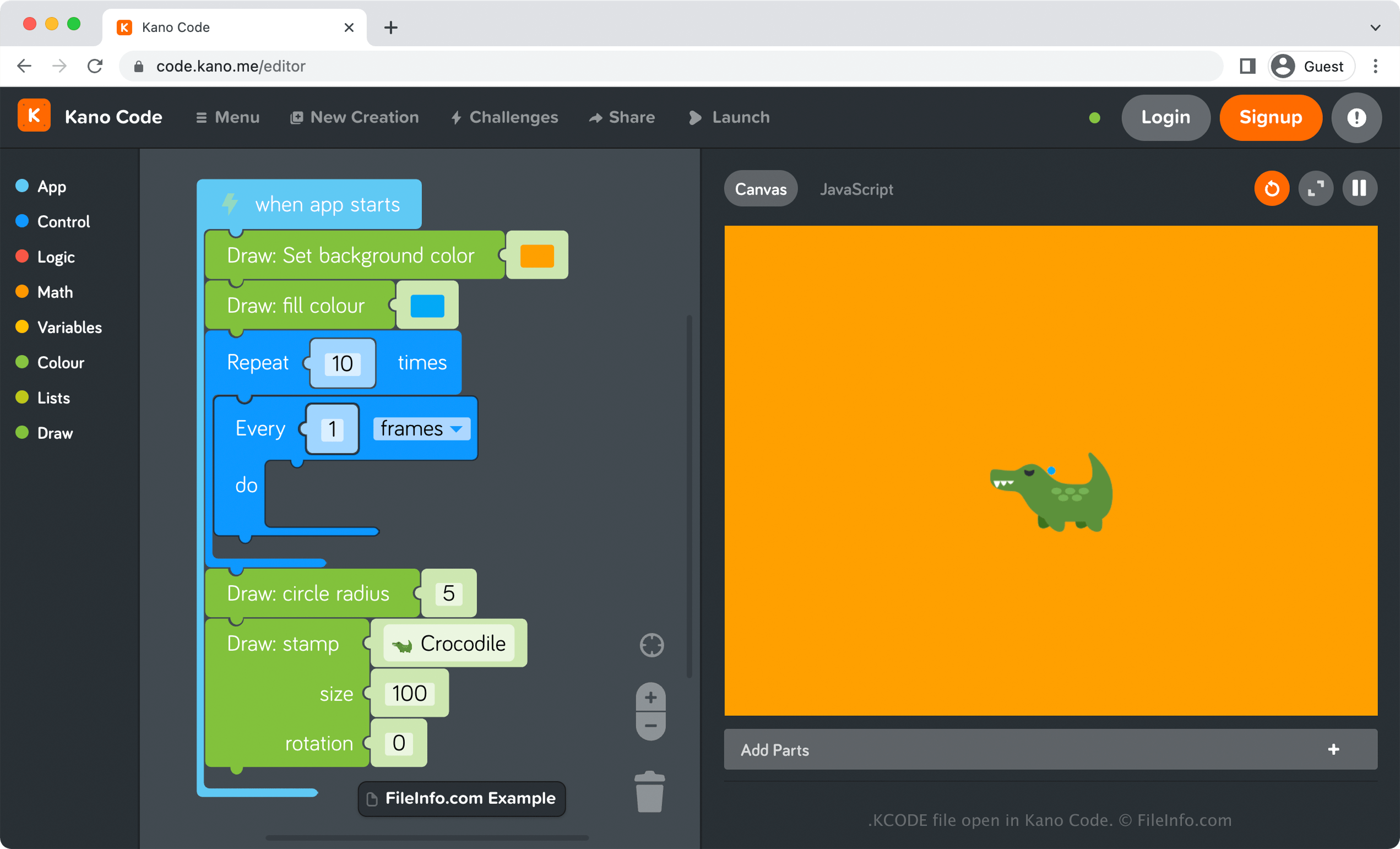
在 Kano Code 中打开的 .kcode 文件截图
在 Kano Code 中打开的 KCODE 文件

Kano Code is an online artwork-coding app that allows you to drag and drop code blocks to create artwork. For example, you could add several blocks of code that fill the background color of your canvas as orange, draw blue circles every 3 seconds, and insert an image of an alligator.

How to create a KCODE file with Kano Code

To create a KCODE file with Kano Code, select Menu → New Creation, add your code, then select Menu → Save. After choosing Save, your browser will instantly begin downloading a KCODE file that stores your saved creation. You can store the KCODE file on your computer as a backup file or open it again with Kano Code to resume editing the artwork.

如何打开 KCODE 文件

You can open a KCODE file by uploading it to Kano Code in any web browser. Kano Code is also available as a desktop app in Windows. To open a KCODE file with Kano Code, select Menu → Import.

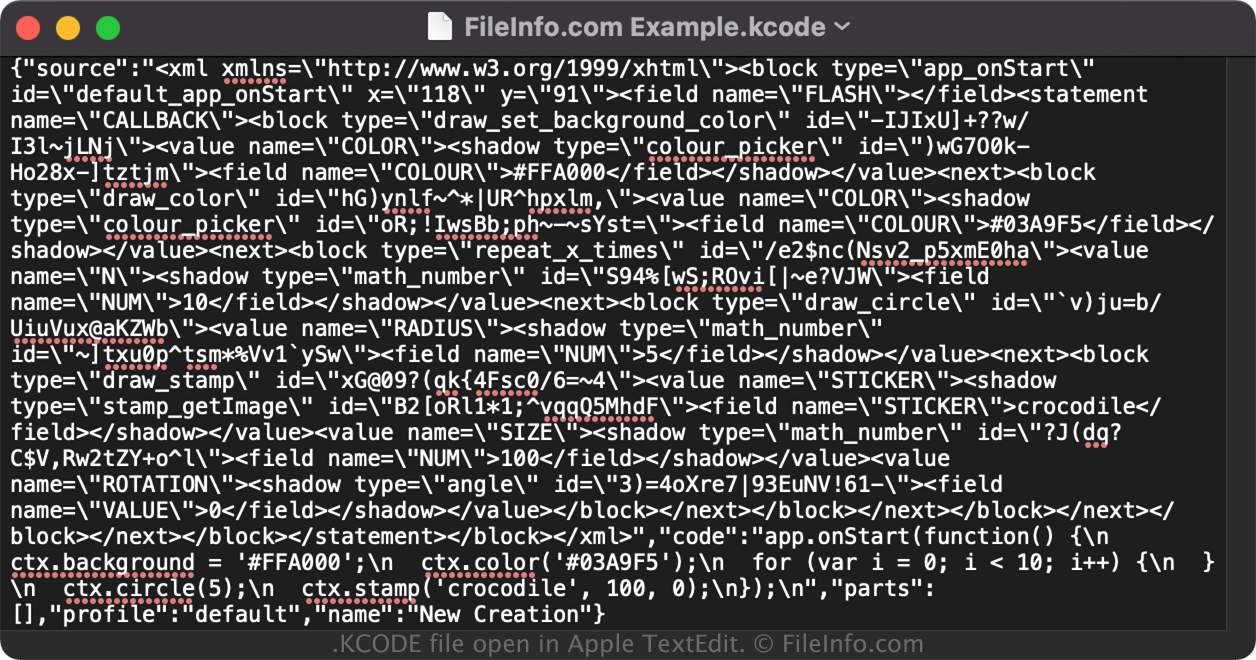
Opening a KCODE file with a text editor

KCODE file open in Apple TextEdit

Since KCODE files save information in plain text, you can also open them with a text or source code editor. Opening A KCODE file in this manner is not the same as opening it with Kano Code, which natively supports the KCODE format.

注: You may need to change the .kcode file extension to .txt to open the file.

使用File Viewer Plus打开 400 多种文件格式。免费下载

可打开 KCODE 文件的程序

Windows
免费
Web
免费
分类: 数据
更新时间: 2022-06-09

验证者 FileInfo.com

FileInfo.com 团队 独立研究了本页面列出的 Kano Code Artwork 文件格式和 Windows 应用。 我们的目标是达到 100% 的准确率,并且仅发布我们已验证过的文件类型信息。

如果您想为此页面提出新增或更新建议,请告诉我们