.KCODE ファイル拡張子

Kano Code Artwork

開発元 Kano
人気度
3.0  |  4 
 

KCODEファイルとは?

A KCODE file is an artwork created by Kano Code, an online artwork coding app. It contains one or more snippets of block-based code defined by a user that creates the artwork when run. KCODE files store information in plain text.

詳細情報

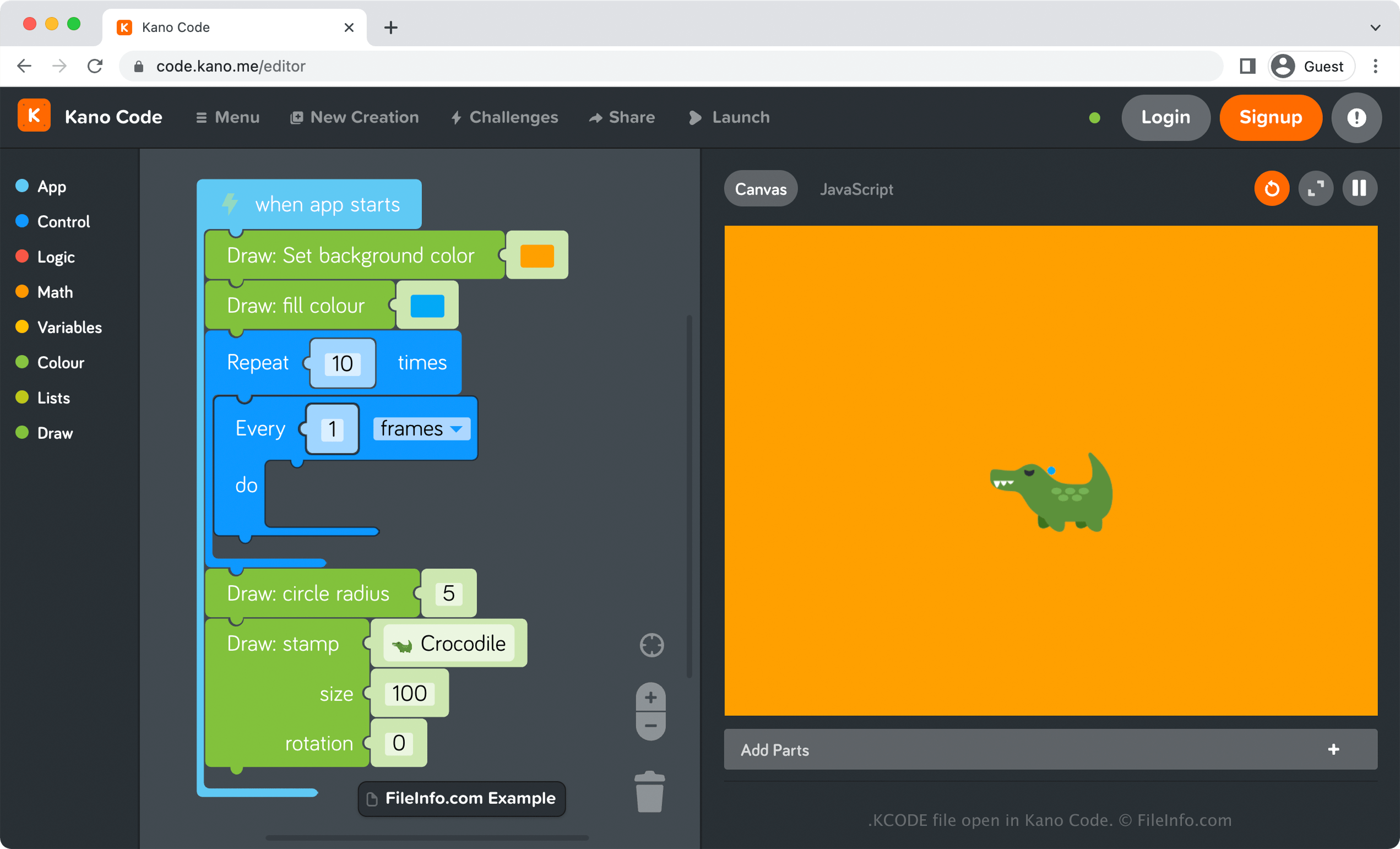
Kano Codeで開いた.kcodeファイルのスクリーンショット
Kano Codeで開いたKCODEファイル

Kano Code is an online artwork-coding app that allows you to drag and drop code blocks to create artwork. For example, you could add several blocks of code that fill the background color of your canvas as orange, draw blue circles every 3 seconds, and insert an image of an alligator.

How to create a KCODE file with Kano Code

To create a KCODE file with Kano Code, select Menu → New Creation, add your code, then select Menu → Save. After choosing Save, your browser will instantly begin downloading a KCODE file that stores your saved creation. You can store the KCODE file on your computer as a backup file or open it again with Kano Code to resume editing the artwork.

KCODEファイルの開き方

You can open a KCODE file by uploading it to Kano Code in any web browser. Kano Code is also available as a desktop app in Windows. To open a KCODE file with Kano Code, select Menu → Import.

Opening a KCODE file with a text editor

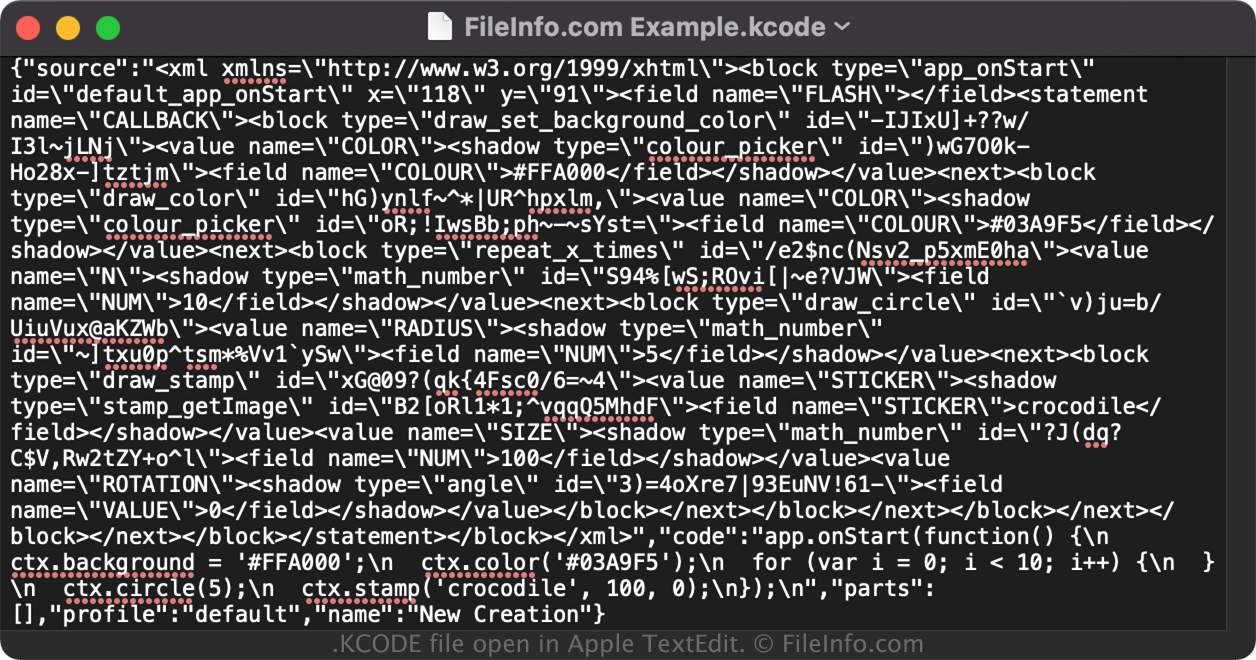
KCODE file open in Apple TextEdit

Since KCODE files save information in plain text, you can also open them with a text or source code editor. Opening A KCODE file in this manner is not the same as opening it with Kano Code, which natively supports the KCODE format.

注: You may need to change the .kcode file extension to .txt to open the file.

File Viewer Plusで400種類以上のファイル形式を開けます。無料ダウンロード

KCODEファイルを開くプログラム

Windows
無料
Web
無料
カテゴリ: データ
更新日: 2022-06-09

検証者 FileInfo.com

FileInfo.comチーム は、このページに掲載されているKano Code Artworkファイル形式とWindowsアプリについて独自に調査しました。 私たちの目標は100%の正確性であり、検証済みのファイルタイプに関する情報のみを公開しています。

このページへの追加や更新をご提案いただける場合は、お知らせください。